
How to Change Model in DeepSeek Harness Setups
How to change model in DeepSeek harness setups without breaking provider settings, tool calls, context, or rollback controls.
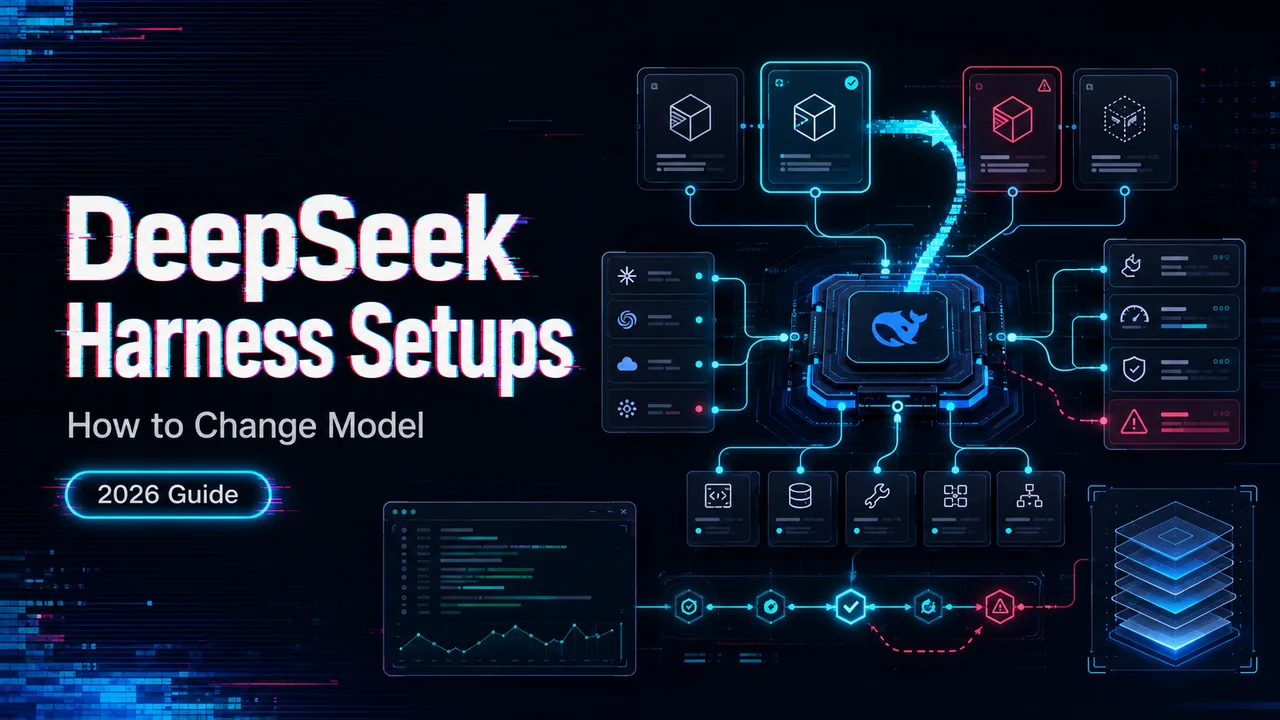
It’s John. I usually see this after the harness already works. The team has a DeepSeek-compatible coding agent running in a repo; the first tasks look fine, and then someone asks to move the default from Flash to Pro. Fair request. Risky moment.
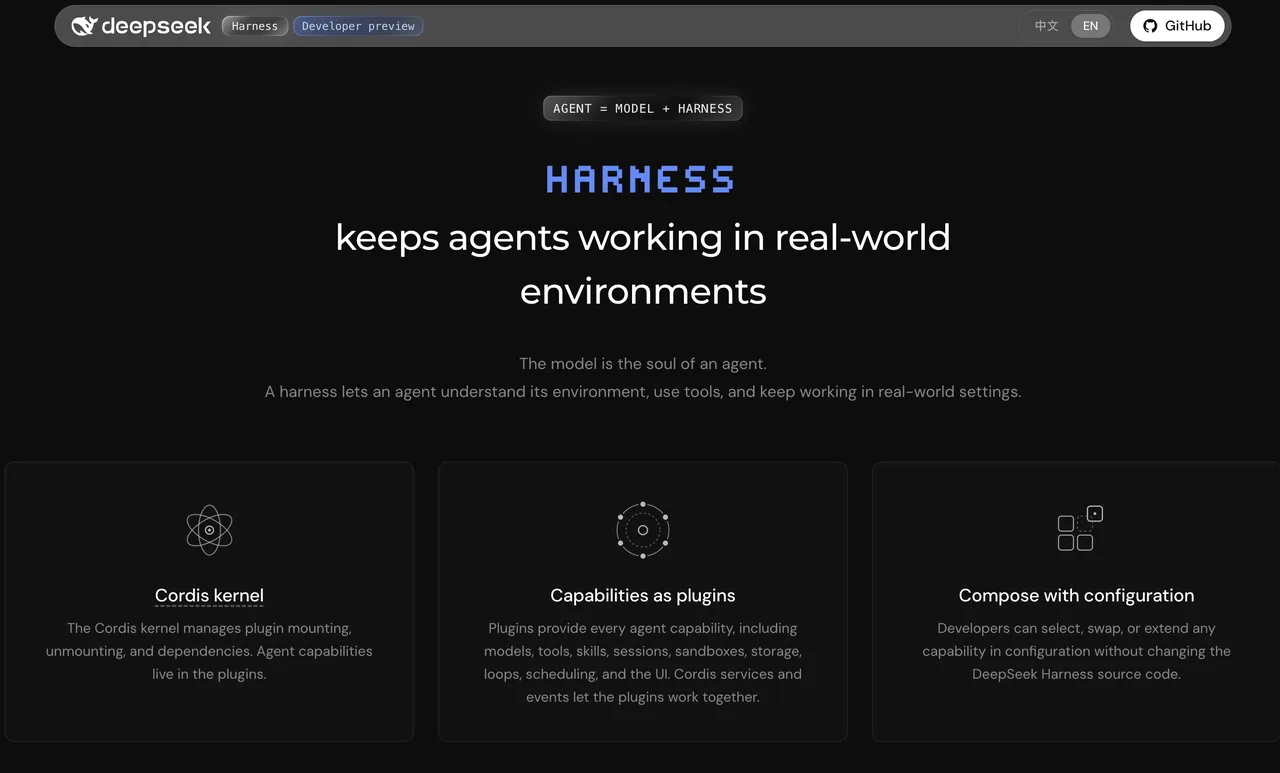
That is where how to change the model in DeepSeek Harness becomes more than replacing one string. A “DeepSeek Harness” here means the wider category of DeepSeek-compatible coding harnesses: Claude Code-style agents, Cline, OpenCode, Codex through a bridge, and similar setups listed in DeepSeek’s awesome-deepseek-agent. It is not an official DeepSeek product.
The job is to keep three layers aligned: model ID, provider protocol, and harness config. If those drift, the agent may still answer, but the workflow is already unstable.
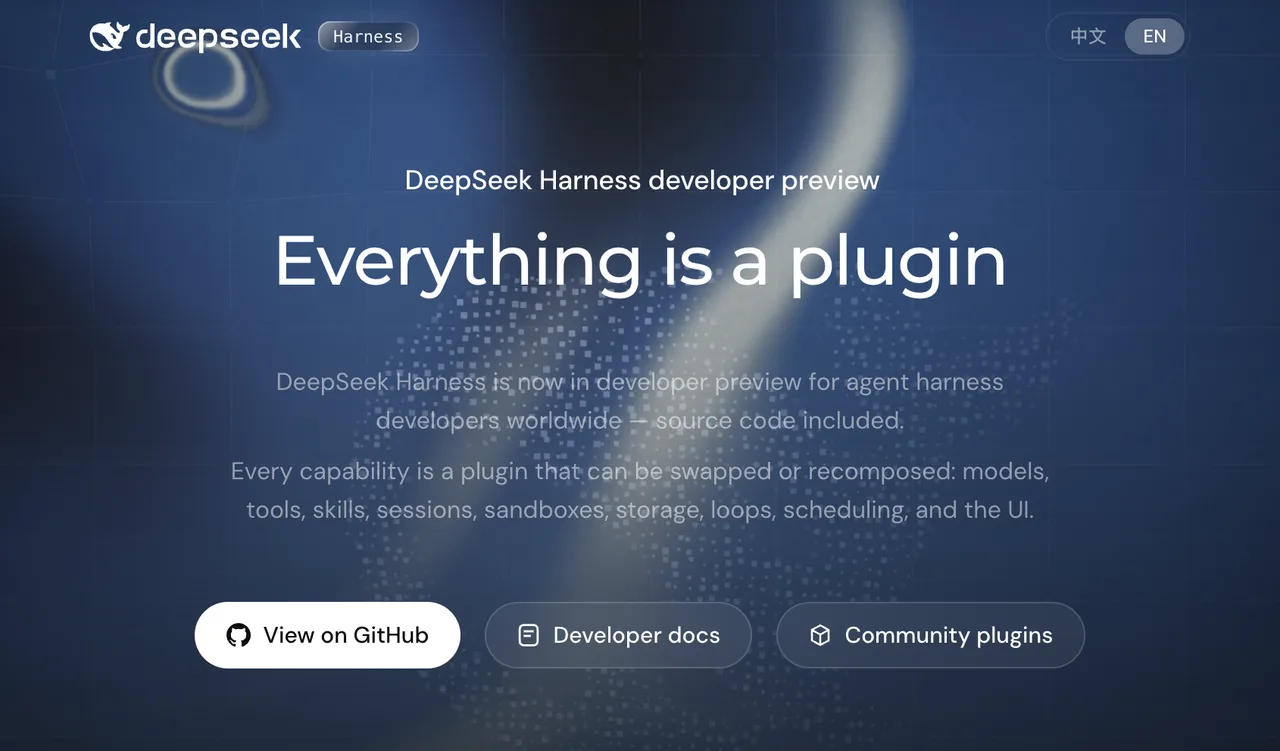
Understand Where Model Selection Lives
Before I change a shared default, I split the problem into three parts: what model DeepSeek receives, what protocol the harness speaks, and where the agent stores its choice.
DeepSeek’s Chat Completions API currently lists deepseek-v4-pro and deepseek-v4-flash as model values. That is the provider-side truth. The harness may still expose those models through aliases, local route names, picker labels, or config entries.
Harness Configuration Versus Provider Model IDs
A provider model ID answers: “***what should the upstream API run?***”
A harness config answers: “***how does this coding agent decide what to send?***”
Those are different layers. In Claude Code-style paths, model selection may come from an environment variable, settings file, startup flag, or in-session command. In OpenAI-compatible agents, it may live in a provider object. In bridge-backed Codex setups, the real route may sit in the bridge, not Codex.
Do not switch models yet. Look at the workflow first.
DeepSeek Model Names Across Supported Protocols
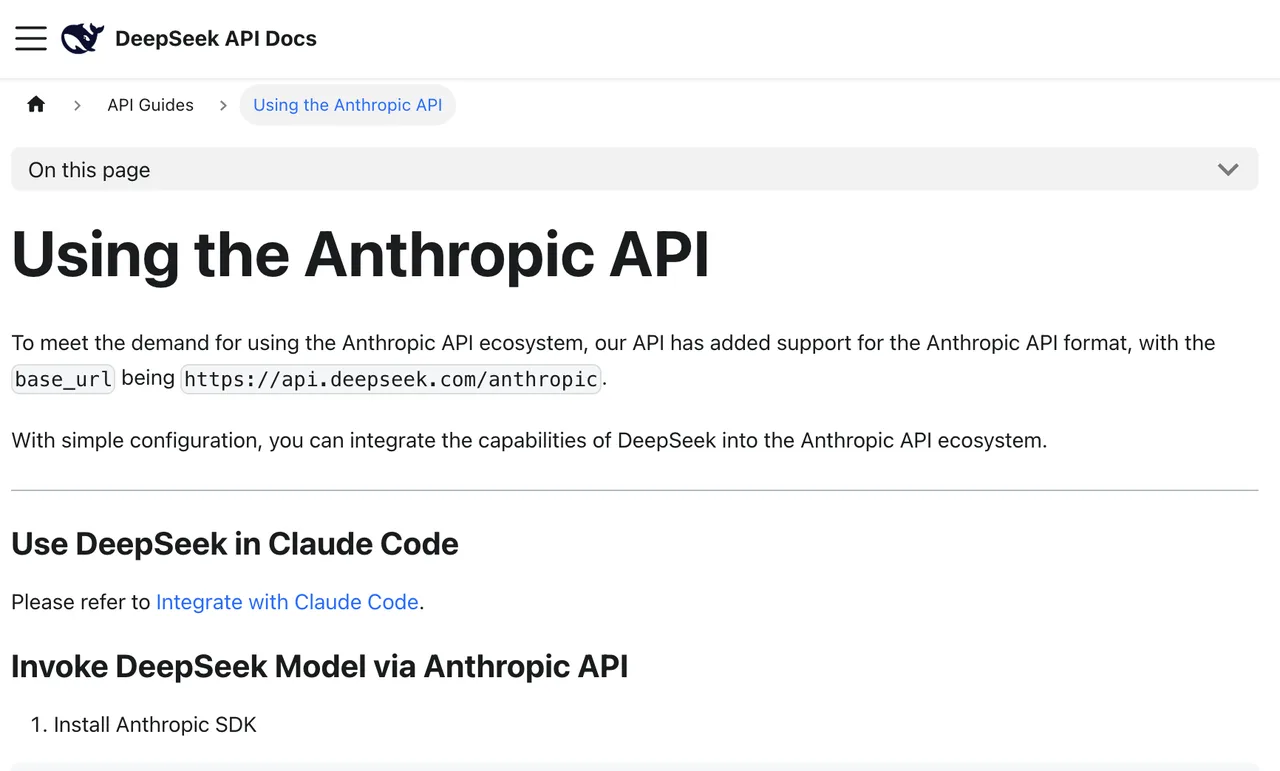
DeepSeek supports both OpenAI-compatible and Anthropic-compatible paths. The base URL decides the API shape, not just the network destination.
For new V4 work, start with:
- OpenAI-compatible base URL:
https://api.deepseek.com - Anthropic-compatible base URL:
https://api.deepseek.com/anthropic - Model IDs:
deepseek-v4-proordeepseek-v4-flash
Before assuming field compatibility, check DeepSeek’s Anthropic API compatibility. Similar model names do not mean every request field is portable.
Map the Configuration Path by Harness Type
Write the live path before editing:
harness -> provider protocol -> base URL -> model ID -> tool behavior -> rollback file
One person can remember this. A team cannot.
Anthropic-Compatible Coding Agents
Claude Code-style integrations are the common example. The official Claude Code model configuration makes one production-critical distinction: changing ANTHROPIC_BASE_URL changes where requests go, not which model answers.
So a safe DeepSeek V4 model selection is not just setting the Anthropic-compatible base URL. You still need to confirm the active model resolves to deepseek-v4-pro or deepseek-v4-flash.
Check:
- Which settings file is active
- Whether an environment variable overrides it
- Whether a session command changed the current model
- Whether the model picker shows the same model as the request log
- Whether the change needs a restart
A model picker is useful. It is not an audit log.
OpenAI-Compatible and Bridge-Backed Agents
OpenAI-compatible agents usually need three pieces: API key source, base URL, and model ID. Cline-style setups may expose this in UI. OpenCode-style setups may define it in provider config. The OpenCode provider docs are a useful reference because they separate provider settings, model maps, headers, body overlays, and runtime packages.
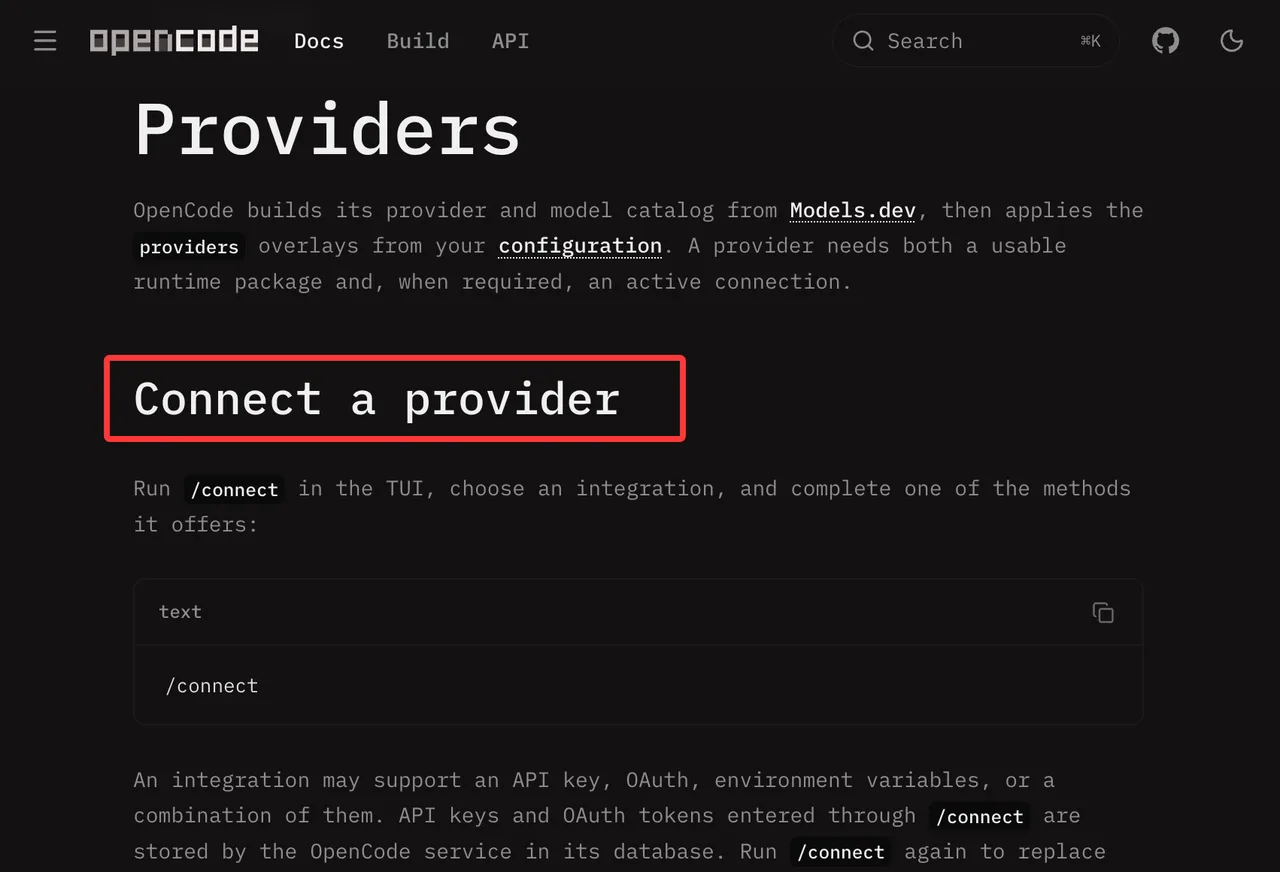
Bridge-backed agents add another failure point. Codex may call a local model route, while the bridge sends deepseek-v4-pro upstream. In that setup, editing the agent catalog may do nothing if the route lives in the bridge.
I have seen teams debug the wrong file for an afternoon this way. The folder was clean. The change was still in the wrong place.
Switch Models Without Breaking Agent State
The safest DeepSeek Harness model switch is additive first. Add the new model beside the old one. Test it in one session. Promote it later.
For a shared coding agent provider config, I would not delete the old entry during the first rollout. Keep both. Label them clearly.
A practical switch:
- Record current harness version, config path, provider protocol, base URL, model ID, and secret source.
- Add the target model without removing the old one.
- Start a fresh canary session.
- Run one task that uses tools.
- Compare failure class, tool-call validity, usage, and latency.
- Test rollback before calling the change done.
This step cannot be skipped. If you skip it, you pay it back later.
Preserve Context and Tool-Call Continuity
A model switch can affect context behavior, tool calls, structured arguments, thinking fields, and long-session handling. The question is not only whether the new model answers better. The question is whether the agent still behaves as an agent.
Your canary should include:
| Check | Pass Condition |
|---|---|
| Existing-session continuation | The task intent stays clear |
| Read-only tool call | Tool name and arguments are valid |
| Structured output | JSON parses without manual repair |
| Small code edit | Patch is scoped and reviewable |
| Long-context repo question | No early context failure |
A good single output does not mean the production workflow is ready.
Keep a Tested Rollback Configuration
Rollback should be a file, command, or versioned config. Not memory.
For Anthropic-compatible harnesses, keep the previous environment profile or settings file. For OpenAI-compatible harnesses, keep the old provider block. For bridge-backed setups, keep both the bridge route and the agent-side config.
The DeepSeek Pro vs Flash harness decision should have a rollback rule, not just a preference. If Pro causes tool-call regressions, keep it opt-in. If Flash fails deeper planning tasks, keep it for quick loops and route larger tasks to Pro after approval.
Verify the New Model Before Wider Use
Use one canary task that looks like actual work. Not “hello.” Not “write a function.” Use a small repo task: inspect two files, trace a bug, propose a patch, and call at least one tool.
Test Thinking, Tool Calls, and Structured Arguments
The canary is not just pass or fail. You want to know where it fails.
Watch for tool names changing unexpectedly, arguments that are valid JSON but wrong for your schema, reasoning fields leaking into follow-up messages, early context compaction, retries that hide model mismatch, and usage spikes under batch work.
The real bottleneck is often the handoff, not the generation.
Compare Failures, Usage, and Latency on One Canary Task
Do not write fixed claims like “Pro is better” or “Flash is faster” into policy unless you measured your workload. Models change. Provider behavior changes. Team usage changes.
For one canary, record the active model ID, provider protocol, harness version, task type, number of tool calls, failed tool calls, retries, usage, wall-clock time, and rollback result.
That is enough for the first decision.
Limits and Trade-Offs
Configuration Fields Are Not Portable Across Every Harness
A Claude Code model value may not work in Cline. An OpenCode model map may not belong in Codex. A bridge route name may not be a DeepSeek model ID.
Use the harness’s official config shape. Then map only the provider-side constants: base URL, model ID, and protocol-specific fields.
Upstream Releases Can Invalidate a Working Setup
DeepSeek can keep stable public model IDs while updating the backed model version. That is normal for managed APIs. It still matters for incident review.
If a shared agent changes behavior and no one touched local config, your audit log should answer: what model ID was active, what protocol path was used, what harness version ran, and when the last provider-side verification happened.
Production shows the floor.
FAQ
Who should approve default model changes in shared repositories?
The platform owner should approve the provider-level change. Repo maintainers should approve the default inside their project. If the agent can edit files, run shell commands, or call tools, the model default is part of the engineering toolchain.
Can one API key be rotated without changing model settings?
Yes. Rotate the key in the secret source while keeping the same base URL, provider protocol, and model ID. Then run a small auth check. Do not combine key rotation with model migration unless the incident window is controlled.
Should users be told when a model changes mid-session?
Yes. A mid-session change can alter reasoning behavior, tool calls, latency, and cost. At minimum, expose the active model in status output or session notes.
How long should model-switch audit logs be retained?
For most engineering teams, 90 to 180 days is a practical minimum. Regulated teams may need longer. Keep model ID, protocol path, config version, approver, rollout date, canary result, and rollback result. Do not log raw API keys.
Can procurement require a rollback window for provider changes?
Yes. A provider change can affect cost, data routing, support terms, and compliance review. Procurement can require the rollback window. Engineering should define the actual rollback steps.
Conclusion
The practical answer to how to change model in DeepSeek Harness setups is not “edit the model field.” It is to map the model ID, provider protocol, and harness config before touching the shared default.
Once the new model can continue context, call tools, produce valid structured arguments, and roll back cleanly, it can move from canary to team default. Until then, keep both models available.
This is enough for this round.
Previous posts:
/filters:quality(82)/media/images/c347367a-a007-4466-b8f7-d37f5fb52819.webp)
/filters:quality(82)/media/images/cd4db796-7728-45fb-8267-6813ed28e173.webp)
/filters:quality(82)/media/images/1791535252286714222_v4jvJT2a.webp)
/filters:quality(82)/media/images/1791451065663755033_qNqAKS1a.webp)
/filters:quality(82)/media/images/1791359984291066138_tW5eOX6f.webp)
/filters:quality(82)/media/images/1773962750383987480_n3hqzHRZ.webp)