FLUX 3 vs Midjourney: Workflow and API Tradeoffs
FLUX 3 vs Midjourney compares creative control, API readiness, team workflow, commercial use, and production review needs.
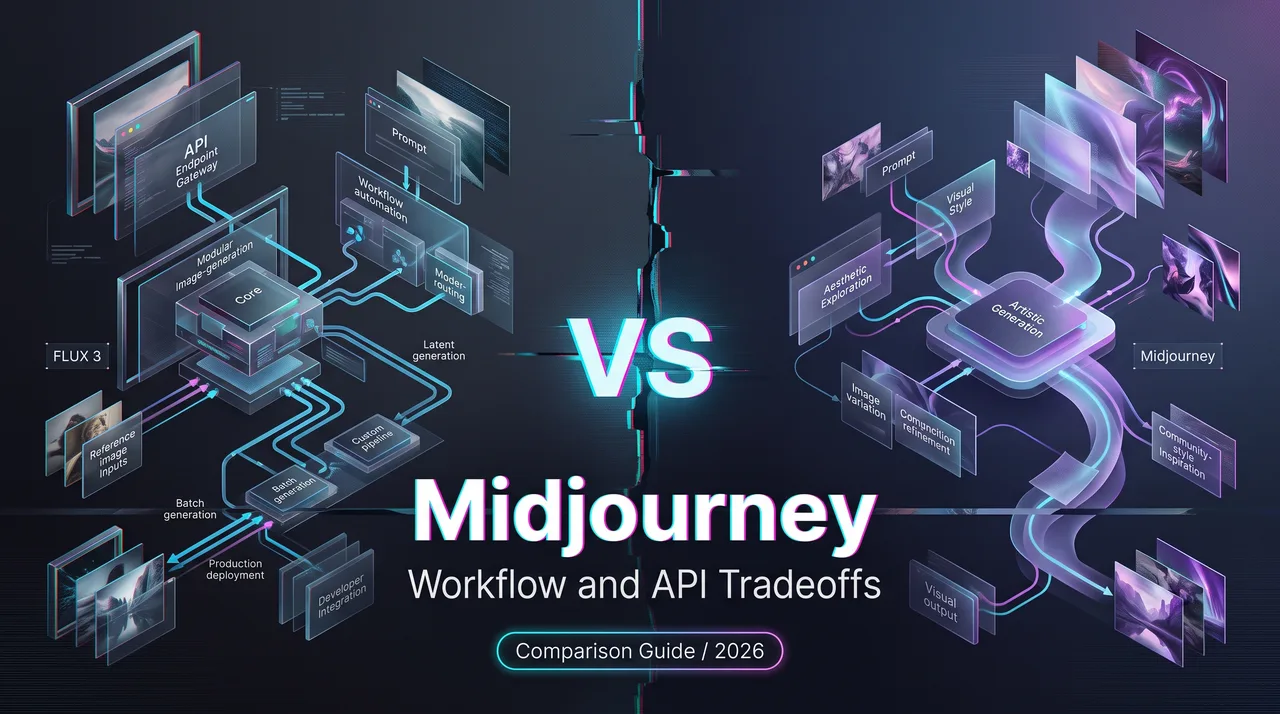
Hey, Dora is coming. I had a team ask whether FLUX 3 vs Midjourney is a replacement question. My answer was: only if the workflow is the same. It usually is not. Midjourney is a creator-facing environment for exploration, selection, and taste work. FLUX 3 should be handled with a Watch label until every API and commercial-use detail is verified for the exact route a team plans to use.
This is a comparison for teams moving from manual image generation into a production image workflow. Not a consumer ranking. Not an art-style contest. The useful question is whether the tool can survive approvals, repeatability, rights review, batch output, and automation.
FLUX 3 vs Midjourney: Different Buyer Intent
Developer API workflows versus creator-facing generation
Black Forest Labs says in its official FLUX 3 announcement that FLUX 3 is available in Early Access, with FLUX 3 Image planned for image synthesis and editing through APIs and private weight access. That confirms the direction. It does not mean every team can assume a stable public FLUX 3 image endpoint, fixed model ID, pricing unit, rate limit, or SLA.
I paused here because this is exactly where production plans get sloppy. A launch post can confirm product direction. It does not replace integration docs.
Midjourney starts from a different place. Its official Creating on Web docs describe an Imagine bar, uploads, image prompts, style references, Omni Reference, settings, folders, reruns, and a creation feed. That is a strong creator workspace. It is built around human exploration and iteration.
That does not make Midjourney weak. It makes the buyer intent different. A creative director asking for fast concept options has one problem. A platform team building a repeatable image generation API has another.
Why this is not only an art-style comparison
Art style is the visible part. It is not the operating system.
For production teams, an AI image generator comparison needs to ask less glamorous questions: Can the run be repeated? Can the team store the prompt, seed, reference files, output ID, reviewer decision, and intended use? Can failed jobs be retried without losing audit context? Can the workflow reject an output before it reaches a customer?
A Midjourney alternative for production does not need to “look more creative” in every prompt. It needs to fit a pipeline. That is a narrower standard, and a harsher one.
Compare Creative Workflows
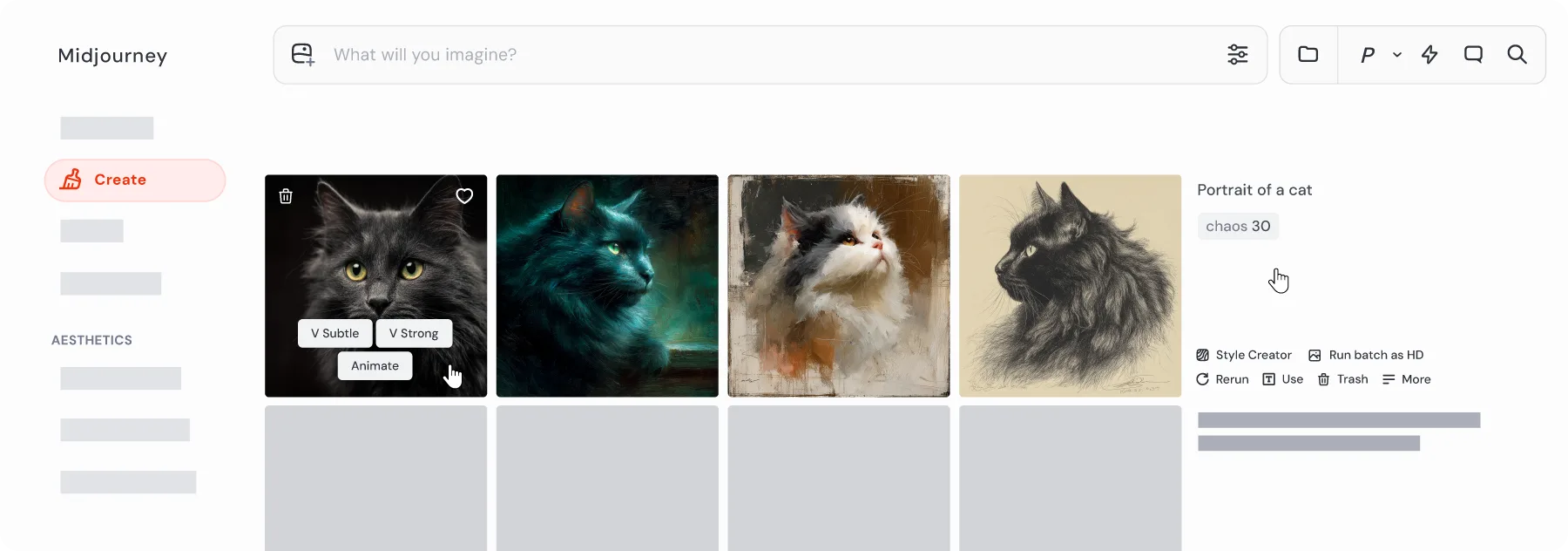
Prompt control, references, editing, moodboards, and brand consistency
Midjourney is good when the work begins with taste. A person tries a prompt, adjusts mood, uses references, varies a direction, and picks the best branch. This is useful for campaigns where the brief is still moving. The human is not noise in that loop. The human is the loop.
That matters for brand work. Moodboards, reference images, style direction, and visual tone often need quick exploration before anyone knows what the final asset should be. Midjourney fits that stage well because the interface keeps the creative surface close to the output.
Flux AI enters the decision differently. For FLUX 3, the test set needs to cover prompt adherence, typography, reference handling, editing quality, output diversity, and brand consistency only after the access path is confirmed. If the test runs through an early-access endpoint, label the result as early-access evidence. If it runs through a future public endpoint, record the model ID and docs version.
The current BFL image generation docs show an asynchronous API design with request submission, polling, result retrieval, signed URLs, active-task limits, and listed image endpoints. As of my check, the public image endpoint list did not show a FLUX 3 image endpoint. That is why I would keep the Watch wording in the comparison.
Manual exploration versus automated production pipelines
Manual exploration is not a flaw. It is the right shape for some work.
A designer making 12 campaign concepts does not need a queue manager first. They need a fast way to see options, preserve references, compare variants, and explain why one image fits the brief. Midjourney can sit there comfortably.
Automated production is different. A pipeline may need to generate 800 product images, store metadata, send rejects back through a second pass, compare cost by model, and keep records for support. At that point, clicking through a creator tool becomes the bottleneck.
An API layer makes sense when generation becomes infrastructure. It lets the team route requests, log parameters, manage retries, run moderation, save outputs to controlled storage, and connect QA. A unified layer such as WaveSpeedAI can help teams compare models without rebuilding every integration, but the evidence still has to be collected per model and per route.
Speed is not the goal. Not breaking flow is.
Compare Commercial Use and Operations
Licensing, team review, repeatability, cost, and output QA
This section is product and workflow information, not legal advice. Commercial AI images need legal review when they involve trademarks, people, celebrity likeness, third-party references, product packaging, regulated claims, or style requests tied to living artists.
Midjourney’s current Terms of Service say users own the assets they create to the fullest extent possible under applicable law, with exceptions. The same terms state that companies above a stated revenue threshold need Pro or Mega plans to own assets, that public content can be viewable and remixable, and that automated tools may not be used to access or generate through the service.
For commercial teams, that means the review process has to track plan eligibility, privacy setting, source references, prompt language, output use, and whether the asset came from a public or private context. “We made it in Midjourney” is not enough for approval.
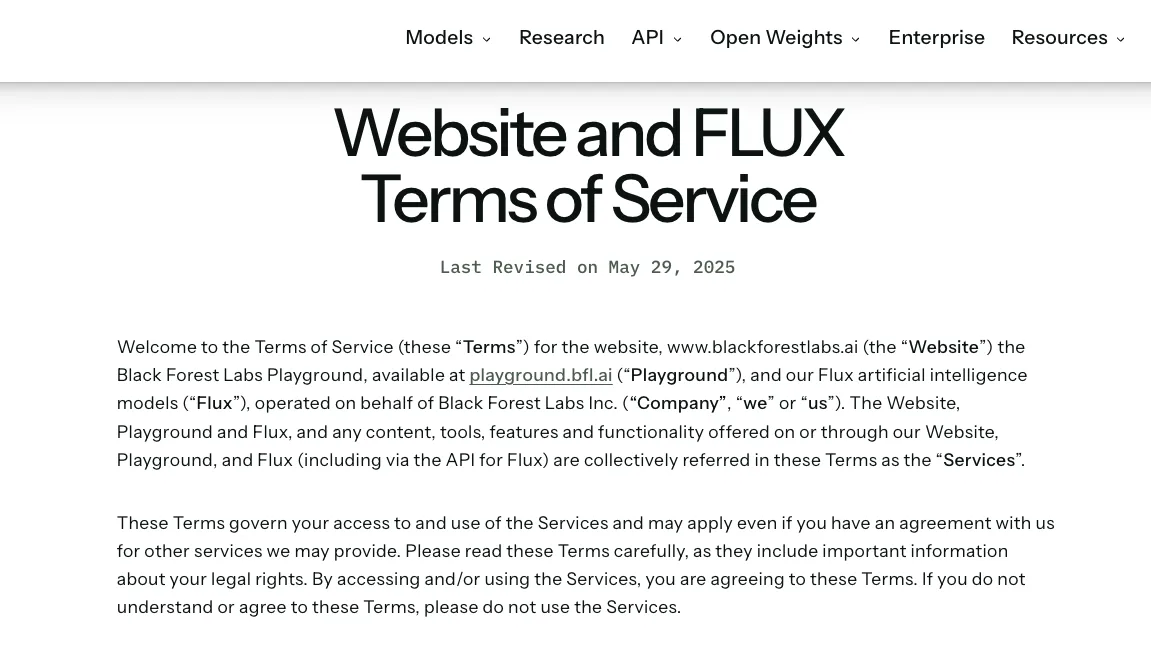
Black Forest Labs has its own rights and restrictions. The BFL Terms of Service say BFL claims no ownership rights in outputs and allows personal or commercial use subject to the terms, while also making users responsible for inputs, outputs, and third-party rights. For an API workflow, that record has to live with the request metadata, not in someone’s memory.
Repeatability is the quiet issue. Commercial teams need to know whether a look can be recreated next week, by another teammate, under the same policy, at the same cost class. If a campaign depends on a model style that changes, the team needs a fallback before the campaign is already late.
When to use an API layer instead of a creator tool
Use a creator tool when the work is still exploratory. Moodboards, art direction, one-off campaign visuals, hero concepts, internal options, and early brand tests usually benefit from direct human control.
Use an API layer when the image workflow becomes repeatable. Product catalogs, ad variant generation, user-facing image features, localization, template-based creative, automated QA, and cost reporting all push toward API infrastructure.
The migration signal is not “we like FLUX better.” The signal is operational. The team needs logs, queue control, predictable failures, version records, fallback models, storage rules, and reviewer states. Once those needs appear, Midjourney may still remain useful for creative exploration, while FLUX 3 or another API-accessible model handles production paths after verification.
Good infrastructure makes you forget it is there. Bad creative operations make every image feel like a one-off exception.
FAQ
Who approves creator-tool outputs for commercial use?
Commercial approval belongs with the creative lead, brand owner, and legal or policy reviewer. The creative lead checks fit. The brand owner checks consistency. Legal reviews rights, likeness, third-party references, platform terms, and usage context.
For commercial AI images, approval needs to happen before distribution, not after an asset has already entered an ad account or product page.
What evidence should support API migration from Midjourney?
The evidence should include a fixed prompt set, reference files, side-by-side outputs, QA scores, rejected-output reasons, latency, cost per accepted asset, retry rate, reviewer time, and policy notes.
A team should also record what Midjourney still does better. Migration does not have to mean replacement. Sometimes the right answer is Midjourney for concepting and an API layer for production.
How should teams document style and rights assumptions?
Document the prompt, source references, licenses for uploaded materials, model route, output ID, reviewer, intended use, region, campaign, and unresolved assumptions. If the image relies on a style prompt, celebrity-like likeness, brand mark, product packaging, or user-uploaded reference, mark it for review.
The point is not paperwork for its own sake. The point is being able to explain how the image was made when someone asks three months later.
Conclusion
FLUX 3 vs Midjourney is a workflow decision before it is a visual-quality decision. Midjourney fits creator-led exploration, moodboards, references, and manual selection. FLUX 3 belongs under a Watch label until its public API details, access path, pricing, and production terms are confirmed for the exact use case.
For teams moving into production image pipelines, the practical comparison is simple: keep the creator tool where human taste matters, use an API layer where repeatability matters, and make commercial review part of the workflow before the first asset ships.
Previous posts:
- FLUX 3 API Watch: What Builders Should Verify Before Integration
- Krea 2 vs FLUX for Production Image Generation Workflows
- Muse Image vs Nano Banana vs Seedream for Image API Selection
- Benchmarking AI Image Editing Models for Production QA
- Seedream 5.0 + FLUX ComfyUI Workflow for Image Generation Pipelines