
AI Image Editing Models: Benchmark for Builders
AI image editing benchmark for builders comparing model quality, editing control, latency, cost, and production API fit.

The first bad model comparison sheet I made had one column for “quality.” That was the problem. For AI image editing, quality is not one thing. A model can remove an object cleanly, fail at text edits, preserve a product shape, drift on faces, and still look impressive in a demo gallery.
So I stopped treating image editing models like a leaderboard.
This article is a benchmark method for builders. Not a ranking page. Not a single-model page. If you are choosing an image editing API for a product workflow, the useful question is not “which model looks best?” It is “which model fails least often in the edits my users actually make?”
That is less exciting. It is also the part that ships.
Why AI Image Editing Needs Model Comparisons
Image editing needs comparison because it is not one task.
Text-to-image generation starts from a blank canvas. Editing starts from an existing asset that already has meaning, constraints, and defects. The model has to understand what should change and what must stay fixed. That second part is where most failures hide.
A product photo has geometry. A portrait has identity. A poster has typography. A campaign asset has brand rules. A user may ask for “make the background cleaner,” but what they mean is: do not change the product, do not invent a new label, do not shift the lighting, and do not make the final image feel synthetic.
That is a lot for one prompt.
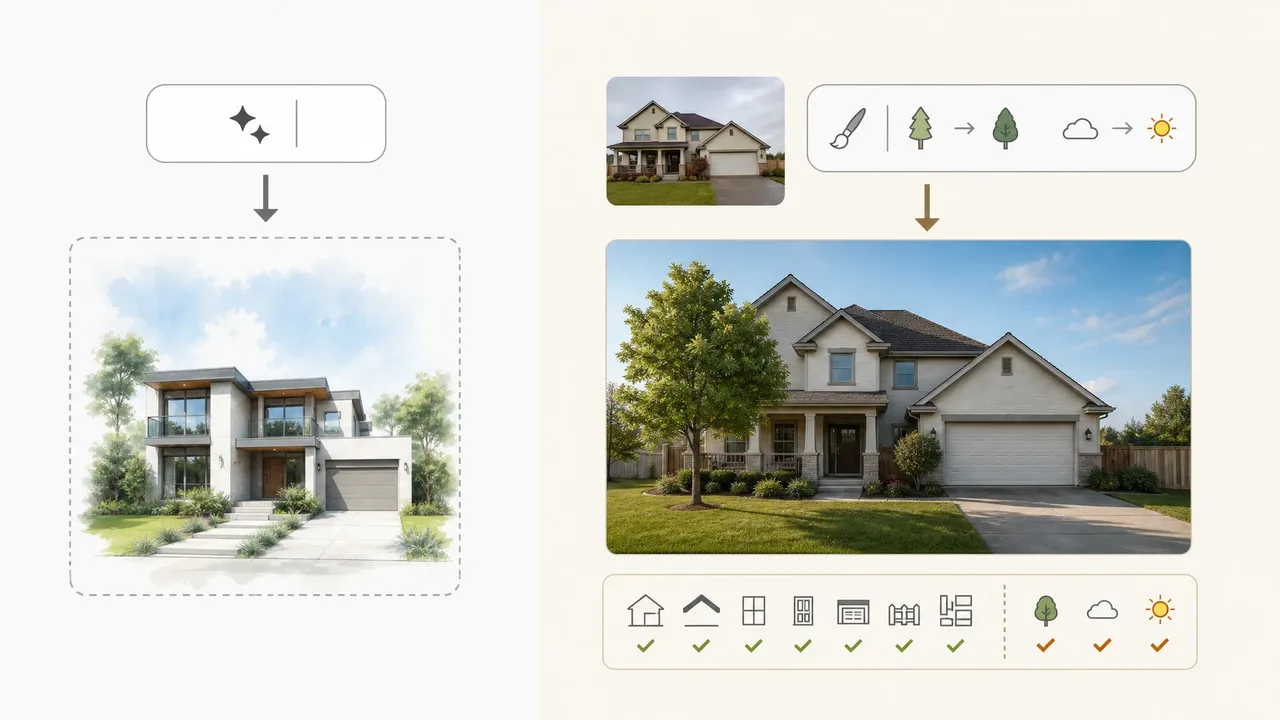
Object edits, background edits, text edits, style transfer
I group edits into four families before comparing any model.
Object edits are the first family. These include removing an item, adding a product accessory, replacing furniture, changing clothing, or inserting a small prop. The pass condition is not just “the object changed.” The surrounding pixels have to make sense. Shadows, reflections, occlusions, and depth all matter. A model that removes a cup but leaves a ghost reflection did not pass. It just made a quieter failure.
Background edits are the second family. These look easy in demos and break in production. Change a plain wall to a studio backdrop. Put a product on a marble counter. Replace a street scene with an office. The model has to respect the foreground boundary and rebuild lighting. A background edit that cuts into hair, glass, jewelry, or product edges is a review-queue problem, not a nice sample.
Text edits are the third family. They are brutal. If the user asks to change “SALE 20%” to “SALE 30%,” the model has to preserve typography, perspective, spacing, material texture, and surrounding layout. A model that redraws the whole poster may look clean and still fail the task.
Style transfer is the fourth family. This includes turning a product shot into a sketch, matching a brand illustration style, or making a portrait look like part of an existing campaign. Here the risk flips. Too little change fails the prompt. Too much change destroys identity.
That is why I do not start with “best model.” I start with task families.
Why demo galleries are not enough
Demo galleries are useful for noticing capability. They are bad for deciding production fit.
A gallery usually shows the successful side of the model. It rarely shows how many attempts were needed, which prompts failed, whether the model was rerun, what settings changed, how much the attempt cost, or how often a reviewer rejected the output. That missing context matters more than the polished image.
I have seen three demo traps.
The first is cherry-picking. One beautiful edit says almost nothing about median quality. A product team needs the 60th and 20th percentile outputs, not just the hero sample.
The second is task mismatch. A model may be strong at style transfer and weak at mask precision. If your product is a customer-facing editor for ecommerce images, style transfer performance will not save you.
The third is invisible effort. Some gallery images are the result of multiple tries, prompt tuning, manual selection, or post-processing. Nothing wrong with that. But if your user flow allows one request and one retry, the gallery is not showing your actual operating condition.
So the benchmark needs to record attempts, failures, retries, and review load. Not just images.
This is where my rule is boring but useful: score usable outputs, not beautiful samples.
Comparison Dimensions for Image Editing Models
I use two groups of dimensions.
The first group is visual correctness: did the model obey the prompt, preserve the subject, edit the right region, and keep the final image believable?
The second group is operational cost: how long did it take, how often did it need retrying, how much did it cost per accepted output, and how much human review did it create?
Most teams over-measure the first group and under-measure the second. That is how a model wins the test and loses in production.
Prompt adherence, identity preservation, mask precision
Prompt adherence is the first scoring dimension. It asks whether the model actually did what the user requested.
This sounds obvious. It is not. “Change the shirt to navy” is different from “make the whole image cooler and darker.” “Remove the logo from the cup” is different from “replace the cup.” A model can produce a good-looking image and still fail prompt adherence.
I usually score prompt adherence with a 0 to 3 scale:
| Score | Meaning |
|---|---|
| 0 | Did not perform the requested edit |
| 1 | Performed part of the edit but changed unrelated areas |
| 2 | Performed the edit with minor defects |
| 3 | Performed the edit cleanly and preserved the rest |
Identity preservation is the second dimension. For portraits, this means the person still looks like the same person. For products, it means shape, label, color, proportions, and distinguishing features survive. For characters, it means repeated outputs still feel like the same subject.
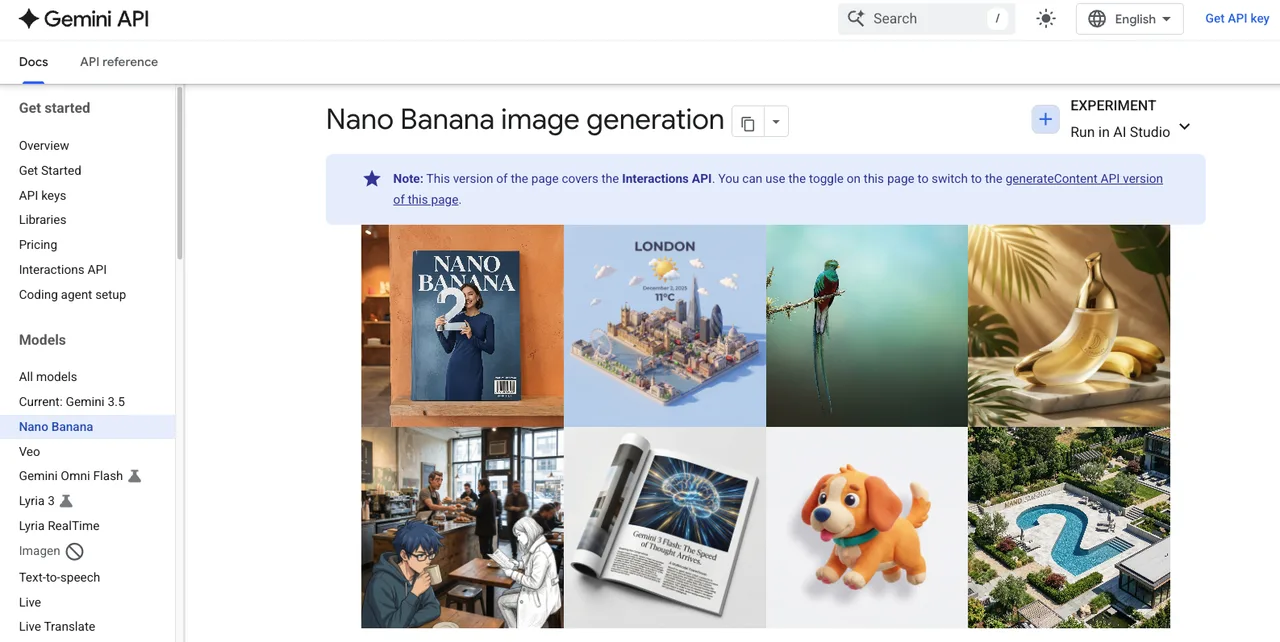
This is where multimodal image editing gets useful but also harder to test. Google’s Gemini image generation docs describe image generation and editing through the Gemini API, including reference-image workflows and model selection guidance. Those features are useful only if your benchmark checks what they preserve.
Mask precision is the third dimension. Some workflows use explicit masks. Some use semantic masking through language, like “change only the sofa.” Either way, the metric is the same: did the model isolate the intended region?
OpenAI’s image generation docs show image editing with masks and image inputs. That matters for builders because mask handling is not a UI detail. It changes the kind of product you can build. A loose mask workflow creates different failure modes from a natural-language edit workflow.
I check three things:
- Did the edit stay inside the target area?
- Did it damage the boundary?
- Did it leave visible artifacts where the edit happened?
Mask precision is not only a visual metric. It affects product trust. If a user selects one object and the model changes a face, a label, or a brand element, the editor feels unpredictable.
I paused here because this is where most benchmark sheets get too soft.
“Looks good” is not a score. “Passed identity preservation at 2 or higher on 84 of 100 portrait edits” is a score. The number does not have to be perfect. It has to be repeatable.
Latency, retry rate, cost, and review workload
Latency is not just speed. It changes product design.
A 3-second model can support interactive editing. A 40-second model may still be fine for batch poster generation or high-value campaign assets. A 2-minute tail latency may be acceptable in an async workflow and intolerable in a live editor.
Same model. Different product.
Retry rate is the better hidden metric.
If Model A costs less per request but needs three attempts to reach an acceptable output, Model B may be cheaper per accepted image. This is where builders get burned. They compare sticker price, not acceptance cost.
Use this formula:
cost per accepted output = total generation cost / accepted outputs
Then add review time.
Review workload is the metric that finally makes the benchmark honest. If a model produces outputs that require constant human triage, it may still be useful, but it belongs in a different workflow. Maybe it is a draft model. Maybe it is a creative exploration model. Maybe it should not sit behind a customer-facing “apply edit” button.
For each model, I would track:
- median latency
- p95 latency
- first-pass acceptance rate
- retry rate
- failure rate by category
- cost per accepted output
- average review seconds per output
- percentage of outputs needing manual repair
That last number is ugly. Good. It should be.
Model prices, speed, and availability should be checked again before publication. They change too fast to freeze into a long-lived benchmark page.
How to Build a Production Test Set
A production test set should come from the work, not from the model vendor’s strengths.
If your product edits ecommerce photos, do not test only portraits and landscapes. If your users edit posters, test text-heavy assets. If your app edits user-uploaded portraits, test hair, glasses, hands, skin tone, jewelry, and occlusion. If your team makes social ads, test brand colors, product lockups, call-to-action text, and aspect ratio changes.
The model should meet your workflow. Not the other way around.
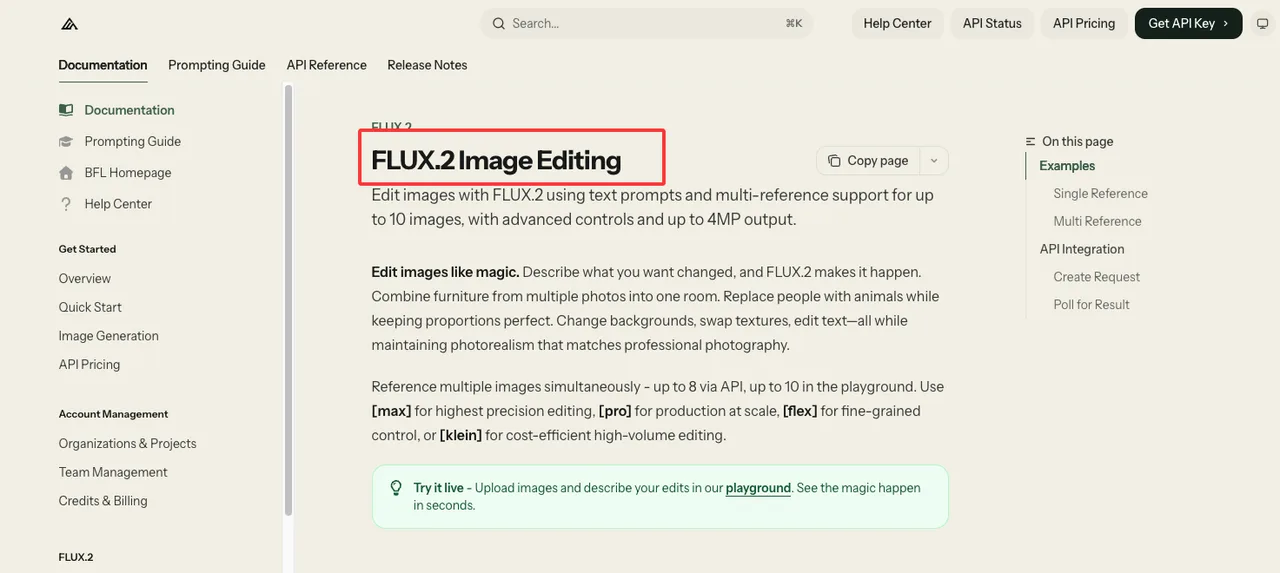
Black Forest Labs’ FLUX.2 image editing docs are useful here because they show another production shape: single-reference and multi-reference editing, endpoint calls, request IDs, polling, and result handling. I care less about the marketing promise and more about the integration pattern. Does the API expose enough structure to test, retry, and record outputs cleanly?
For image editing, I would build the test set in layers.
Layer one is common requests. These are the edits users ask for every day.
Layer two is high-value requests. These are the edits that matter commercially, even if they happen less often.
Layer three is failure history. These are old prompts, old assets, and old edge cases that previously broke your workflow.
Layer four is abuse and policy friction. These are requests that should be blocked, escalated, or reviewed. They belong in the benchmark because safety behavior is part of production behavior.
Product images, portraits, posters, and failure cases
Start with product images.
Use plain-background product shots, cluttered lifestyle photos, reflective products, transparent objects, labels, packaging, jewelry, apparel, and furniture. Test object replacement, background cleanup, color changes, shadow preservation, and size consistency. For ecommerce, a model that slightly changes a product shape is not “creative.” It is wrong.
Then add portraits.
Use varied lighting, hair styles, glasses, skin tones, facial angles, partial occlusions, and group photos. Test outfit edits, background changes, object removal, cropping extension, and style transfer. The key metric is identity preservation. If the person drifts, the edit fails even if the image looks polished.
Then add posters and text-heavy assets.
Use menus, sale banners, event posters, app screenshots, packaging labels, and social graphics. Test short text replacement, multilingual text, typography preservation, layout consistency, and perspective. This is where models often reveal whether they understand the object or just redraw the whole asset.
Then add failure cases.
Do not clean them up. Keep the ugly prompts. Keep the ambiguous requests. Keep the assets with shadows, busy edges, and weird crops. Production users do not upload benchmark-friendly images. They upload whatever they have.

For each test item, store:
- original image
- edit prompt
- optional mask
- reference image, if used
- expected change
- “must not change” constraints
- acceptance criteria
- reviewer notes
- model output
- request ID
- model ID and version
- latency
- cost basis checked on the test date
This is the part nobody wants to maintain. It is also the part that lets you survive model updates.
Score usable outputs, not cherry-picked samples
A benchmark should not ask “which model can produce the best image if we keep trying?”
It should ask “which model gives us enough usable outputs under the rules our product can afford?”
That means every model gets the same input asset, the same prompt, the same retry policy, the same resolution target, and the same reviewer rubric. If one model gets three retries and another gets one, the comparison is already broken.
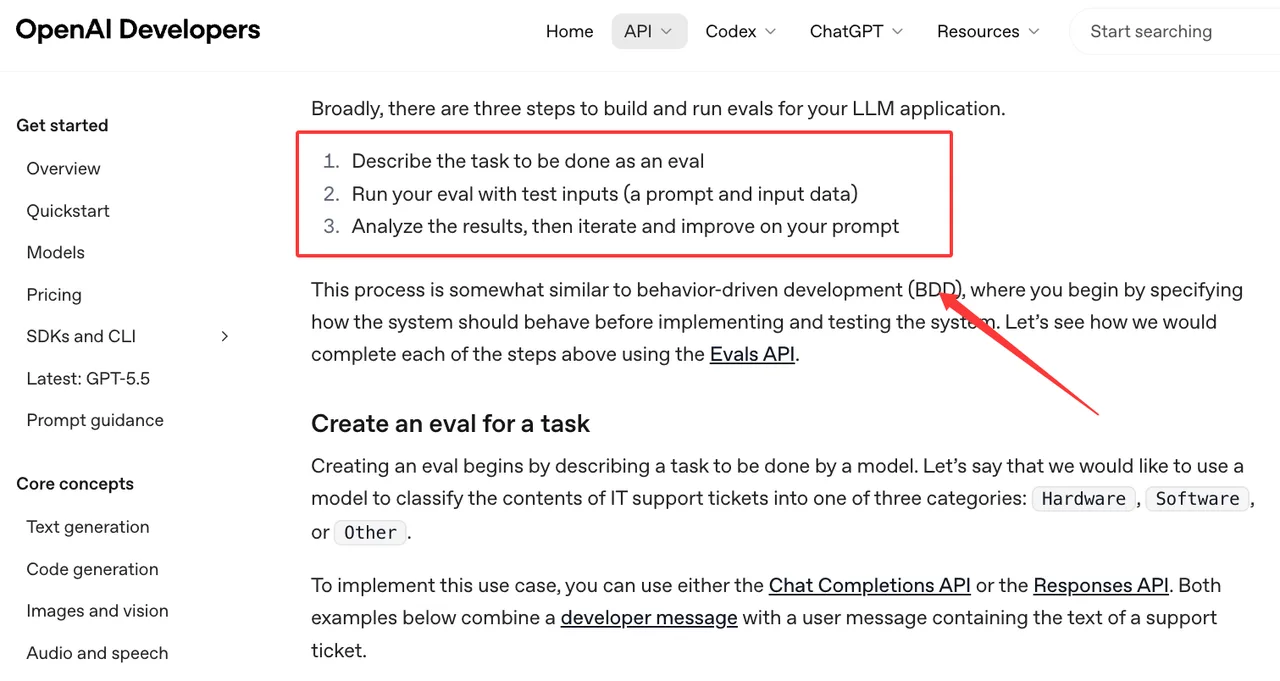
OpenAI’s evals guide is written for model evaluation workflows, but the principle carries over: define the expected behavior, run repeatable inputs, inspect outputs, and iterate. For images, you need more human review than a text-only eval, but the structure is the same.
I use a five-column scorecard:
| Dimension | Pass signal |
|---|---|
| Prompt adherence | The requested edit is completed without rewriting the task |
| Preservation | Subject, product, identity, layout, and brand constraints remain intact |
| Locality | The model changes the intended area and leaves unrelated areas alone |
| Operational fit | Latency, retries, and cost fit the intended workflow |
| Review load | Human reviewers can accept or reject quickly and consistently |
Each model gets a score per task family. Not one global score.
So a model can be “best for text edits,” “usable for product background edits,” “not approved for portraits,” and “only for async batch.” That is more useful than a winner label.
This also keeps the benchmark from turning into a vibes contest. If a reviewer likes one model’s style, fine. The score still has to pass the rubric. Style preference goes in notes, not in the acceptance field.
For production, I would set minimum thresholds before testing:
- first-pass acceptance rate must clear a fixed floor
- p95 latency must fit the product surface
- cost per accepted output must fit the unit economics
- critical failure types must stay below a fixed ceiling
- no policy or rights failure can auto-pass
- model changes must trigger prompt regression tests
The threshold depends on the surface. An internal creative tool can tolerate more rough edges. A customer-facing image editor cannot.
That is the quiet point of the whole exercise. The “best” model depends on where the output goes.
FAQ
Who should own model acceptance criteria?
Product, design, engineering, and review operations should own it together. Not one person. Not the vendor. Not the loudest person in the launch meeting.
Product owns the user promise. Design owns visual standards. Engineering owns latency, retries, logging, and routing behavior. Review operations owns whether the output can be judged at scale. Legal or policy teams should weigh in when identity, rights, safety, or customer claims are involved.
For an AI image editing benchmark, I would make one owner accountable for the final rubric, but not for every standard inside it. The wrong setup is “engineering picks the model because the API was easy.” The other wrong setup is “design picks the model because three samples looked better.”
Acceptance criteria should be written before the comparison starts.
What evidence should be saved when providers update a model?
Save enough evidence to reconstruct the decision later.
At minimum, keep the provider name, model ID, model version or dated endpoint, API parameters, prompt, input image, mask, reference images, output image, request ID, timestamp, latency, cost basis, reviewer score, and failure category. If the provider publishes release notes, save the relevant note or link in the test record.
Do not rely on memory. Do not rely on a screenshot pasted into a chat thread.
When providers update a model, the same prompt may behave differently. Sometimes it gets better. Sometimes it gets “better” in a way that breaks your product. The only way to tell is to rerun archived prompts and compare against the old accepted outputs.
This is where my data ends unless the test artifacts exist.
When should archived prompts be retested?
Retest archived prompts when any of these change: model ID, provider version, image editing API parameters, default resolution, safety behavior, input image handling, mask behavior, pricing, latency tier, or retry policy.
Also retest when your product changes. A new crop ratio, new customer segment, new asset type, or new review policy can invalidate an old benchmark.
I would keep three archived prompt sets.
The first is the golden set: prompts that represent normal production work.
The second is the failure set: prompts that previously exposed model weaknesses.
The third is the launch gate: prompts that must pass before a model is approved for a customer-facing surface.
That gives you a lightweight regression system for AI image editing without pretending that one public leaderboard can choose the model for you. Run it yourself. That’ll tell you more than anything I say.
Previous posts:
/filters:quality(82)/media/images/c347367a-a007-4466-b8f7-d37f5fb52819.webp)
/filters:quality(82)/media/images/cd4db796-7728-45fb-8267-6813ed28e173.webp)
/filters:quality(82)/media/images/1791535252286714222_v4jvJT2a.webp)
/filters:quality(82)/media/images/1791451065663755033_qNqAKS1a.webp)
/filters:quality(82)/media/images/1791359984291066138_tW5eOX6f.webp)
/filters:quality(82)/media/images/1773962750383987480_n3hqzHRZ.webp)