
Seedream 5.0 vs Nano Banana 2 for Image APIs
Seedream 5.0 vs Nano Banana 2 comparison for teams evaluating image reasoning, aesthetics, search, and API workflow fit.
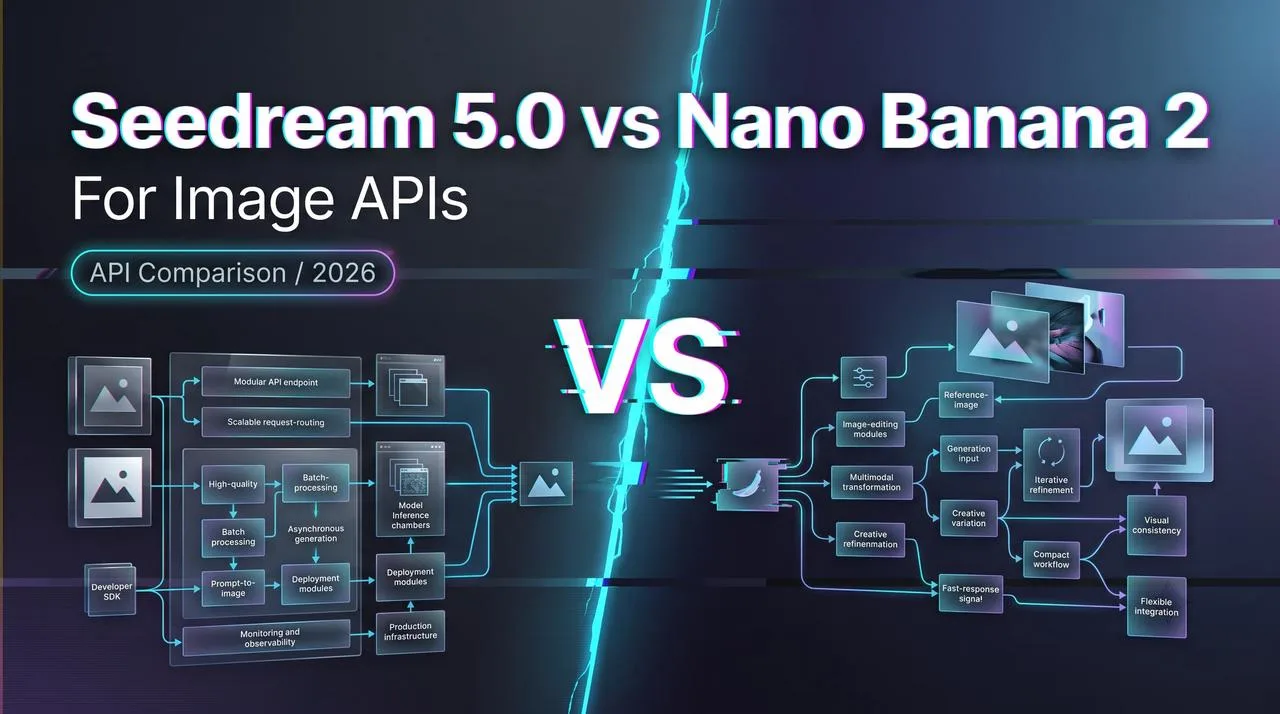
Seedream 5.0 vs Nano Banana 2 is a production routing question, not a beauty contest. I would not start by asking which model makes the prettiest sample. I would ask which model can handle the actual workflow: product references, ad copy, text rendering, edit requests, latency targets, review rules, cost limits, and fallback behavior.
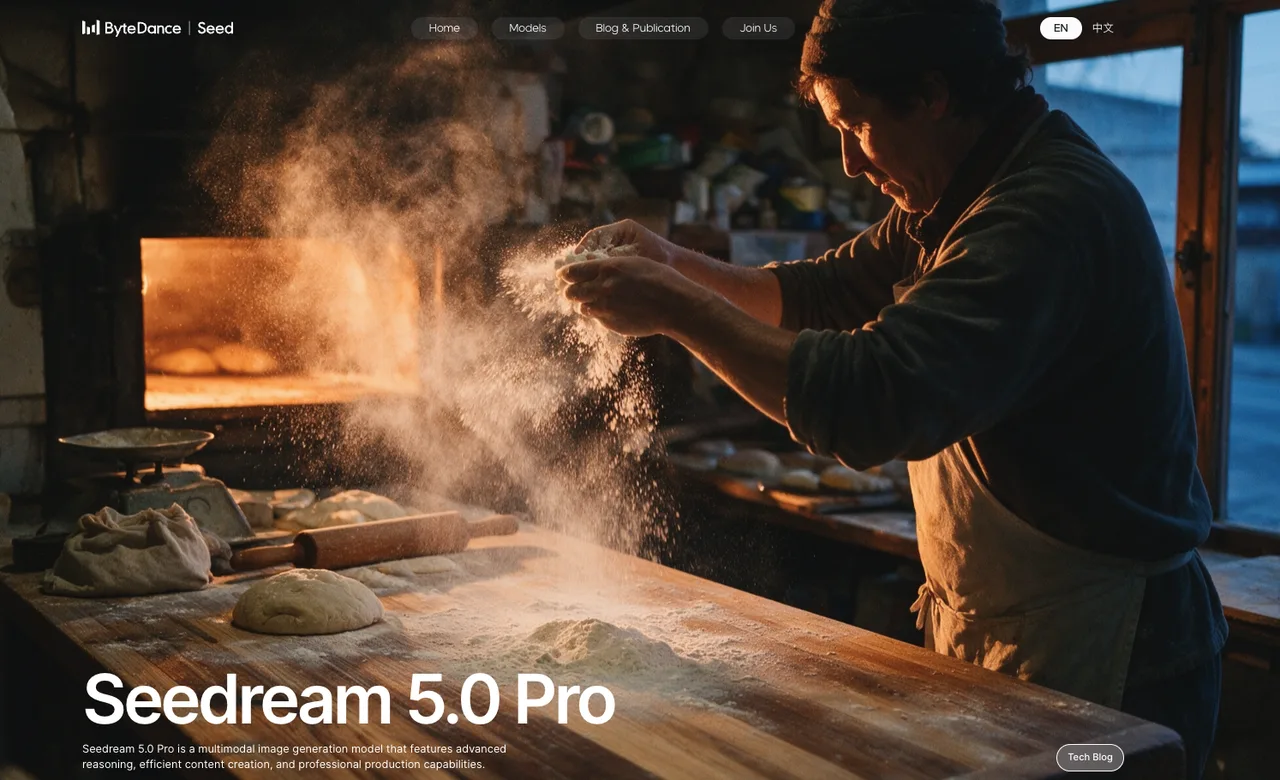
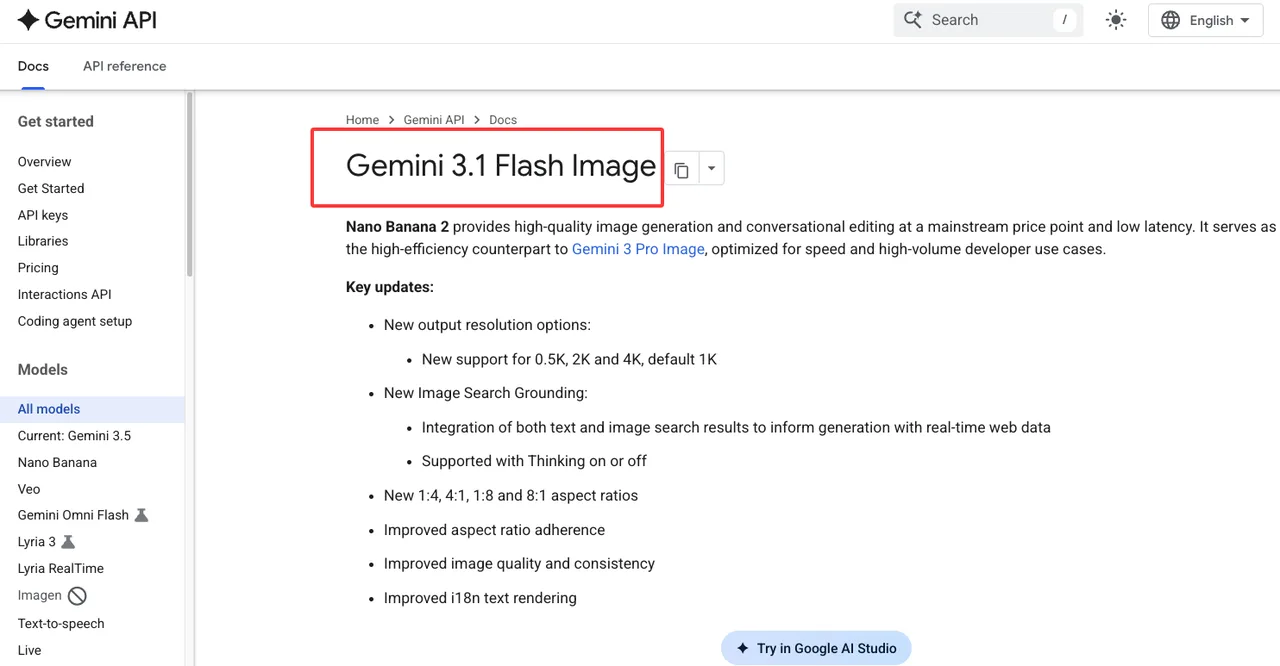
As of July 13, 2026, Google documents Nano Banana 2 as gemini-3.1-flash-image in the Gemini API. ByteDance documents Seedream 5.0 Pro as a multimodal image generation model, but teams should still verify the exact Seedream API model name, region, quota, and pricing in their own provider console before deployment.
Quick Verdict for Production Teams
Do not judge only by aesthetics
Aesthetic quality matters, but it is not enough for an image API decision.
A model can generate a beautiful campaign image and still fail production. The product shape may drift. The logo may bend. The text may be misspelled. A reference image may lose identity after two revisions. The output may look good in a demo but create too many manual review tickets in a live workflow.
That is why Seedream 5.0 vs Nano Banana 2 should be evaluated by accepted outputs, not isolated favorites. A useful test asks: how many images can be used without retouching, how many require retries, and how many fail for reasons the product team actually cares about?
The official Seedream 5.0 Pro page positions the model around multimodal generation, reasoning, efficient content creation, and professional production. That makes it worth testing for visually ambitious work such as campaign images, cinematic scenes, dense posters, and guided edits.
Google’s Gemini 3.1 Flash Image model page confirms Nano Banana 2’s model code, image generation and editing role, search grounding support, thinking support, Batch API support, and multiple output resolutions. That makes it easier to place inside a Google Gemini image workflow where reasoning, text, and integration behavior matter.
Compare workflow fit before choosing a model
The right default depends on the workflow.
For product images, the winning model is the one that preserves the object with fewer distortions. For ad creatives, it may be the one that produces more approved concepts per review hour. For text-heavy visuals, the decision should depend on exact text accuracy. For reference edits, it should depend on identity consistency and edit precision.
I would not use one overall score. I would build a small routing sheet with workflow type, prompt examples, reference assets, quality bar, retry budget, latency ceiling, content review rule, and fallback path.
The best model is the one that lowers total workflow cost. That includes generation price, failed outputs, retries, review time, manual editing, engineering maintenance, and user-facing mistakes.
What Each Model Should Be Tested For
Seedream: cinematic style, real-world visuals, search-aware claims
ByteDance Seedream should be tested first on workflows where visual production value carries the result.
That means more than asking for attractive images. Give it realistic production tasks: a product-in-context ad, a localized campaign visual, a dense promotional poster, a lifestyle scene using a reference product, or a guided edit that changes one region without damaging the rest of the image.
For Seedream, I would score five areas.
First, product realism. Does the item keep its shape, color, material, and recognizable details?
Second, real-world plausibility. Do lighting, shadows, hands, packaging, interiors, streets, and surfaces feel usable for the target channel?
Third, layout control. Can the model arrange multiple objects, visual hierarchy, and text-like regions without turning the image into noise?
Fourth, guided editing. When the user asks for a local change, does the model preserve the rest of the image?
Fifth, freshness-sensitive behavior. This needs caution. If a workflow depends on current product details, recent places, or search-aware claims, do not infer grounding from public demos. Confirm whether the exact ByteDance Seedream route supports the needed behavior. The accessible Volcengine image-generation API docs are a useful starting point, but teams still need to check model ID, access, pricing, and regional support before launch.
Seedream earns a default route only when its accepted-output rate beats the alternative for the actual visual job.
Nano Banana 2: reasoning, coherence, text, and Gemini workflow

Nano Banana 2 should be tested where instruction following and image reasoning matter.
Google’s Gemini image generation guide identifies Nano Banana 2 as gemini-3.1-flash-image and places it inside the Gemini image family. The documented direction includes 4K generation, world knowledge, text rendering, reference image handling, and consistency.
That makes the model especially relevant for workflows with constraints: exact product rules, short text in the image, multiple references, diagram-like layouts, and conversational revisions.
I would test it with prompts that are easy to score. Ask it to preserve a product while changing the background. Ask it to create a visual with a specific short label. Ask it to revise an image without changing the subject. Ask it to combine two references while keeping both identities intact.
Text rendering needs its own test set. One good poster is not enough. Use many prompts with product names, labels, UI snippets, price tags, and localized short copy. Score spelling, placement, legibility, and whether the text survives edits.
The Gemini workflow is also part of the value. If a team already uses Gemini for prompt planning, multimodal analysis, or review automation, Nano Banana 2 may reduce orchestration work. A model that fits the existing control plane can be better for production than a model that only wins selected samples.
Production Comparison Matrix
Product images, ads, text rendering, reference consistency
| Workflow | What to Measure | Likely Routing Signal |
|---|---|---|
| Product images | Shape retention, color accuracy, material realism, background fit | Choose the model with fewer unusable product distortions |
| Ads and campaigns | Visual impact, brief adherence, variation quality, reviewer approval | Choose by approved concepts per review hour |
| Text-heavy visuals | Spelling, label placement, diagram logic, readability | Choose by text error rate |
| Reference edits | Identity consistency, local edit precision, revision stability | Choose by fewer manual retouches |
| Batch workflows | Cost, latency, timeout rate, retry behavior, review load | Choose by total cost per accepted image |
This table is not a verdict. It is a way to keep the comparison grounded.
For product images, a pretty output still fails if the object changes. For ads, the useful metric is not the best image in the batch; it is how many usable concepts the model produces under a realistic budget. For text rendering, one wrong letter can make the image unusable. For reference consistency, drift matters more than style.
API access, cost, latency, fallback, and content review
Serving constraints can change the decision.
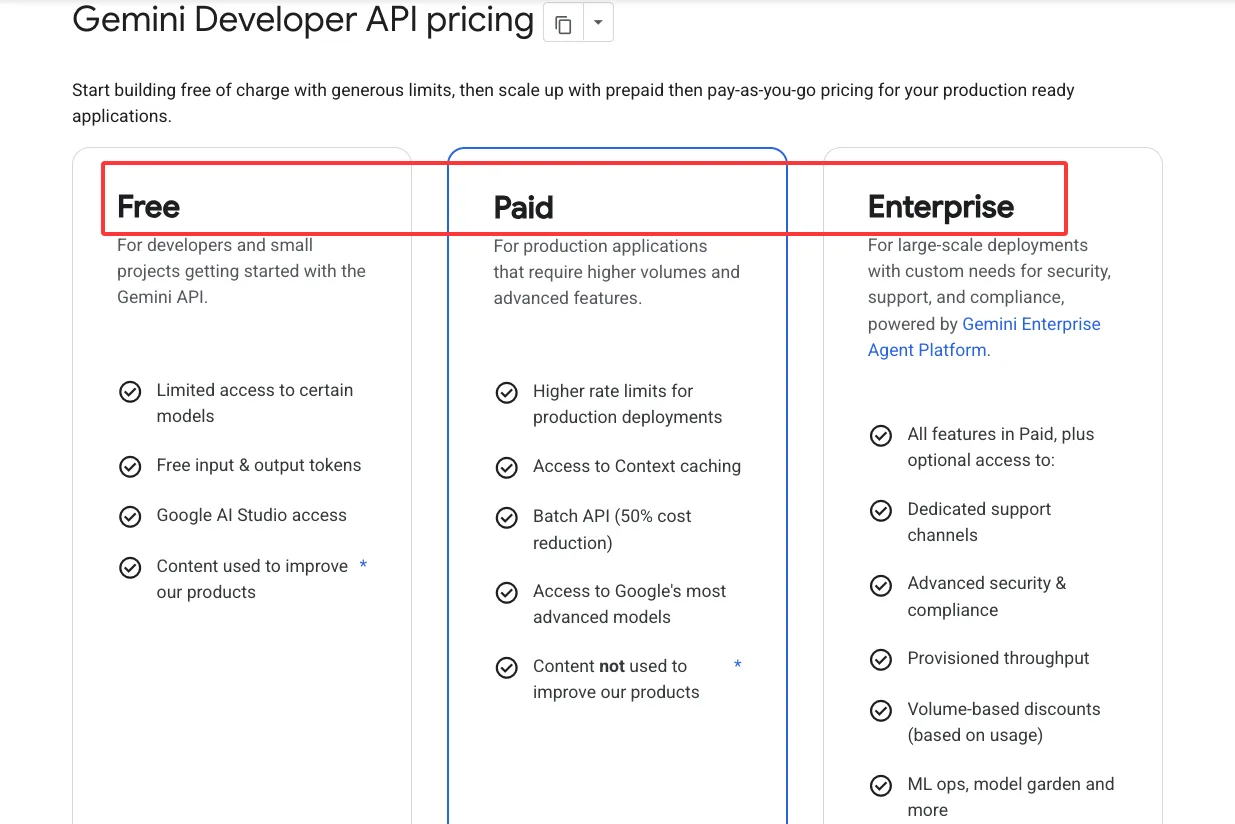
Nano Banana 2 currently has clearer public Gemini API documentation. Google lists the model name, supported behavior, Batch API support, and pricing. The Gemini API pricing page gives paid-tier pricing for gemini-3.1-flash-image, including image output pricing by resolution equivalents and Batch API pricing. Those numbers are useful for planning, but they should still be checked on the day of publishing or deployment.
For Seedream 5.0, the public model page confirms the model direction, while API-side deployment details need account-level verification. Before routing production traffic, check the exact model SKU, authentication path, supported regions, rate limits, moderation behavior, logging, commercial terms, and rollback options.
Latency should be measured by p50, p95, and p99, not only average response time. Long-tail latency is what breaks batch jobs and interactive tools.
Content review should also be counted. If one model creates fewer policy escalations, fewer brand violations, or fewer manual edits, that can outweigh a small difference in visual quality.
Limits and Trade-Offs
Public demos vs reproducible internal tests
Public demos are useful for discovery. They are weak evidence for production.
A demo usually shows a clean prompt and a selected output. Production prompts are messier. Users upload poor references, mix conflicting instructions, ask for impossible edits, or expect brand consistency without enough context.
A reliable internal test should include real prompts, realistic reference assets, fixed scoring rules, reviewer notes, latency logs, cost logs, failure samples, and a small regression set that can be rerun after model updates.
Keep the bad outputs. They are where the routing rules come from.
When to route tasks across both models
The practical answer may be to use both.
Use Nano Banana 2 first when the task depends on reasoning, exact constraints, readable text, reference consistency, or Gemini-native workflow integration. Use Seedream first when the task depends on cinematic visual direction, real-world scene quality, campaign imagery, or polished production visuals.
Use dual testing for new workflows, high-value launch assets, and tasks where the quality bar is still moving. Send brand-sensitive or policy-sensitive outputs to human review. Keep a fallback path for refusals, timeouts, repeated prompt drift, and unexpected cost spikes.
A default model is an operating decision, not a permanent belief.

FAQ
Who should decide the default image model for a product?
The decision should be shared by product, engineering, design, and review operations.
Engineering owns API reliability, observability, retries, fallback, and version control. Design owns visual standards. Product owns user impact and workflow priority. Review or trust teams own escalation rules and public-facing risk.
A prototype can move with one decision-maker. A live workflow needs shared ownership.
What evidence is needed before switching a live workflow?
A team should have side-by-side outputs, prompt logs, cost data, latency data, reviewer notes, failure examples, and a rollback plan.
Do not switch because one benchmark looks better. Switch when the new model improves the metric that matters for the workflow: product accuracy, approved concepts per hour, text correctness, lower review load, lower total cost, or better user outcomes.
A rollback signal should override a better benchmark. Rising rejection rates, support complaints, policy escalations, or unexplained output drift should pause the migration.
How often should image model comparisons be rerun?
Rerun the comparison after model updates, pricing changes, API changes, prompt-template changes, policy updates, or major workflow changes.
For active systems, I would keep a small weekly regression set and a larger monthly or quarterly evaluation. The weekly set catches sudden drift. The larger test catches slower changes in quality, cost, latency, and review burden.
That is the durable answer to Seedream 5.0 vs Nano Banana 2: keep the choice tied to evidence, not reputation.
Previous posts:
/filters:quality(82)/media/images/5f15570a-6a68-432e-a6f1-1dcbf799ba81.webp)
/filters:quality(82)/media/images/b73c2438-6bdd-4b80-a229-8d71d8f819cf.webp)
/filters:quality(82)/media/images/427fd9f2-347d-4f86-a2d5-aee110cda01d.webp)
/filters:quality(82)/media/images/1773962750383987480_n3hqzHRZ.webp)
/filters:quality(82)/media/images/43fa0e7f-a0db-48d7-9bab-921d1225db30.webp)
/filters:quality(82)/media/images/5799ff56-3a73-40ca-a666-e4965d878496.webp)