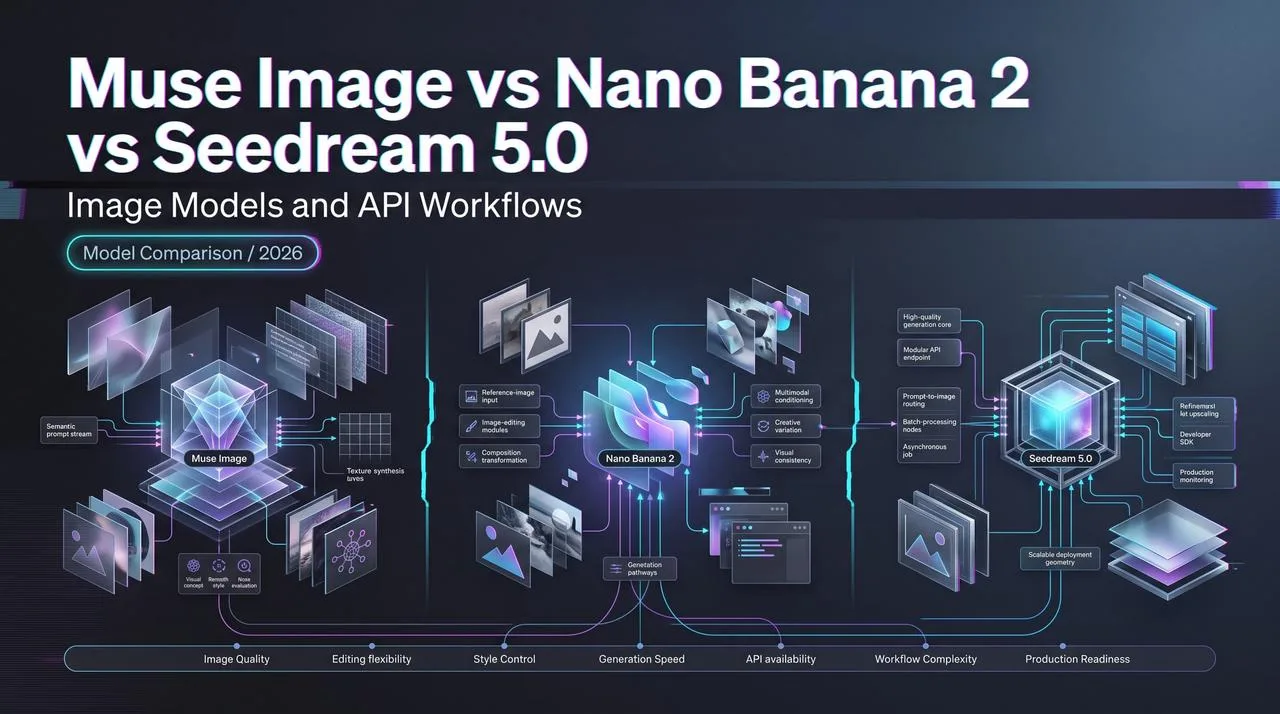
Muse Image vs Nano Banana 2 vs Seedream 5.0
Muse Image vs Nano Banana and Seedream for social context, editing, references, and production image workflows.
Hey, I’m Dora. I paused at the model registry before I paused at the images. That usually tells me where the real comparison is.
Muse Image vs Nano Banana looks like an output-quality question at first. It is not only that. It is a workflow question: social-context creation inside Meta AI, API-ready image generation through Gemini, and production image pipelines where Seedream 5.0 or GPT Image 2 may sit behind a repeatable review process.
Checked against public pages on July 23, 2026. This conclusion has an expiration date - models update fast.
Quick Verdict by Workflow
Social-context creation vs production image pipelines
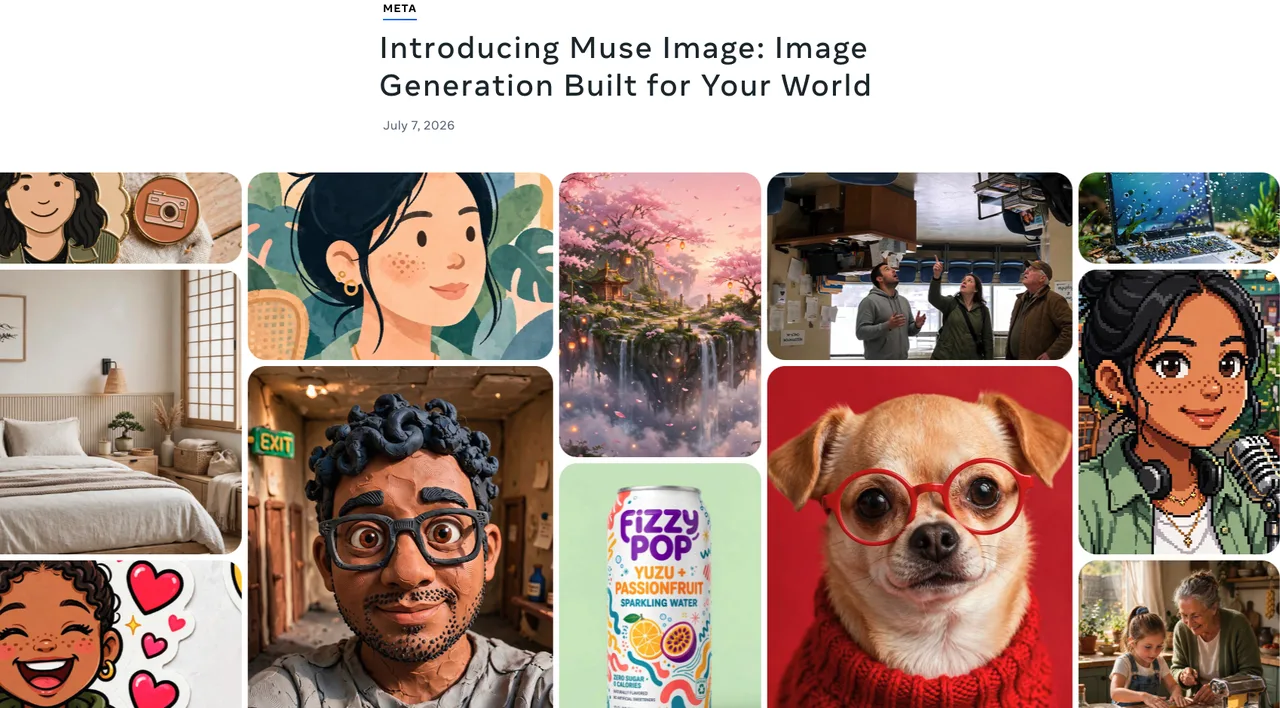
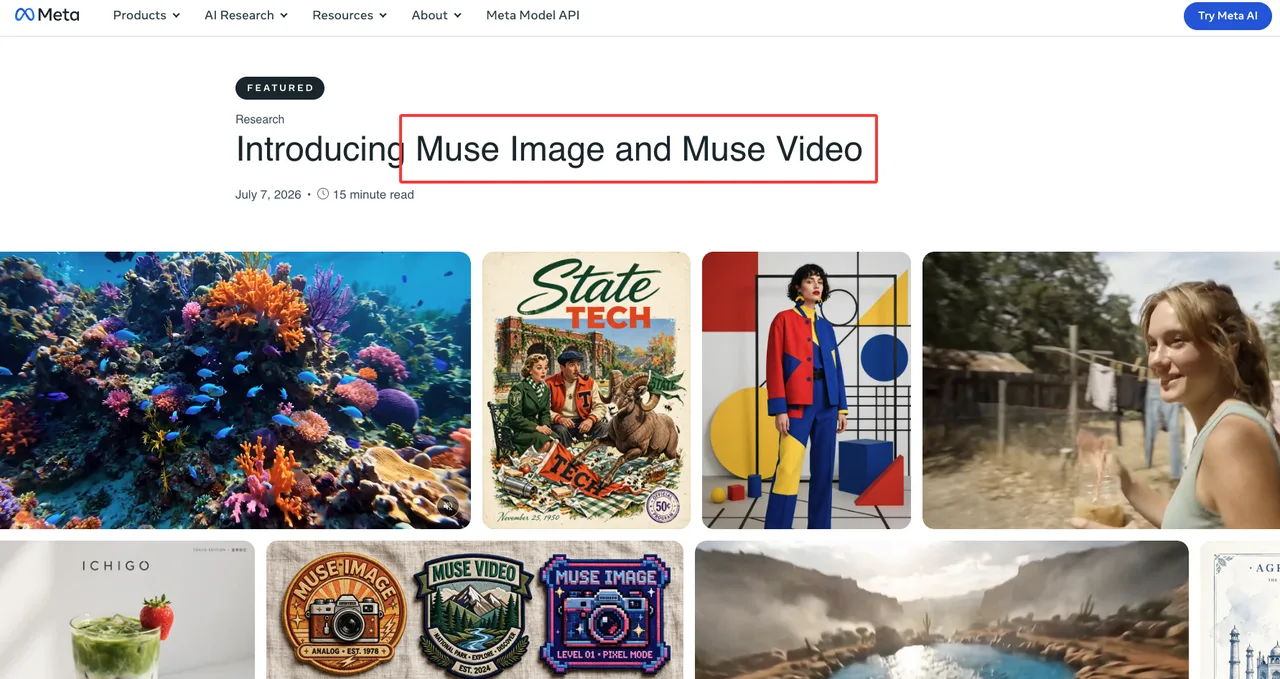
If the job starts inside Instagram, WhatsApp, Meta AI, Stories, chats, profile context, room redesigns, or future ad surfaces, Muse Image belongs in the conversation. Meta describes Muse Image as its first image generation model from Meta Superintelligence Labs, available in Meta AI, with multi-photo blending, direct image markup, presets, text rendering, and sharing across Meta surfaces.
That is useful for social-context work. It also creates review friction for brand teams.
A social image is rarely just “an image.” It may involve a person’s likeness, a public profile, a brand account, an ad destination, a platform policy, and regional privacy expectations. The model can generate the asset. It cannot approve the context around the asset.
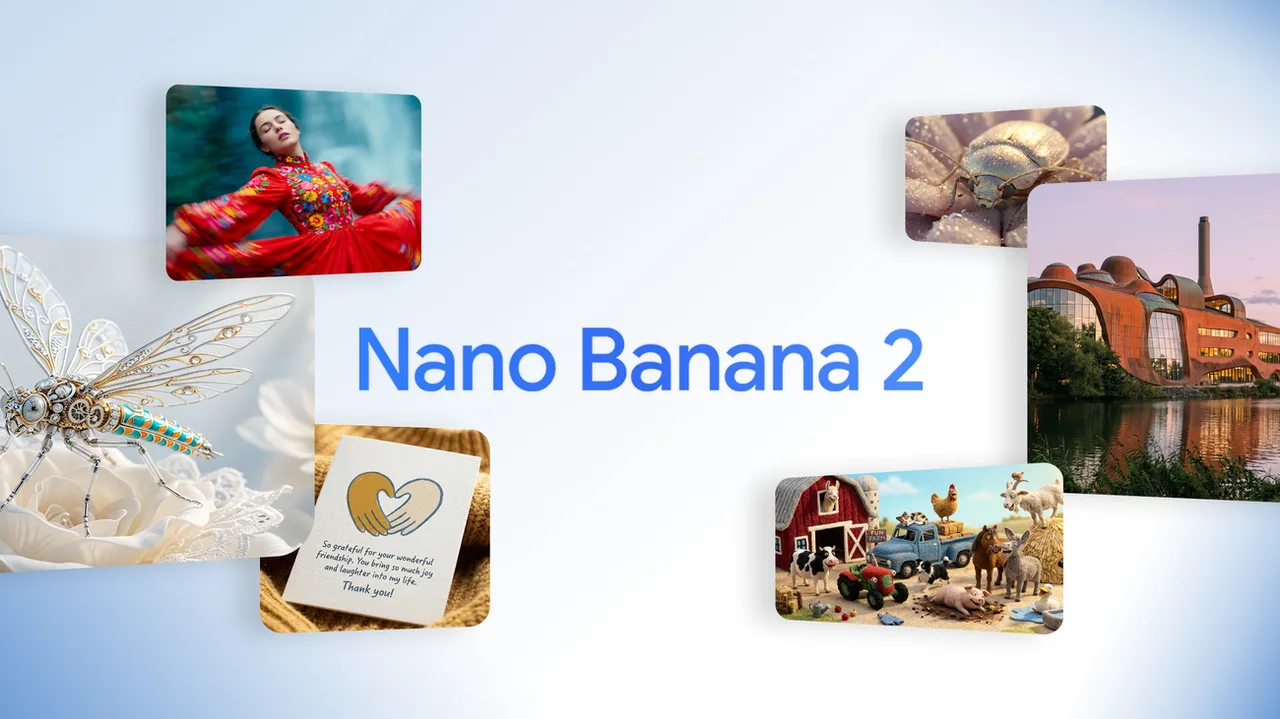
Nano Banana 2 and Seedream 5.0 sit better in pipelines where the team wants structured testing. Google’s Gemini API image generation docs list Nano Banana 2 as Gemini 3.1 Flash Image, with image generation, editing, reference-image workflows, text rendering, and API examples. ByteDance’s Seedream 5.0 Lite launch note frames Seedream around reasoning, instruction understanding, editing response, consistency, and real-time search enhancement.
Different tools. Different starting points.
Why API access changes the comparison
API access is not a footnote. It changes the whole evaluation.
A model inside a social product can be fast for one creator and painful for a production team. A model behind an API can be logged, retried, compared, cost-tracked, and routed. One fewer switch. Sounds small. Adds up fast.
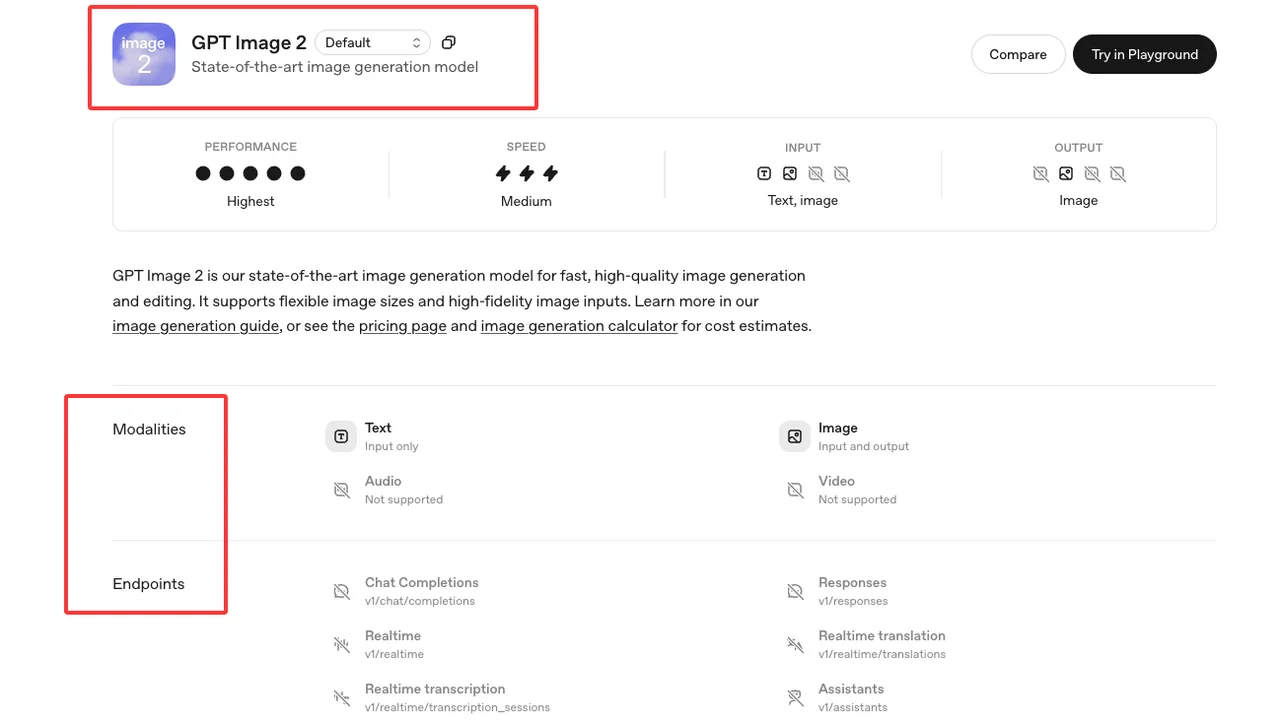
For Nano Banana 2, the Gemini docs provide a model ID, API examples, image sizes, reference-image behavior, and model-selection guidance. For Seedream 5.0, BytePlus documents a ModelArk image generation API with model-specific behavior for Seedream 5.0 Pro and Lite. For GPT Image 2, OpenAI’s GPT Image 2 model page lists image generation and image edit endpoints, snapshots, modalities, and rate-limit tiers.
For Muse Image, the public launch story is product-surface first: Meta AI, meta.ai, Instagram Stories, WhatsApp, future Facebook/Messenger surfaces, and Advantage+ creative. I would treat any direct production API assumption as must-check until Meta publishes current developer-facing documentation for that exact use.
That is the first routing rule.
Use Muse Image when the social surface is part of the asset’s meaning. Use Nano Banana 2, Seedream 5.0, or GPT Image 2 when the pipeline needs logs, batch behavior, structured fallbacks, and repeatable acceptance criteria.
Model Strengths to Evaluate
Muse Image for Meta/social context and references
Muse Image is most interesting when the input is not just a prompt. It can work with existing photos, blend multiple references, support direct sketch-based edits, and draw on Meta AI context. Meta’s technical post on Muse Image and Muse Video also describes agentic image generation, tool use, self-refinement, and Content Seal watermarking for images created in Meta AI and on meta.ai.
That is a strong social-context package.
It is also the reason I would not move a brand workflow into Muse Image without a review gate. Meta updated the Muse Image announcement after removing the public Instagram account @-mention reference feature. The official update says the feature “missed the mark” and is no longer available. That line matters more than a leaderboard screenshot.
For brand use, Muse Image should be evaluated on these questions:
- Does the asset rely on a real person, public profile, creator account, or recognizable likeness?
- Is the final image meant for organic social, paid ads, internal mockups, or client-facing approval?
- Can the team preserve the prompt, reference assets, edit history, and approver notes?
- Are Meta’s latest AI terms, ad policies, regional privacy notices, and commercial-use rules current on publication day?
This is not legal advice. It is a workflow risk note. The legal answer changes by region, use case, person type, and contract status.
Nano Banana and Seedream for editing and production workflows
Nano Banana 2 is the more natural fit when the team wants an API model that can move between generation, editing, reference images, and text-heavy visuals. Google’s docs position Nano Banana 2 as the generalist Gemini image model, with stronger balance across quality, cost, speed, world knowledge, text rendering, and reference handling. Google’s Gemini Apps help page also gives a practical warning: when generating images, users should not violate others’ copyright or privacy rights, and work or school accounts may be subject to different terms.
That warning belongs inside production review. Not buried in a policy folder nobody opens.
Seedream 5.0 needs a split reading. Seedream 5.0 Lite is documented by ByteDance Seed as a reasoning-oriented image creation model with stronger instruction understanding, search enhancement, and improved editing consistency over prior versions. BytePlus also lists Dola Seedream 5.0 Pro and Lite in its model catalog, so “Seedream 5.0” should not be treated as one fixed capability bucket.
I would test Seedream 5.0 Pro and Lite separately.
Lite may be more relevant when batch-like related image generation matters. Pro may be more relevant when precise single-image composition, interactive edits, or high-control reference workflows matter. That is a hypothesis from current documentation, not a universal rule.
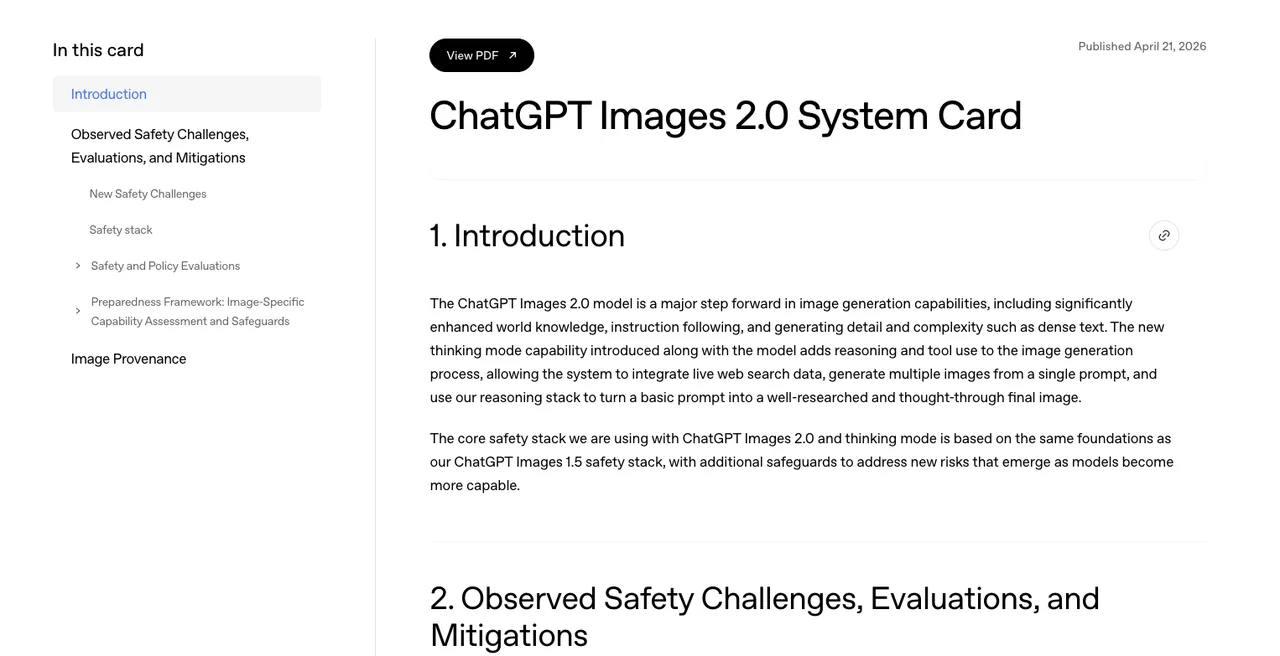
GPT Image 2 sits slightly outside the title, but I would still keep it in the comparison set. OpenAI describes GPT Image 2 as a state-of-the-art image generation and editing model, and the ChatGPT Images 2.0 system card gives useful safety and provenance context. For teams that already use OpenAI systems, GPT Image 2 can be a clean fallback or baseline for instruction following, dense text, review tooling, and provenance expectations.
Production Comparison Matrix
Product images, ads, social visuals, and batch generation
| Workflow need | Muse Image | Nano Banana 2 | Seedream 5.0 | GPT Image 2 |
|---|---|---|---|---|
| Social-context visuals | Strong fit when Meta surface context matters | Good if assets are created outside social apps first | Good if references and edits are controlled externally | Good baseline for controlled generation/editing |
| Product images | Useful for quick mockups and Meta sharing | Strong candidate for API tests with references and text | Strong candidate for style, edit, and batch tests | Strong fallback for quality and instruction tests |
| Ads | Interesting because Advantage+ creative is on Meta’s roadmap | Better for pre-ad production pipelines | Better for controlled production variants | Better for policy-aware fallback workflows |
| Batch generation | Must-check for product-surface limits | API-friendly, but quota/pricing must be checked | Lite appears especially relevant for related batches | API-friendly, rate limits must be checked |
| Public-person/profile risk | Highest review burden when social context is involved | Still needs consent checks for uploaded references | Still needs consent checks for references | Still needs consent and policy checks |
| Default-model confidence | Low without surface-specific policy review | Medium after evals and cost checks | Medium after variant-specific evals | Medium after rate-limit and safety checks |
For product images, my first test set would not be pretty prompts. I would use boring production cases: white-background SKU shot, lifestyle ad crop, package label with small text, before/after edit, two-reference style transfer, and one intentionally annoying prompt with conflicting constraints.
The accepted-output metric matters more than the best-output screenshot.
For ads, I would separate creative generation from ad approval. A model can create an asset that looks ready. The platform may still reject it. A brand reviewer may reject it. A regional legal reviewer may reject it. So that’s where the bottleneck was.
For social visuals, Muse Image has the cleanest path from creation to posting inside Meta AI surfaces. That is real value. But if the same image needs to leave Meta, enter a DAM, get resized, get translated, and become paid creative in five markets, the API-native options become easier to govern.
For batch generation, Seedream 5.0 Lite and Nano Banana 2 deserve serious testing. Not because either is “better.” Because both expose enough structured behavior to build a batch queue, record failed jobs, compare accepted outputs, and decide whether a fallback should trigger after one failed edit or after a small retry set.
Access, privacy, review burden, and fallback
Access is the practical divider in this AI image model comparison.
Muse Image starts close to the social graph. That is good for personalization and context. It is also where privacy and consent questions become visible fast. Meta policies, platform terms, data use rules, ad rules, and commercial restrictions must be verified from official current pages before publication or rollout. Different regions should be reviewed separately.
Nano Banana 2 starts closer to a developer workflow. That does not remove consent work. It just gives the team cleaner places to attach it: upload checks, prompt logs, reference permissions, output review, blocked-use policy, and deletion routines.
Seedream 5.0 starts as a model-family decision. The team needs to confirm which variant is available in the target region, which exact model ID is active, what the current pricing is, what input formats are supported, how many reference images are allowed, and whether streaming or sequential output matters for the workflow.
GPT Image 2 is useful as a control lane. If Nano Banana 2 or Seedream 5.0 fails a text-rendering task, a brand-safety task, or a dense-edit task, routing one sample through GPT Image 2 can show whether the problem is the prompt, the model, or the review criteria.
The fallback rule I’d use is simple:
Do not fallback only on model error. Fallback on production failure.
That means rejected composition, unreadable text, identity drift, wrong product geometry, unsafe public-person reference, missing provenance, repeated reviewer rejection, or cost per accepted output moving past the limit.
FAQ
Who approves social-context images for brand use?
Not the model.
For brand work, approval usually needs an internal owner who can sign off on brand fit, campaign intent, reference rights, platform suitability, and regional risk. In a small team, that may be the founder or marketing lead. In a larger team, it may be brand, legal, privacy, paid media, and client approval together.
Muse Image makes this question sharper because Meta AI context, public-profile concerns, and social publishing surfaces may sit close together. A social-context image should not move into paid or client-facing use just because it looks good.
Good enough. That’s the most honest assessment I can give.
What evidence is needed before choosing a default model?
I would not choose a default from public demos.
The minimum evidence set is small but annoying:
- 30 to 50 real prompts from the team’s own workflow
- Owned or licensed reference images
- A pass/fail rubric for text, faces, products, style, and edit precision
- Cost per accepted output, not cost per generation
- p95 latency or queue delay, not only average speed
- Review rejection reasons
- Current API docs, model IDs, pricing, quota, region availability, and usage terms
- Fallback behavior when the first model misses
For Nano Banana 2, that means checking current Gemini API docs and account terms. For Seedream 5.0, it means checking the current BytePlus/ModelArk docs and active model list. For GPT Image 2, it means checking OpenAI’s current model page, image API docs, rate limits, and safety requirements.
For Muse Image, it means checking Meta’s latest product page, Meta AI terms, platform policy, ad policy, and any regional privacy notices that apply to the planned use.
This is where my data ends.
How should teams handle public-profile consent concerns?
Treat public-profile material as high-friction input.
A public profile is not the same thing as a signed creative asset. A public post may be visible, but that does not automatically answer likeness, endorsement, commercial use, platform policy, or regional privacy questions. Again, not legal advice. Just don’t let “public” become a lazy shortcut.
My working rule is boring:
Use owned assets first. Use licensed assets second. Use public-profile references only when there is explicit permission, a recorded purpose, and a reviewer who owns the decision.
For Muse Image vs Nano Banana, this is the cleanest practical divide. Muse Image may be strongest when the Meta/social context is the point. Nano Banana 2, Seedream 5.0, and GPT Image 2 may be easier to operationalize when the team needs repeatable production evidence.
Pick the workflow first. Then test the model. Run it yourself. That’ll tell you more than anything I say.
Previous posts: