
mimOE Studio Review for Hybrid Agent Operations
This mimOE Studio review evaluates setup, observability, and promotion from local experiments to distributed device-and-cloud agent operations.
I scoped this mimOE Studio review around one hybrid agent workflow: a local agent running on a developer machine, a second node on the network, and a fallback path to external model inference when local capacity is not enough. That is the place where dashboards either help or become furniture. I checked mimik’s public pages in September, 2026. This is about Studio’s visibility and operating boundary, not a full mimik product review.
What mimOE Studio Controls
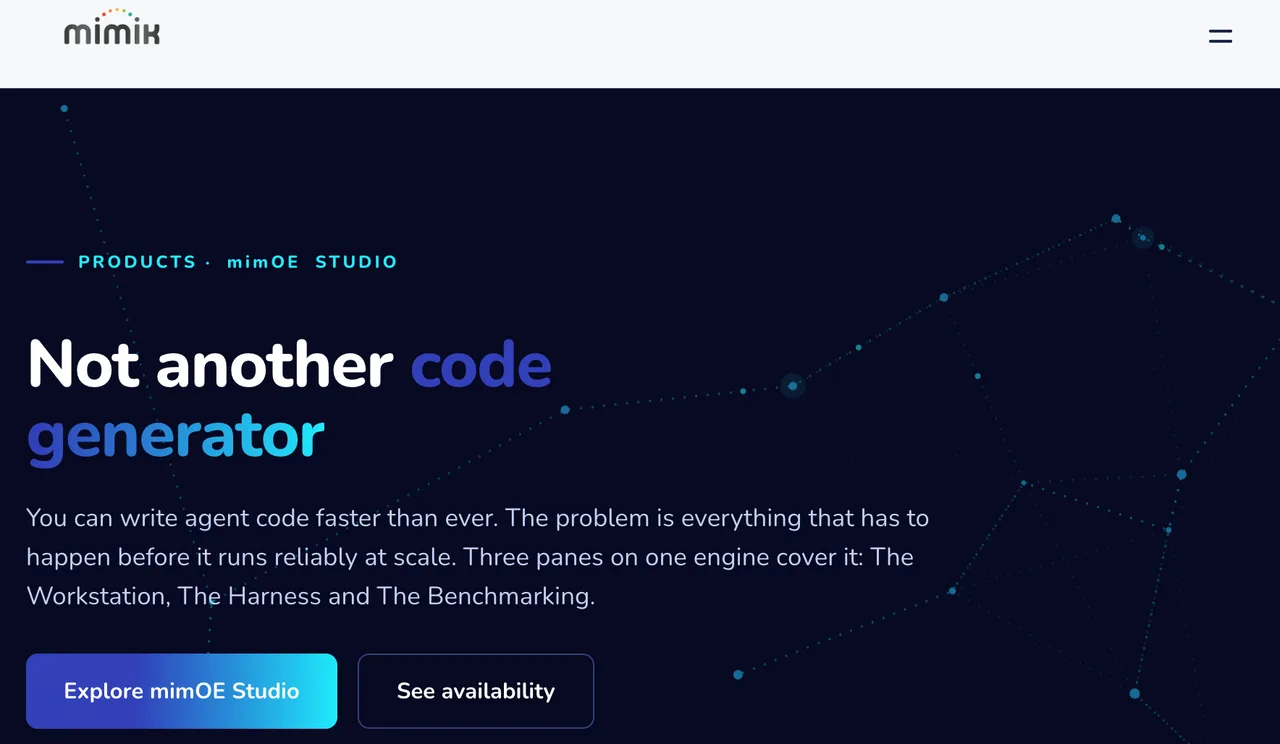
mimOE Studio is best understood as a visual control surface for mimOE, not as another agent framework. The current mimOE Studio product page describes three panes: Workstation, Agent Harness, and Agentix Benchmarking. The Workstation is the relevant piece here.
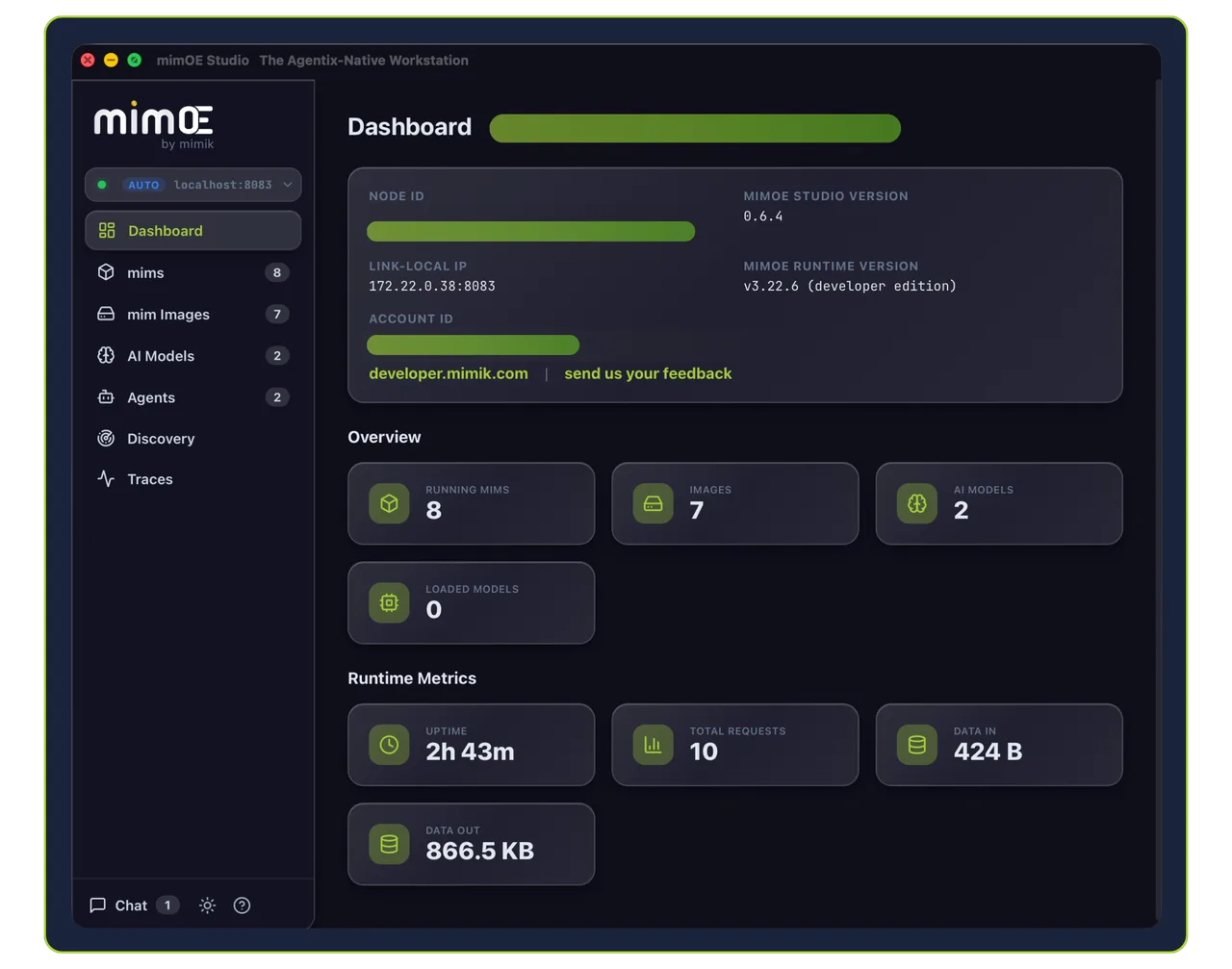
The phrase I kept circling was “mimik agent workstation.” Slightly branded. Still useful. It means developers keep their IDE, point calls at a mimOE runtime URL, and use Studio to see models, agents, nodes, traces, and mesh activity.
Workstation, Runtime, and Deployment Boundaries
Studio does not replace the runtime. It sits on top of mimOE APIs. That boundary matters.
| Surface | Job | My Read |
|---|---|---|
| Studio | visual inspection and control | useful during build and field validation |
| mimOE runtime | execution layer for agents and models | the part production depends on |
| Agent Harness | workflow testing | useful if it matches your real workload |
| Benchmarking | capacity measurement | only meaningful on target hardware |
I paused here. A UI that shows runtime state is not the same thing as a deployment guarantee. It can reduce confusion. It cannot remove the need for failure drills.
Models, Agents, Nodes, and Execution Traces
The strongest Studio claim is visibility. Public materials say it can navigate models, agents, images, traces, and mesh activity across local, account, proximity, and multi-cloud views. It also claims tracing for routing decisions, latency, inputs, outputs, and token usage.
That is the part I would test first. Not the pretty dashboard. The receipts.
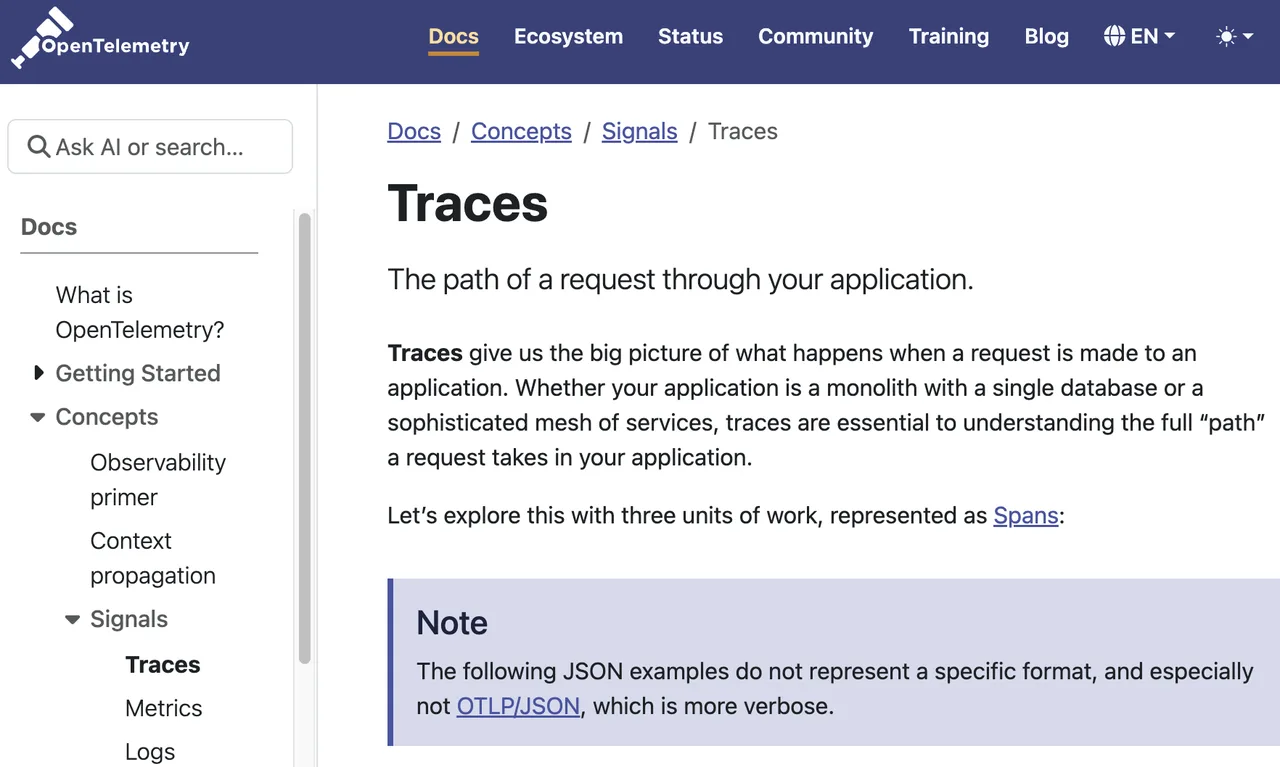
For agent observability, traces are the right unit of evidence. The broader industry definition from OpenTelemetry traces is simple: they describe what happens as a request moves through a system. Studio’s value depends on whether those traces are complete enough to explain why a model, node, or route was chosen.
Review Scope: A Hybrid Agent Workflow
My test frame is ordinary: one support-triage agent, one local model, one nearby node with more capacity, one hosted inference option for model calls that do not fit local hardware. Boring workload. Good. Boring exposes operating gaps faster than demos.
Local Setup and Topology Visibility
For the mimOE Studio download path, the public developer page lists macOS download details, including macOS 26 or later, Apple Silicon, 8 GB RAM, and 1 GB free disk space for the macOS package shown there. The same page also links Studio and an Integrated Suite flow from the developer portal via the Studio download page.
Availability needs a careful footnote. The product page says Studio is available on macOS, Windows, iOS, and Android. It also describes package availability for the broader suite, where public wording is not perfectly consistent across pages. For a team rollout, I would freeze the target installer and version before writing internal docs. Otherwise someone will ask which “available” means “available for my machine.” Fair question.
Routing Decisions and Operational Feedback
The useful workflow is not “run an agent.” It is seeing where the agent ran, what model it used, how long it took, and what broke when the route changed.
For hybrid AI operations, Studio’s promise is that routing does not become a private mystery inside each developer’s laptop. If a MacBook node, a Windows box, and a remote runtime all appear as discoverable execution surfaces, the team can compare behavior without rebuilding the agent around every machine.
This is also where external inference stays external. WaveSpeed can sit as an independent model access and inference layer when the workflow needs hosted model calls. I found no public evidence that WaveSpeed provides a native mimOE connector. Different layer. Different job.
Moving From Experiment to Distributed Operation
The move from experiment to distributed operation is mostly about handoffs. Who owns the model route. Who approves deployment. Who reads traces. Who pays when the hosted path gets used. Who explains why one node failed and another took over.
Studio helps if it makes those answers visible before production. It does not help if each team member treats it as a personal sandbox.
Promotion Path and Team Handoffs
The public docs mention projects, agents, runtimes, deployments, and device profiles as Studio concepts. They also mention enterprise and team plans. I could not verify a public, detailed shared-project workflow for multiple developers.
So my working assumption is narrow: Studio can support team evaluation, but the exact collaboration model needs confirmation before rollout. Shared projects, role assignment, promotion approvals, and audit ownership are not details. They are the product.
Practical Limits Before Production Use
The legal boundary is clearer than the collaboration boundary. The mimik Software and Services Agreement says Studio is a development tool and is not licensed for deployment as part of a product. Production and distribution rights sit under separate commercial terms.
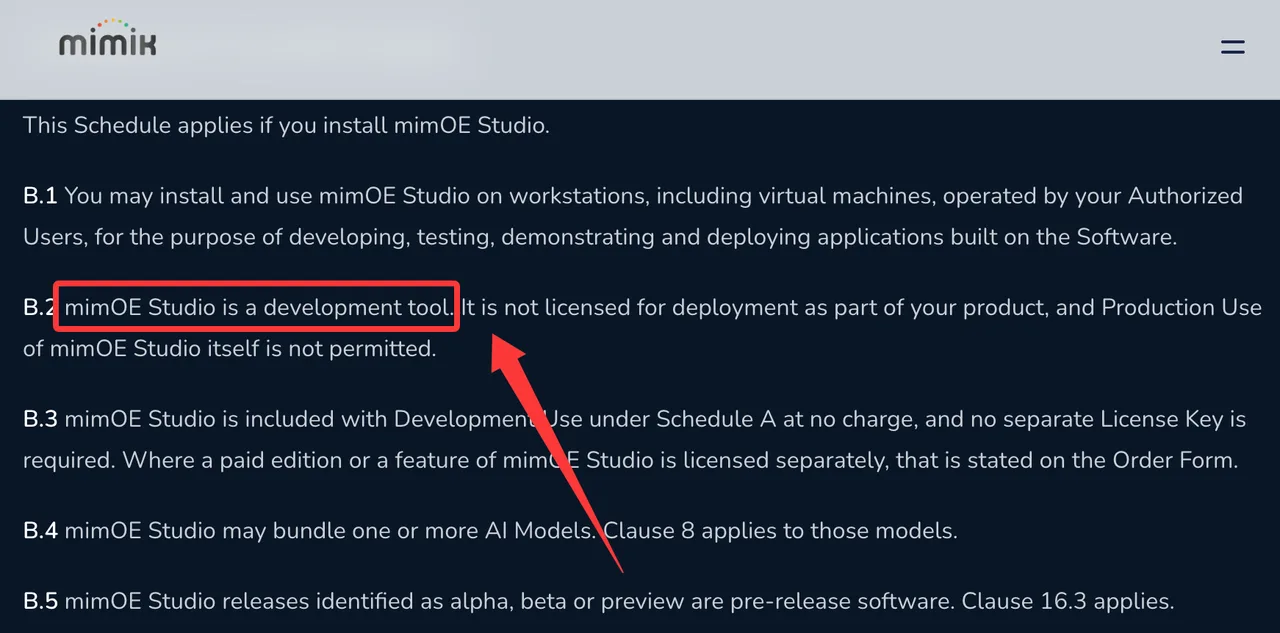
That changes how I would use it. Studio belongs in build, validation, and operations review. The runtime and commercial license decide production use.
This mimOE Studio review lands in a specific place: useful for seeing hybrid agent behavior, not enough by itself to approve a distributed production architecture. Good enough as a workstation. Not enough as a sign-off packet.
FAQ
Does mimOE Studio support shared projects for multiple developers?
Public materials mention projects, team plans, and enterprise onboarding. I did not find a detailed public workflow for shared projects, branch-style collaboration, or role-scoped project editing. Verify this with mimik before assuming multi-developer project governance.
Which desktop operating systems currently run mimOE Studio?
The product page says mimOE Studio runs on macOS and Windows for desktop use. The macOS download page I checked lists Apple Silicon and macOS 26 or later. For Windows, I would verify the current installer from the developer portal before a team rollout.
Can mimOE Studio import third-party agent manifests without conversion?
I did not find public evidence for direct import of third-party agent manifests. The public message is “bring your own framework” and point inference at mimOE, which is not the same as importing another system’s manifest as-is.
How are Studio licenses assigned across development machines?
Public terms say Studio is included with Development Use at no charge unless a paid edition or feature is stated on an order form. The FAQ says Studio is commonly licensed per seat for developers and architects. Exact assignment rules belong in the account or order form.
Does mimOE Studio retain prompts after projects close?
I could not verify a Studio-specific prompt retention rule. The mimik Privacy Policy discusses personal information, logs, diagnostics, and retention in general terms. Since Studio traces may include inputs and outputs, I would treat prompt retention as unresolved until mimik documents it directly.
This is where my data ends.
Previous posts:
/filters:quality(82)/media/images/b73c2438-6bdd-4b80-a229-8d71d8f819cf.webp)
/filters:quality(82)/media/images/427fd9f2-347d-4f86-a2d5-aee110cda01d.webp)
/filters:quality(82)/media/images/1773962750383987480_n3hqzHRZ.webp)
/filters:quality(82)/media/images/43fa0e7f-a0db-48d7-9bab-921d1225db30.webp)
/filters:quality(82)/media/images/5799ff56-3a73-40ca-a666-e4965d878496.webp)
/filters:quality(82)/media/images/7a8850fc-caf6-482f-ac4d-5ddbe64ec47c.webp)