Meta Model API Explained for Developers
Meta Model API gives developers preview access to Meta models. Learn its access scope, request flow, supported tools, and production limits.
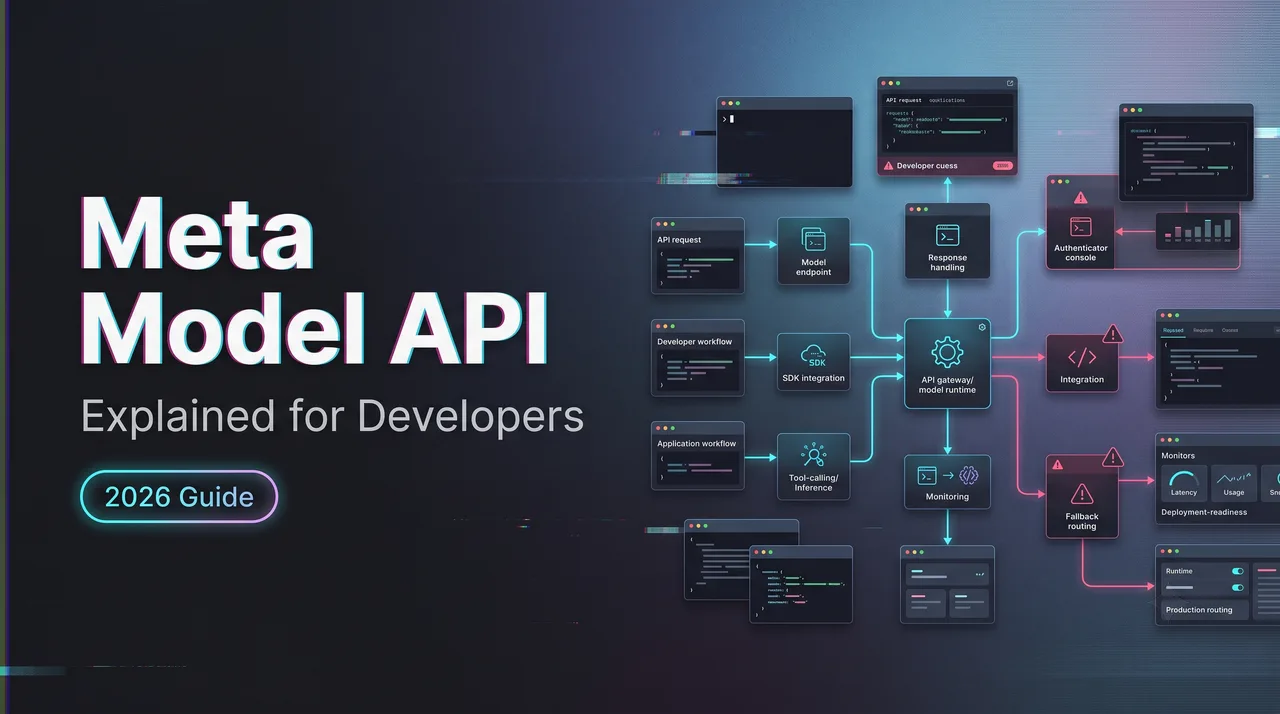
I paused here because the Meta Model API is still public preview as of August 10, 2026. That changes the evaluation. Not GA. Not assumed SLA. A preview API with Muse Spark 1.1 as the first supported model, currently framed for US developers.
If your team is comparing direct Meta access against an aggregation layer, the question is not “is Muse Spark good?” This piece is about the API surface: access, compatibility, routing, production limits, and who owns the risks before customer traffic touches it.
What the Meta Model API Provides
Public Preview Access and Regional Availability
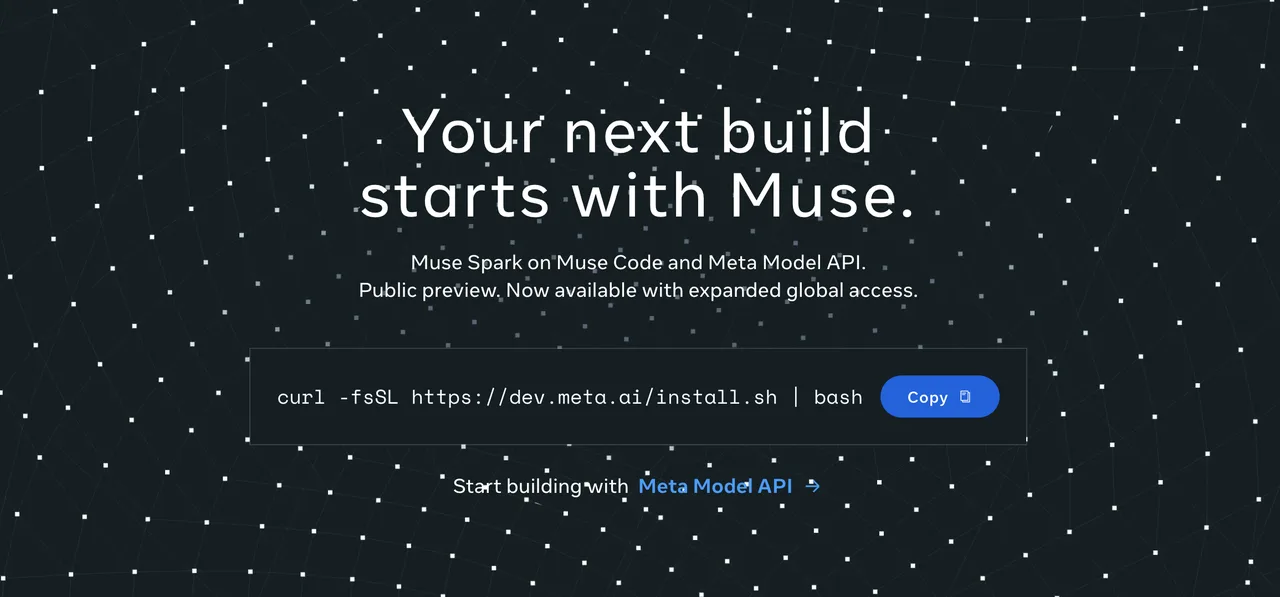
Meta’s AI developer page describes Muse Spark on Meta Model API as public preview for US developers, with self-serve access and free credits to start building through Meta’s AI developer page.
Treat that wording literally. Public preview means available to test. It does not mean stable contract, GA support, or production guarantees.
The region point matters. If your product team, billing entity, or deployment path sits outside the US, verify access from the actual organization before planning around it.
Muse Spark as the First Supported Model
Meta’s July 9, 2026 announcement says developers can access Muse Spark 1.1 through the new Meta Model API public preview. It describes Muse Spark 1.1 as a multimodal reasoning model for agentic tasks, coding, tool use, computer use, and multimodal understanding. That makes Muse Spark the first API model to evaluate, not a full catalog.
How the Developer Workflow Fits Together
API Keys, Base URLs, and OpenAI-Compatible Clients
The useful claim is compatibility. Meta says developers can generate an API key, point existing OpenAI SDK code at Meta Model API, and start testing. That lowers switching cost. It does not erase provider differences.
An OpenAI-compatible API can still differ in response fields, errors, tool semantics, rate-limit headers, search metadata, and refusal behavior. I would wrap it behind a provider adapter from day one.
Track provider name, model ID, base URL, SDK version, request type, tool settings, grounding flag, latency, token usage, and raw response. Good enough for a demo is not enough for production.
Responses, Tool Calls, and Search Grounding
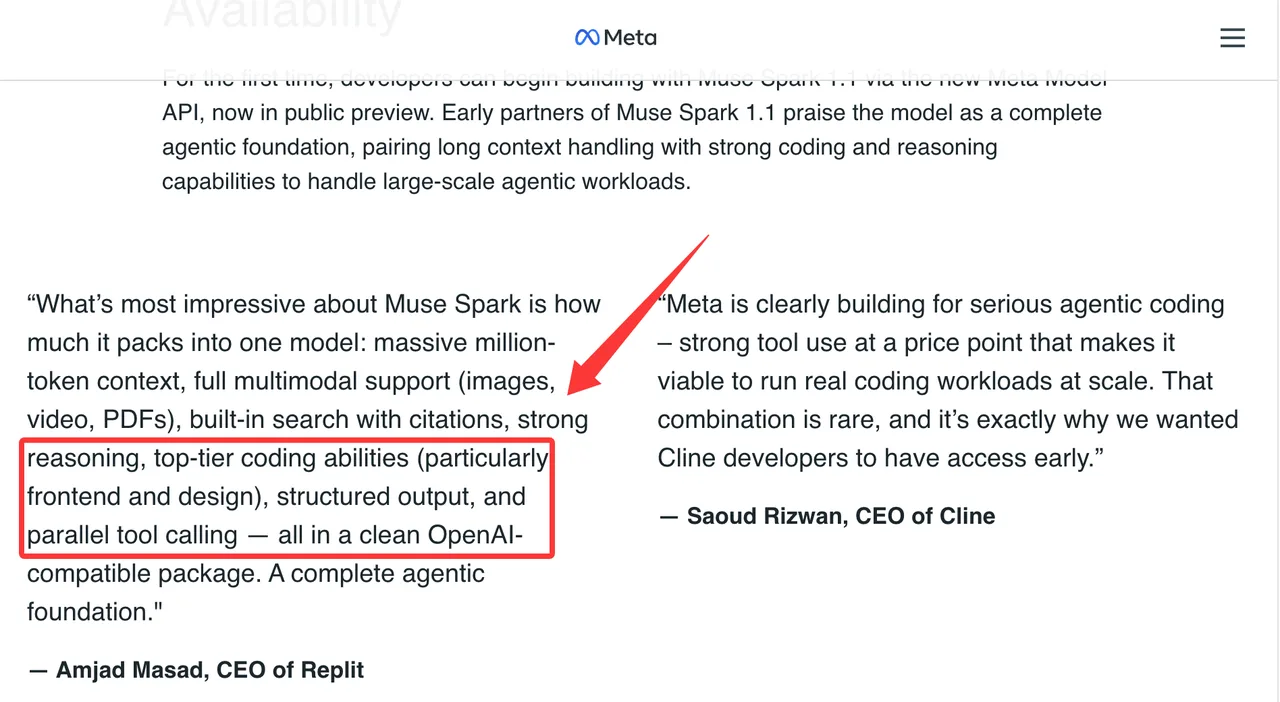
Meta positions Muse Spark 1.1 around tool use, structured output, parallel tool calling, and built-in search with citations in its Muse Spark 1.1 announcement. Test those features separately.
Search grounding needs its own eval set. Ask questions where recency matters. Check citations. Check unsupported claims. Measure latency and cost. Tool calls need the same treatment. Names, arguments, parallel execution, partial failures, and refusal behavior may not match your current provider.
Found the pattern on the third try: compatibility gets the first request working. It does not guarantee operational parity.
Where the API Fits in a Multi-Model Stack
Direct Meta Access Versus an Aggregation Layer
Direct access is cleaner when you want Meta-specific behavior, direct account control, and fewer intermediaries. It also makes your team own keys, quotas, logs, fallbacks, usage reports, and support escalation.
An aggregation layer is useful when your product already routes across providers. WaveSpeed belongs in that decision scene, not as a claim that it currently hosts Muse Spark.
The direct path is usually better for first evaluation. A routing layer becomes more useful when model comparisons, fallback policies, spend caps, and provider migration matter.
Version Pinning, Fallbacks, and Observability
Do not call “Muse Spark” in production code without pinning the exact model ID shown in the Meta Model API docs on publish day. Preview models move. Names change. Defaults change.
Pin the model version in config. Record raw model ID in logs. Keep fallback off for evaluation traffic. Add fallback only after side-by-side tests.
Observability should expose normalized fields for product code and preserve raw Meta responses for debugging. That split prevents provider migration from becoming cleanup work.
Production Limits and Trade-Offs
Preview Stability, Quotas, Pricing, and Data Policies
Preview status is the main production fact. Meta’s public pages mention free credits and preview access, but quotas, pricing, and account limits should be verified in the current developer dashboard before rollout.
Pricing needs task-level modeling. A low token price can still become expensive with long context, tool loops, search grounding, retries, and verbose outputs.
Data policy and commercial terms need legal review. This is risk identification, not legal advice. Verify prompt, output, metadata, tool trace, and retention terms before customer data flows through the API.
What Preview Status Means for Production Teams
Use preview for evaluation, internal prototypes, offline benchmarks, coding-agent tests, and non-customer workflows.
Before production, confirm region availability, model ID, base URL, SDK compatibility, quota, pricing, data policy, tool behavior, search behavior, fallback behavior, and support escalation. Better than expected — but only slightly — is a valid preview result. It means keep testing. It does not mean broad rollout.

FAQ
Can one organization separate keys across multiple engineering teams?
Only if Meta’s current developer account structure supports it. Verify whether keys can be separated by team, project, environment, or billing owner. Production, staging, evaluation, and local development should not share one key.
How should client libraries expose provider-specific response fields?
Expose a normalized object for application code and preserve raw provider data for debugging. Do not throw away Meta-specific fields. Do not let product code depend on every raw field either. That becomes migration debt.
Who should own Meta API quota changes inside a team?
Platform should own quota requests and records. Product teams should own demand forecasts. Quota changes affect cost, reliability, and customer commitments. They should not be handled ad hoc.
Should evaluation traffic use a separate project from production?
Yes. Use a separate project or key whenever Meta’s account model allows it. Evaluation traffic includes failed prompts, adversarial cases, and debugging traces. Mixing it with production makes cost and incident analysis worse.
How can support logs avoid exposing user prompt content?
Log metadata by default. Store full prompts only with a defined support need, retention limit, access control, and redaction path. Useful logs include request ID, model ID, latency, status code, token count, tool flags, search setting, and error class.
Conclusion
The Meta Model API is worth testing because it gives developers direct access to Muse Spark 1.1 through a familiar OpenAI-compatible API path. Useful. Still preview.
Pin the model. Wrap responses. Separate keys. Track quotas. Keep evaluation apart from production. Review data terms before customer traffic.
Run it yourself. That’ll tell you more than anything I say.
Previous posts: