MiniMax Music 3 in ComfyUI: Setup, Prompts, and Fixes
MiniMax Music 3 ComfyUI setup uses native nodes and official weights. Install the model, format prompts, run a song, and fix common failures.
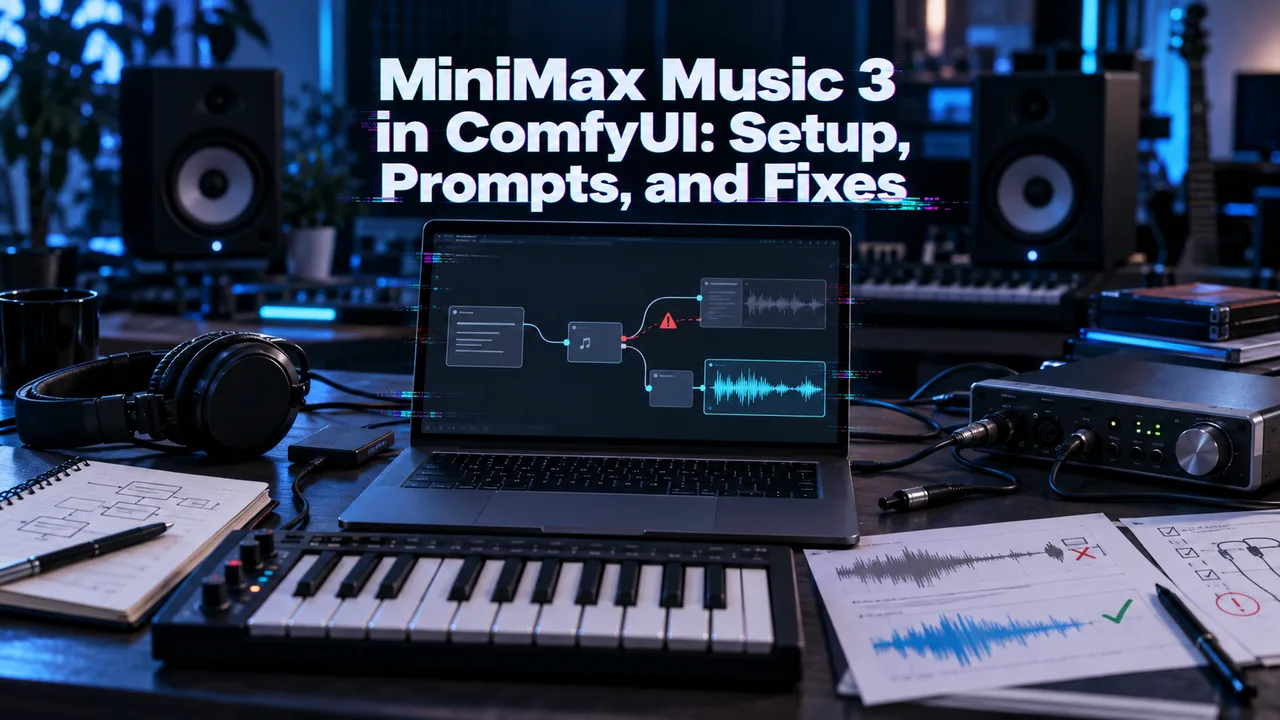
A MiniMax Music 3 ComfyUI setup often fails before generating a note: the build lacks native nodes, or a weight sits in the wrong folder. I treat the first run as an installation test, not a song contest. Start short, then attempt a full track.
Before You Start with MiniMax Music 3 in ComfyUI
Record the GPU, VRAM, ComfyUI version, model filenames, requested duration, generation time, and exact error. Without a hardware run, I will not invent a minimum VRAM figure or runtime.
Check Your ComfyUI Version and Native Node Support
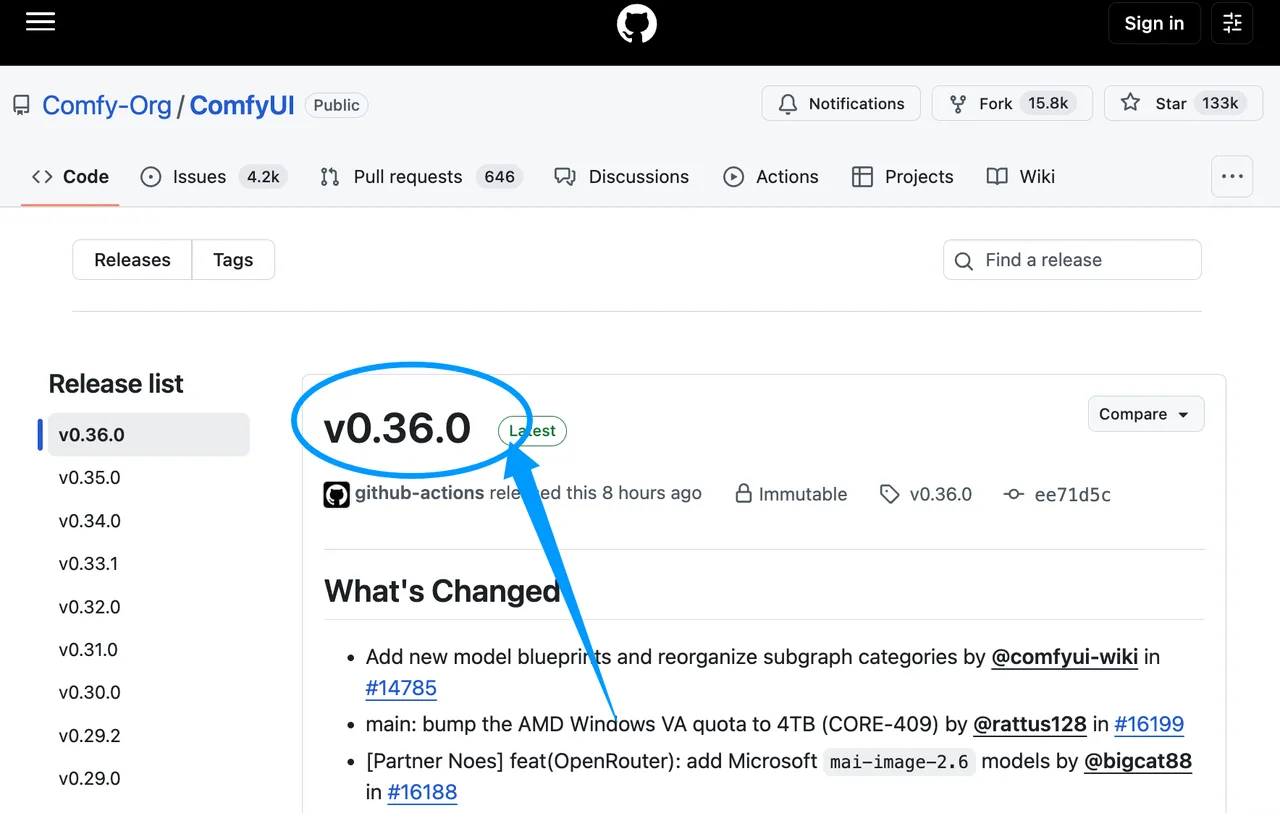
Update before installing custom nodes. Native Music 3 support appeared in v0.33.1; the current ComfyUI release page lists v0.36.0, released September 15, 2026.
Restart and search for “MiniMax Music3 Text Encode” and “Empty MiniMax Music3 Latent Audio.” The native node source defines both. If absent, verify which Python environment and ComfyUI checkout launched.
Download the Official Model Files
Use these official template filenames:
MiniMax_music3_dit_fp16.safetensors, or low-memoryMiniMax_music3_dit_int8_convrot.safetensorsMiniMax_music3_text_encoder_pruned_int8_convrot.safetensorsMiniMax_music3_dav.safetensors
Use the download links embedded in Comfy-Org’s official workflow template. Do not rename the MiniMax Music 3 model files during setup.
Build Your First Music Generation Workflow
Start from the template. Once the ComfyUI audio generation graph produces a short track, duplicate it for production.
Connect Text Encoding, Latent Audio, and Decode Nodes
The minimal MiniMax Music 3 workflow is:
CLIPLoader → MiniMaxMusic3TextEncode → conditioning
UNETLoader + conditioning + EmptyMiniMaxMusic3LatentAudio → KSampler → VAEDecodeAudio → Preview/Save Audio
Load the DAV weight through VAELoader. Send the text encoder’s duration output to the empty latent node, and create negative conditioning with ConditioningZeroOut. Use VAEDecodeAudioTiled when memory pressure justifies tiled decoding.
Place Each Model File in the Correct Directory
The folder names are functional:
| File | Directory |
|---|---|
| DiT FP16 or INT8 | models/diffusion_models/ |
| Text encoder | models/text_encoders/ |
| DAV decoder | models/vae/ |
Restart or refresh model lists after copying. If a loader remains empty, compare the literal filename and path before changing packages. ComfyUI will not search the folder someone optimistically named “New Folder 3.”
Run a Minimal Track and Verify the Output
Use batch size 1 and 30–60 seconds. Keep the template sampler, one fixed seed, a plain caption, and two lyric sections.
Confirm the Workflow Completes Without Node or Model Errors
A successful run reaches decoding and returns an AUDIO object. Watch the terminal for the last completed node; “stalled” means little until loading, sampling, and decoding are separated.
Save the full error text. Unknown-node MiniMax Music 3 errors point toward the build. Loader errors usually indicate a filename, directory, or weight mismatch. Rerun the unchanged graph before calling a workaround successful.
Check That the Decoded Audio File Opens and Matches the Requested Duration
Open the result outside ComfyUI and confirm playable stereo audio. Compare measured and requested duration, but treat max_duration as a ceiling: the native node allows the song to end earlier.
Record sample rate and channels. The MiniMax Music 3 repository describes 32 kHz, 16-bit stereo output for its reference path. ComfyUI saving or later conversion can change the encoding.
Write Captions and Lyrics the Model Can Follow
Keep musical direction in the caption and sung words in the lyrics field.
Define Genre, Vocals, Arrangement, and Song Structure
Useful MiniMax Music 3 prompts have three compact blocks:
- Global Metadata: genre, mood, tempo, and production profile
- Vocal Details: voice, delivery, harmonies, and effects
- Arrangement: instruments, groove, density, and section development
Prefer observable direction. “Close-miked female lead, restrained verse, doubled chorus” is more actionable than “beautiful emotional vocals.”
Use Section Tags Without Overconstraining the Track
Use [Intro], [Verse], [Chorus], [Bridge], [Instrumental], and [Outro]. Keep the caption and lyric structure consistent.
Do not assign a new instrument, vocal treatment, and key change every four bars. MiniMax says tags provide generative control, not symbolic guarantees. Fewer instructions make arrangement drift easier to diagnose.
Fix Common MiniMax Music 3 ComfyUI Problems

Before running further, I narrow the variables: current build, official template, exact filenames, batch size 1, and short duration.
Resolve Missing Nodes and Incorrect Model Paths
Update to a supported release, restart the correct environment, and reload the official template. Verify all three directories character for character.
If nodes remain missing, launch once with custom nodes disabled and preserve the startup log. This separates a core-version problem from an extension conflict without pretending the fault is already solved.
Reduce VRAM Failures and Long Generation Stalls
Shorten duration, keep batch size 1, try the INT8 DiT, and enable tiled decoding. Change one item per rerun; record peak VRAM and the last active node.
MiniMax’s SGLang-Omni example assigns inference across two CUDA GPUs. That is not a published ComfyUI minimum. Local capacity depends on the graph, weights, duration, backend, and GPU.
FAQ
Does MiniMax Music 3 support batch generation in ComfyUI?
Yes. The empty-latent node exposes batch_size, but memory rises with it. Compare true batches with sequential queued jobs before choosing a production route.
Can ComfyUI save MiniMax Music 3 output as FLAC or MP3?
Yes. Built-in audio saving supports FLAC, while advanced saving supports FLAC, MP3, and Opus. Keep a lossless master before delivery conversion.
Does the native workflow support resumable music generation?
No partial-song resume is documented. Saving a workflow or latent does not resume interrupted autoregressive generation; failed jobs should be restarted.
Can one seed reproduce a song across ComfyUI versions?
Not reliably. Results also depend on the commit, weight hashes, sampler, scheduler, precision, backend, and hardware. Archive those details with the seed.
Which MiniMax Music 3 license terms apply to client music?
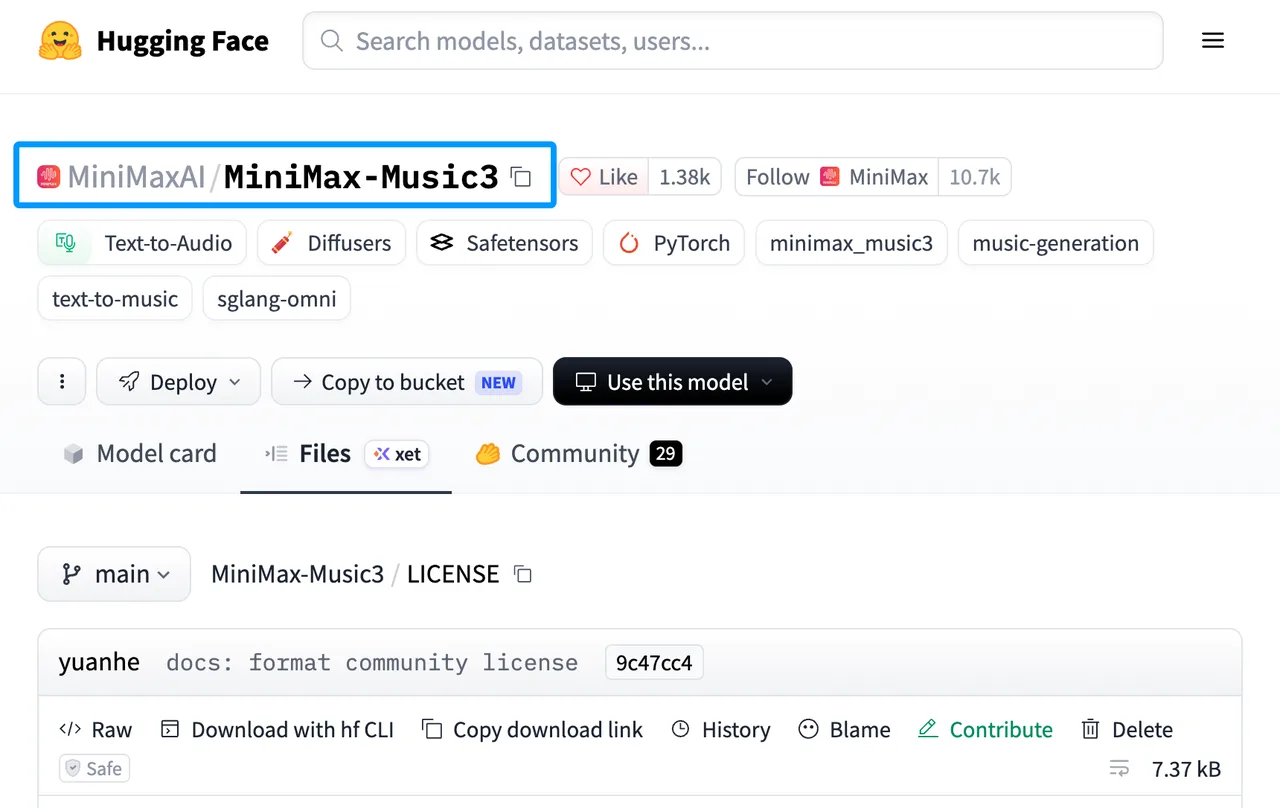
The current MiniMax-Music3 Community License permits commercial use subject to its applicable conditions, including the Acceptable Use Policy; branding, safeguard, and revenue-threshold requirements apply in the circumstances specified by the license. This is general information, not legal advice. Send client-delivery decisions to legal or compliance.
Conclusion
A stable MiniMax music 3 ComfyUI setup starts with version control, exact paths, and one short acceptance run. Improve the caption and duration only after it passes. Keep the environment record beside every approved track; the next failure needs the original error, not a memory of which dropdown looked right.
Previous posts: