Add a photo
Choose, drop or paste a photo (JPG, PNG, WebP) of one person with the face in view.
Pick an eye color and the irises in your photo change, keeping the pupil, the dark rim and the catchlight.
Turn down the strength for a natural look. Everything runs on your device.
A JPG, PNG or WebP photo of one person, with the face and hair in view.
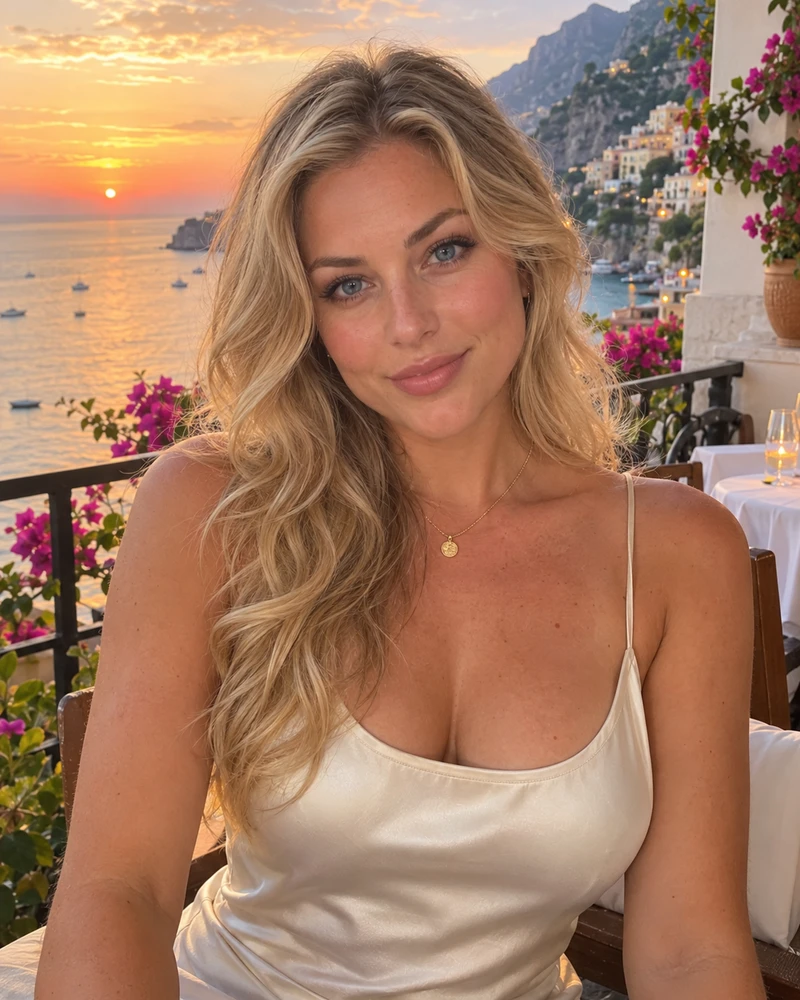
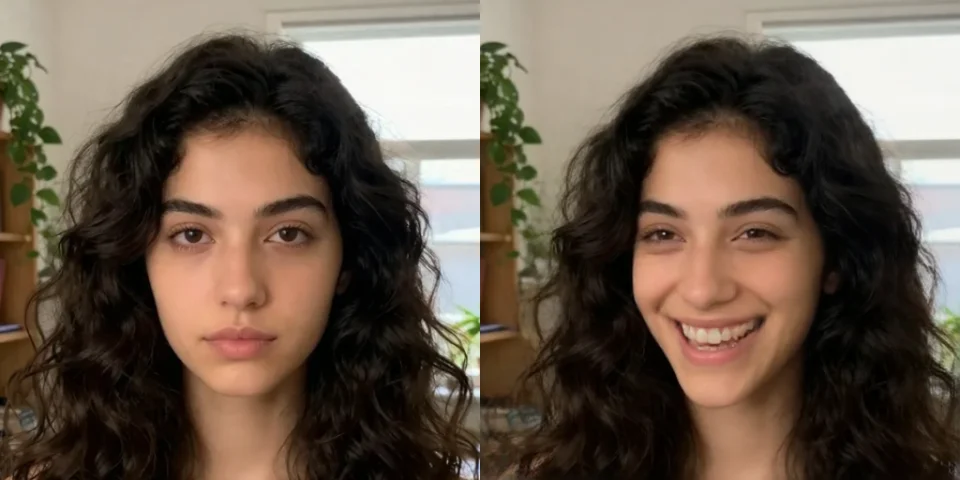
Or paste a photo. Up to 40 MB.AI-made portraits, no real people. Choose one and try a new color.
Choose, drop or paste a photo (JPG, PNG, WebP) of one person with the face in view.
On the Eyes tab choose a color or any shade you like, then adjust the strength.
Hold the compare button to see the original, then download the photo.
Restyle a photo with WaveSpeed AI: new hairstyles, outfits and backgrounds from a prompt.
Make a photo move, talk or dance.
Edit a photo with a prompt: hairstyle, clothes, background or style.
Turn a picture of an object into a 3D model.
$1 in free credits for eligible new accounts. No card needed. Generators have separate account and credit requirements. The color changer is free.
Add the photo, open the Eyes tab and pick a color. Lower the strength for a more natural look, then download.
The pupil, the light reflection and the shading of the iris are kept, so subtle colors look natural. Strong colors look like contact lenses.
Closed, squinting or very small eyes, or sunglasses, may not be found. Use a photo where the eyes are open and clear.
No. The photo is processed in your browser and never leaves your device.
Hair, eyes and lips · Natural shine and shading · Free, no upload