Add a photo
Choose, drop or paste a photo (JPG, PNG, WebP) of one person with the face and hair in view.
Pick a shade and the hair, the eyes or the lips in your photo change color while keeping their shine, strands and shadows.
Try blonde, red or blue hair, green or amber eyes, a berry lipstick, or mix them. Everything runs on your device.
A JPG, PNG or WebP photo of one person, with the face and hair in view.
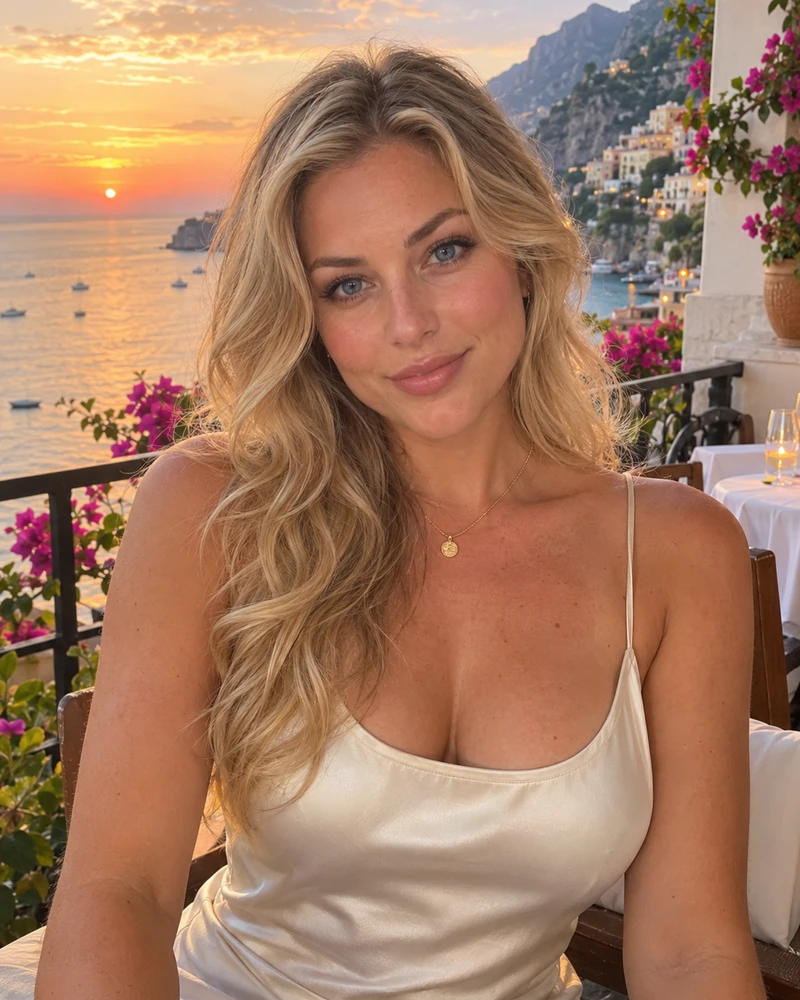
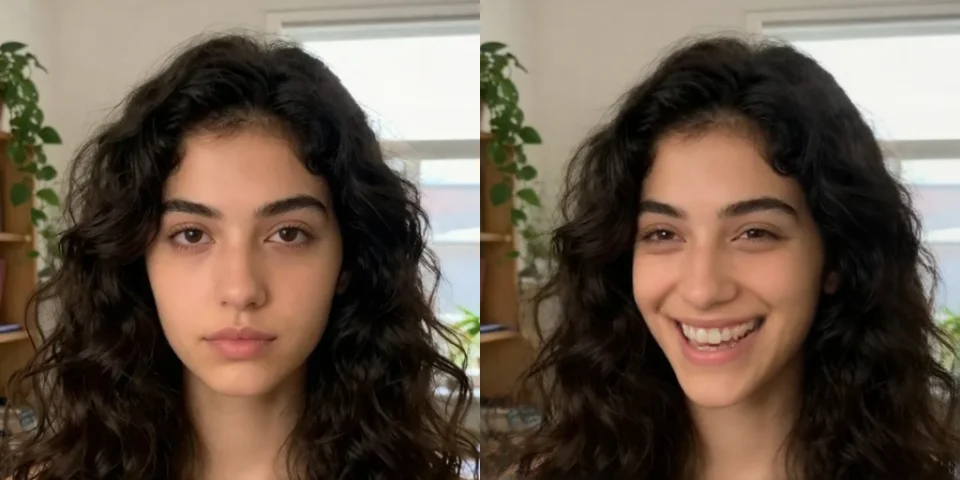
Or paste a photo. Up to 40 MB.AI-made portraits, no real people. Choose one and try a new color.
Choose, drop or paste a photo (JPG, PNG, WebP) of one person with the face and hair in view.
Choose Hair, Eyes or Lips, then a shade, or any color you like. Adjust the strength and brightness.
Hold the compare button to see the original, then download the photo.
Restyle a photo with WaveSpeed AI: new hairstyles, outfits and backgrounds from a prompt.
Make a photo move, talk or dance.
Edit a photo with a prompt: hairstyle, clothes, background or style.
Turn a picture of an object into a 3D model.
$1 in free credits for eligible new accounts. No card needed. Generators have separate account and credit requirements. The color changer is free.
Yes. Try as many colors and photos as you like with no account and no watermark.
No. The photo is processed in your browser and never leaves your device. The first time, your browser downloads small face models (about 11 MB) and keeps them for next time.
The tool finds the face, then the hair, the irises and the lips. It changes their color but keeps each pixel's own light and shade, so strands, shine and shadows stay and the result does not look painted on.
Yes. The brightness slider decides how far the hair follows the lightness of the shade: raise it for blonde, platinum or pastel colors on dark hair, lower it to keep the hair's own depth.
Yes. The Eyes and Lips tabs work the same way, and you can combine hair, eyes and lips in one photo before you download.
Thin strands, hair against a similar background, hats or hair that is partly outside the picture may be only partly found. A photo with the hair clearly separate from the background works best.
It changes the largest face and its hair. Crop to the person first if you want a different one.
Free, private and no sign-up. Your photo never leaves your device.
/filters:quality(82)/media/images/1791123751656780930_IfFPY7R0.webp)
/filters:quality(82)/media/images/1791123737177812425_RjKT3cku.webp)
/filters:quality(82)/media/images/1791123748309870128_xlkNgK8N.webp)
/filters:quality(82)/media/images/1791123738630744263_oR09R0aj.webp)
/filters:quality(82)/media/images/1791177033162457776_uQ09OY7g.webp)
/filters:quality(82)/media/images/1791123734319125607_JdnwGPY7.webp)
/filters:quality(82)/media/images/1791123746355630206_udnxGPY7.webp)
/filters:quality(82)/media/images/1791123744771362580_yC0sPezZ.webp)
/filters:quality(82)/media/images/1791123738606970169_5KIR1ais.webp)
/filters:quality(82)/media/images/1791123748197655725_EUmuFNW6.webp)