Add a photo
Choose, drop or paste a photo (JPG, PNG, WebP) of one person looking toward the camera.
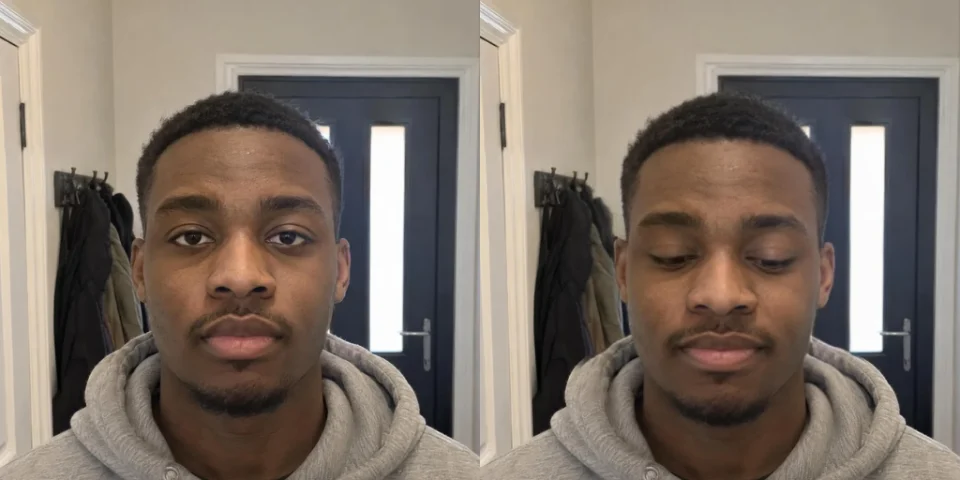
Drag a slider and the face in your photo changes: a gentle smile, a wide smile, open or closed eyes, where the eyes look, an open mouth, a turn, a nod or a tilt of the head.
Only the face is redrawn, the rest of the picture stays as it is. Everything runs on your device.
A JPG, PNG or WebP photo of one person looking toward the camera.
Or paste a photo. Up to 30 MB.AI-made portraits, no real people. Choose one and change its expression.
Choose, drop or paste a photo (JPG, PNG, WebP) of one person looking toward the camera.
Press Start editing. The first time, the face models are downloaded to your browser.
Add a smile, open the eyes or turn the head, hold the compare button to see the original, then download the photo.
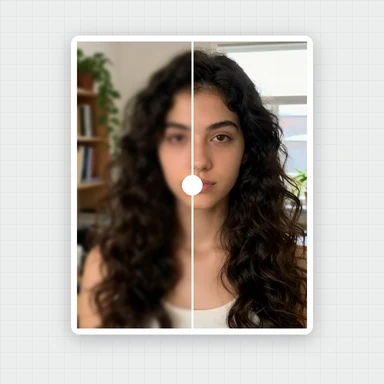
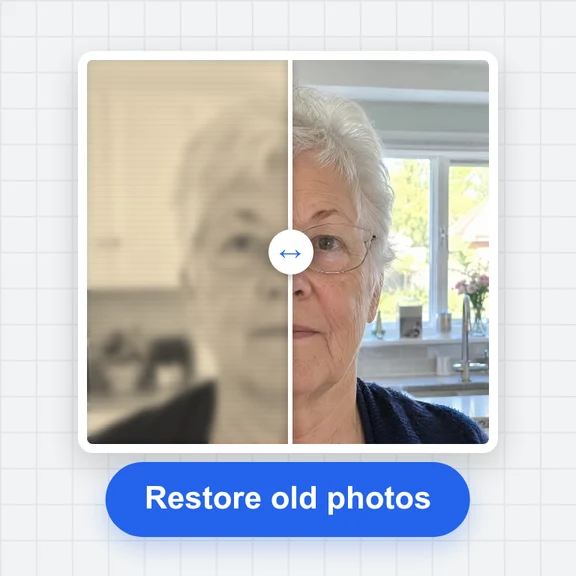
Edit, repaint or extend a photo with WaveSpeed AI.
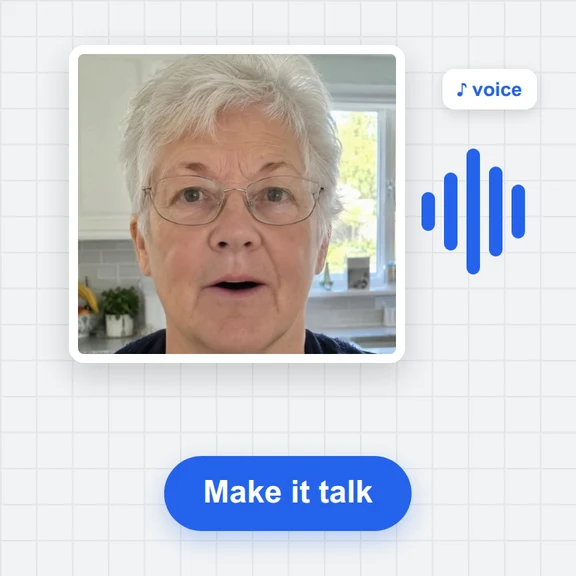
Make a photo move, talk or dance.
Edit a photo with a prompt: change clothes, background or style.
Turn a picture of an object into a 3D model.
$1 in free credits for eligible new accounts. No card needed. Generators have separate account and credit requirements. The expression editor is free.
Yes. Edit as many photos as you like with no account and no watermark.
No. The photo is processed in your browser and never leaves your device. The first time, your browser downloads the face models (about 290 MB) and keeps them for next time.
The tool finds the face, works out its pose and expression and redraws it with the change you asked for. The redrawn face is blended back into the photo; the background and the body stay as they are.
One person looking roughly toward the camera, with the whole face visible and not too small. Sunglasses, hands over the face and extreme angles give worse results, and strong settings can look unnatural.
Yes: move the eyes slider toward wide to open the eyes a little. The result is a new drawing of the eyes, so very closed eyes in a small face may look less natural.
Redrawing a face is heavy. It runs on your graphics card through the browser; without it the tool can't run. Try a recent Chrome or Edge on a computer.
Only edit photos you have the right to use, and don't use the result to mislead anyone.
Free, private and no sign-up. Your photo never leaves your device.
/filters:quality(82)/media/images/1791123751656780930_IfFPY7R0.webp)
/filters:quality(82)/media/images/1791123737177812425_RjKT3cku.webp)
/filters:quality(82)/media/images/1791123748309870128_xlkNgK8N.webp)
/filters:quality(82)/media/images/1791123738630744263_oR09R0aj.webp)
/filters:quality(82)/media/images/1791177033162457776_uQ09OY7g.webp)
/filters:quality(82)/media/images/1791123734319125607_JdnwGPY7.webp)
/filters:quality(82)/media/images/1791123746355630206_udnxGPY7.webp)
/filters:quality(82)/media/images/1791123744771362580_yC0sPezZ.webp)
/filters:quality(82)/media/images/1791123738606970169_5KIR1ais.webp)
/filters:quality(82)/media/images/1791123748197655725_EUmuFNW6.webp)