Open the figure
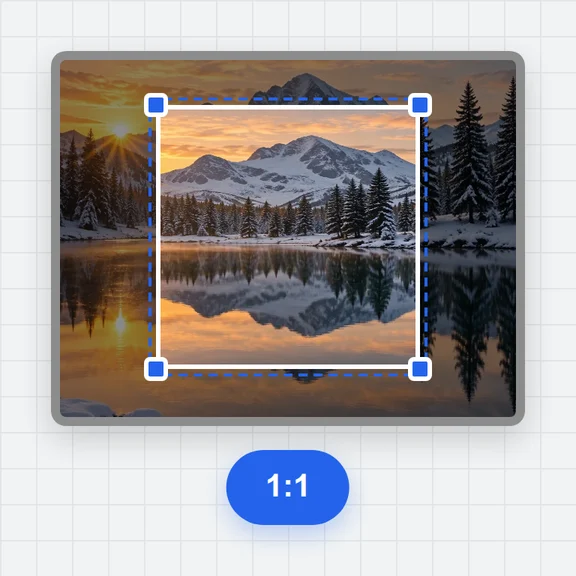
Open the image or the PDF page, and crop to the chart you need.
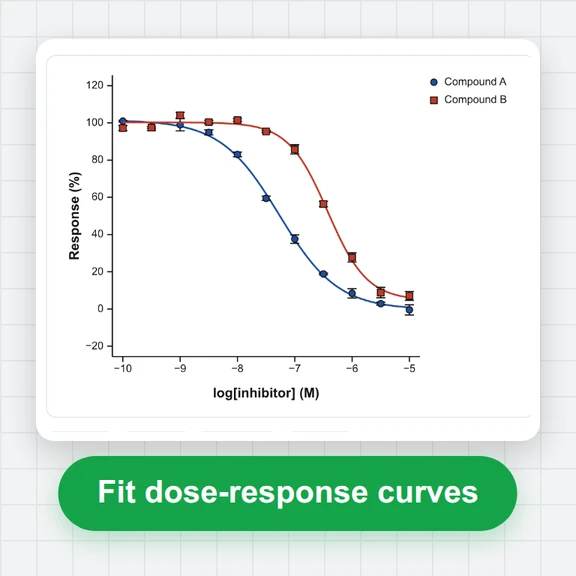
Recover the data behind a figure in a paper, a datasheet or a report.
Lines, markers and bars are found by colour; anything else you click.
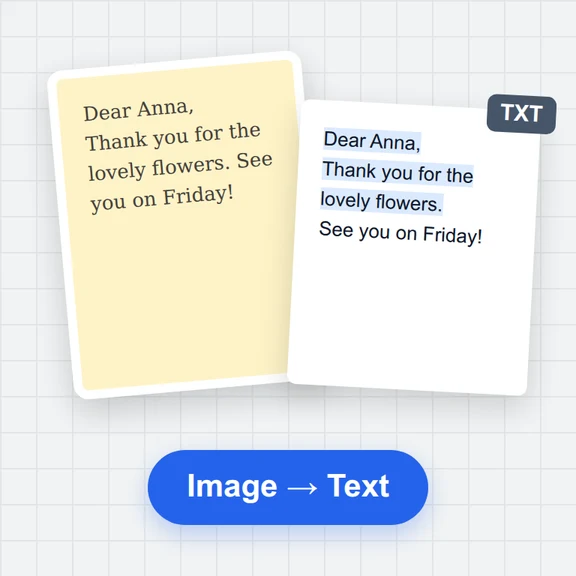
An image, a screenshot from the clipboard, or a page of a PDF.
PNG, JPG, WebP, GIF, BMP or PDF · or paste a screenshot · or a saved project (.json)Open the image or the PDF page, and crop to the chart you need.
Click two points on each axis whose values you know, and type the values.
Pick the colour of the line or markers, paint the area to search if needed, and press Find points. Check the result and export.
Create figures, cover images and explainer clips for papers, posters and talks with WaveSpeed AI.
Make an illustration or a graphical abstract from a prompt.
Turn a still figure into a short animated clip for a talk.
Turn a sketch or photo of an object into a 3D model.
$1 in free credits for eligible new accounts. No card needed. Generators have separate account and credit requirements. The plot digitizer is free.
Points are measured to a fraction of a pixel; on test charts with known data the average error was well under one pixel. Zoom in when you place the axis points, since that is where most error comes from.
Yes, when they have different colours: put each in its own dataset and extract each colour in turn. Lines of the same colour that cross have to be separated by painting the area to search.
Yes. Rotated or skewed scans are handled by the axis calibration, and warped ones by fitting three or more known points.
Yes. Everything happens in your browser; the figure and the data are never uploaded.
Automatic by colour · Rotated scans handled · Free and private
/filters:quality(82)/media/images/1791123751656780930_IfFPY7R0.webp)
/filters:quality(82)/media/images/1791123737177812425_RjKT3cku.webp)
/filters:quality(82)/media/images/1791123748309870128_xlkNgK8N.webp)
/filters:quality(82)/media/images/1791123738630744263_oR09R0aj.webp)
/filters:quality(82)/media/images/1791177033162457776_uQ09OY7g.webp)
/filters:quality(82)/media/images/1791123734319125607_JdnwGPY7.webp)
/filters:quality(82)/media/images/1791123746355630206_udnxGPY7.webp)
/filters:quality(82)/media/images/1791123744771362580_yC0sPezZ.webp)
/filters:quality(82)/media/images/1791123738606970169_5KIR1ais.webp)
/filters:quality(82)/media/images/1791123748197655725_EUmuFNW6.webp)