Open the bar chart
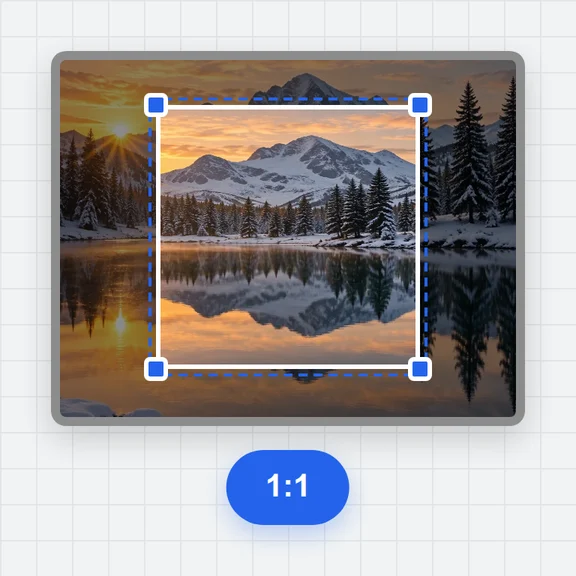
Drop the image or open the PDF page, and crop to the chart.
Get the heights of the bars in a bar chart picture as numbers.
Set two values on the value axis, pick the bar colour, and the bars are measured.
An image, a screenshot from the clipboard, or a page of a PDF.
PNG, JPG, WebP, GIF, BMP or PDF · or paste a screenshot · or a saved project (.json)Drop the image or open the PDF page, and crop to the chart.
Click two ticks on the value axis, such as 0 and the top one, and type their values.
Pick the bar colour and press Find points. Name the bars in the table and export.
Create figures, cover images and explainer clips for papers, posters and talks with WaveSpeed AI.
Make an illustration or a graphical abstract from a prompt.
Turn a still figure into a short animated clip for a talk.
Turn a sketch or photo of an object into a 3D model.
$1 in free credits for eligible new accounts. No card needed. Generators have separate account and credit requirements. The plot digitizer is free.
Yes. Place the value axis points along whichever axis carries the values; bars are measured along it.
Groups with different colours are read one colour at a time into separate datasets. For stacked bars each segment is measured from its own start, so subtract or add as needed.
Yes. Bars are numbered left to right, and you can type a label for each in the table; labels are included in the export.
Yes. No sign-up, no limits, and the chart never leaves your browser.
Vertical or horizontal · Negative bars too · CSV and Excel
/filters:quality(82)/media/images/1791123751656780930_IfFPY7R0.webp)
/filters:quality(82)/media/images/1791123737177812425_RjKT3cku.webp)
/filters:quality(82)/media/images/1791123748309870128_xlkNgK8N.webp)
/filters:quality(82)/media/images/1791123738630744263_oR09R0aj.webp)
/filters:quality(82)/media/images/1791177033162457776_uQ09OY7g.webp)
/filters:quality(82)/media/images/1791123734319125607_JdnwGPY7.webp)
/filters:quality(82)/media/images/1791123746355630206_udnxGPY7.webp)
/filters:quality(82)/media/images/1791123744771362580_yC0sPezZ.webp)
/filters:quality(82)/media/images/1791123738606970169_5KIR1ais.webp)
/filters:quality(82)/media/images/1791123748197655725_EUmuFNW6.webp)