Add two images
Drop, paste or choose image A and image B.
Put two images next to each other and zoom into the same spot on both at once.
Switch to the slider, overlay, blink or difference view whenever you need a closer look.
Drop an image here, paste one, or choose a file.
Drop an image here, paste one, or choose a file.
Drop two images anywhere here to compare them. JPG, PNG, WebP, GIF, BMP or AVIF, up to 100 MB each.
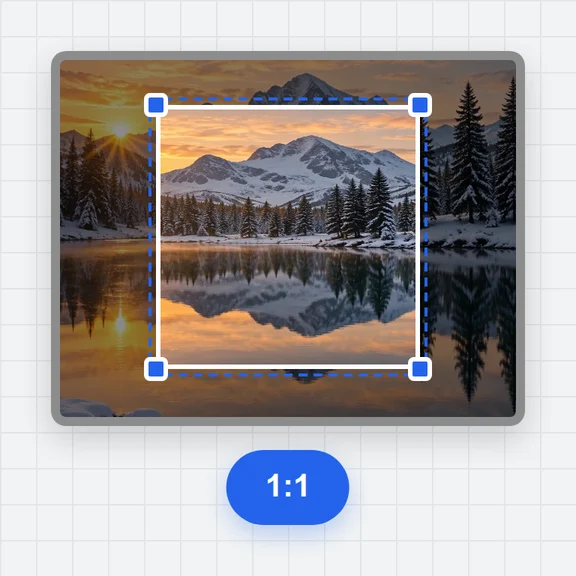
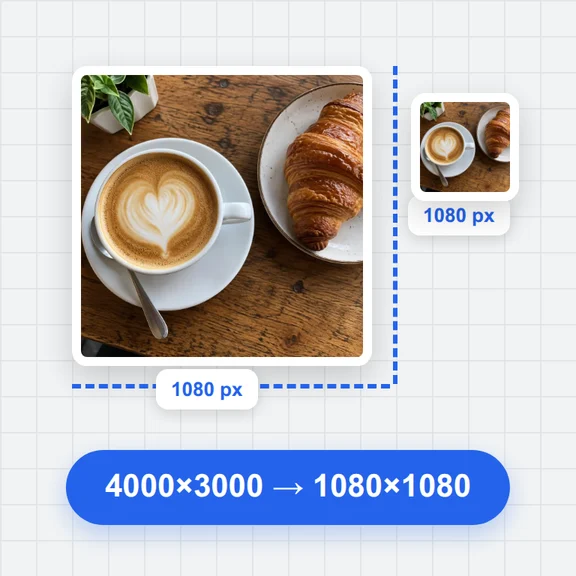
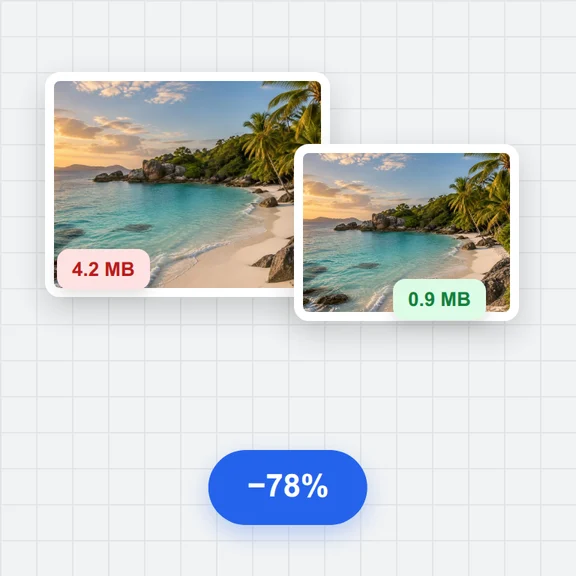
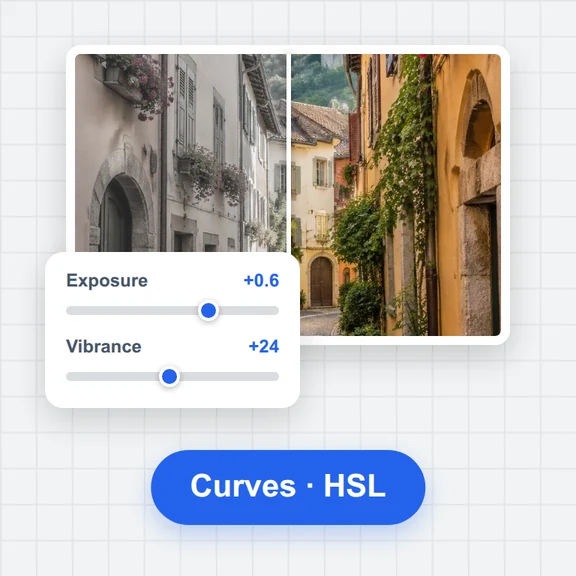
Each example opens a photo next to an edited copy made in your browser. Your own images work the same way.
Drop, paste or choose image A and image B.
Zoom with the buttons or Ctrl/⌘ + scroll and drag to move; both sides follow.
See changed pixels, PSNR and SSIM, then save the view as a PNG.
Create or edit photos with WaveSpeed AI, then check the result against the original here.
Make photos, product shots and illustrations from a prompt.
Turn a still image into a short video clip.
Turn a picture into a 3D model.
$1 in free credits for eligible new accounts. No card needed. Generators have separate account and credit requirements. The Compare Images is free.
Add both images and choose Side by side. Zooming or dragging one side moves the other the same way.
Yes. You get a warning, and B is stretched to A by default. Align it at the top-left or center to keep its pixels unscaled.
Yes. Use the swap button between the two slots.
No. Both images are decoded and compared in your browser and never leave your device.
Synced zoom and pan · Slider, overlay, blink and difference · Done in your browser. Your images are not uploaded.