Add before and after
Image A is the before and image B is the after. Swap them if they are the wrong way round.
Add a before and an after image, then drag the divider to reveal one over the other. The divider also works with the arrow keys.
Save the current view as a PNG for sharing, or switch to a difference heatmap to see what changed.
Drop an image here, paste one, or choose a file.
Drop an image here, paste one, or choose a file.
Drop two images anywhere here to compare them. JPG, PNG, WebP, GIF, BMP or AVIF, up to 100 MB each.
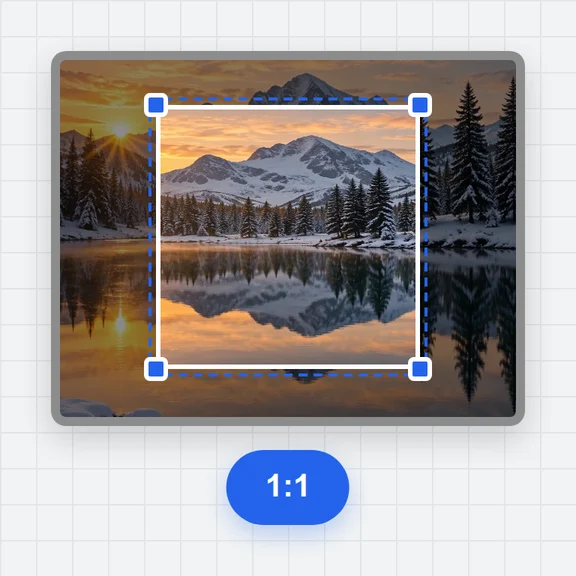
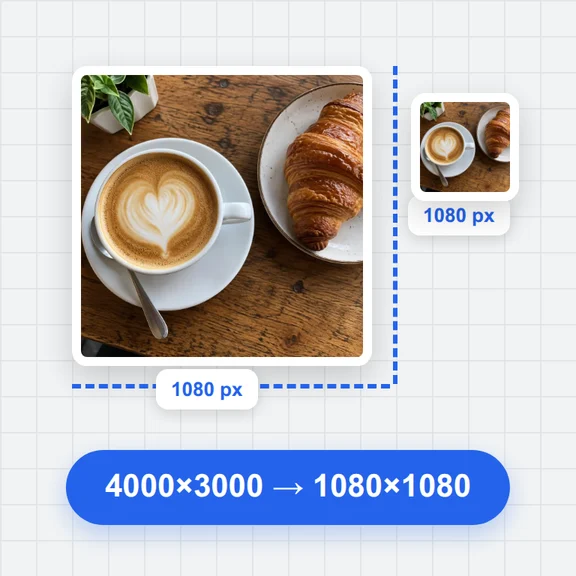
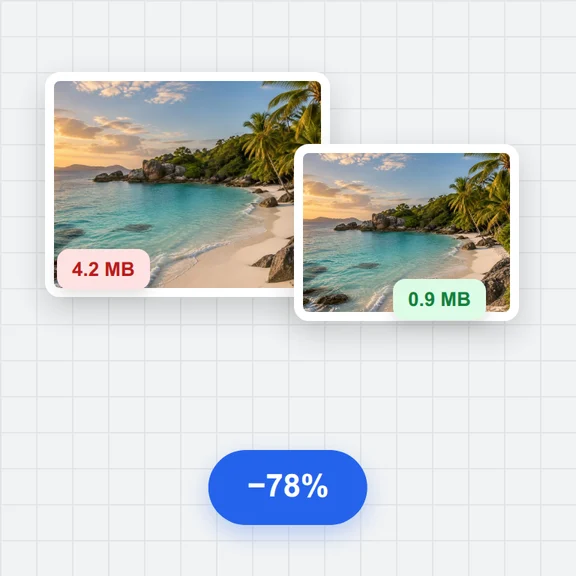
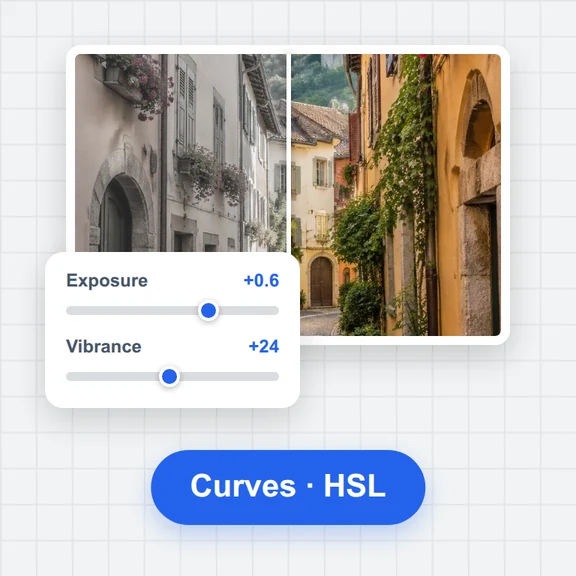
Each example opens a photo next to an edited copy made in your browser. Your own images work the same way.
Image A is the before and image B is the after. Swap them if they are the wrong way round.
Drag it, or focus it and use the arrow keys. Shift moves in steps of 10.
Save the current slider position as a PNG.
Create or edit photos with WaveSpeed AI, then check the result against the original here.
Make photos, product shots and illustrations from a prompt.
Turn a still image into a short video clip.
Turn a picture into a 3D model.
$1 in free credits for eligible new accounts. No card needed. Generators have separate account and credit requirements. The Compare Images is free.
Add the before image as A and the after image as B and use the Slider view. Drag the divider to compare them.
You can download the current view as a PNG, a still picture with the divider where you left it. It is not an interactive widget.
No, but a warning is shown. By default B is stretched to the size of A.
No. Both images are decoded and compared in your browser and never leave your device.
Draggable, keyboard-friendly divider · Download the view as a PNG · Done in your browser. Your images are not uploaded.