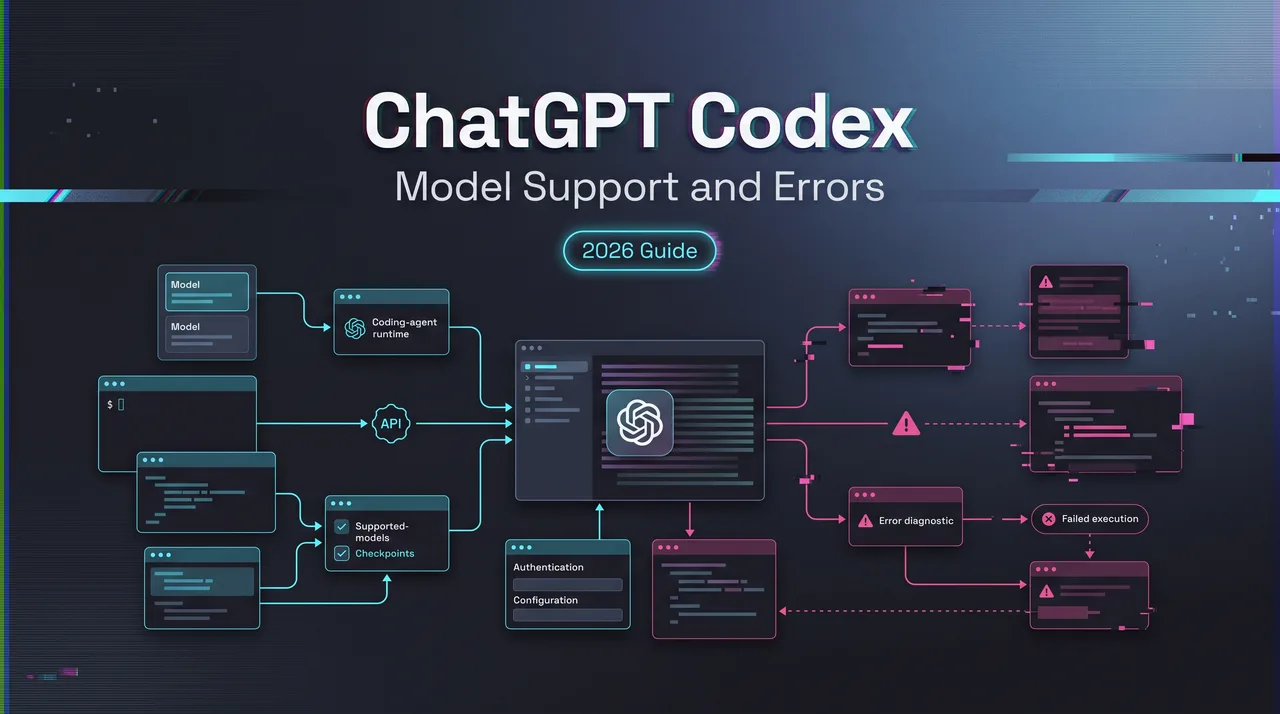
ChatGPT Codex Model Support and Errors
ChatGPT Codex model support guide for understanding GPT-5.6 access, unsupported model errors, plans, API models, and third-party names.
Hello, I’m Dora. I’ve seen this error pattern enough times now: someone copies a model name from a screenshot, drops it into Codex, and gets blocked. The model exists somewhere. The name may even be real. Still, ChatGPT Codex model support is not decided by screenshots.
As of August 7, 2026, the safest starting point is the official Codex models documentation, then the exact surface being used: ChatGPT desktop app, Codex CLI, IDE extension, Codex cloud, or API-key authentication. Same product family. Different access boundary.
This piece is not a model catalog. It is a support checklist for teams that need to answer “why does this model not work here?” without guessing.
Why Codex Model Support Errors Happen
ChatGPT plan, Codex client, API model, and third-party names
A model support error usually comes from one of four layers.
- The first layer is the ChatGPT plan. A user may have access to a model in ChatGPT, but that does not automatically mean the same model is available in every Codex surface.
- The second layer is the Codex client. The desktop app, CLI, IDE extension, and cloud workflows can differ by version and rollout state. A feature can work in one place and fail in another. Annoying. Also normal.
- The third layer is the OpenAI API model catalog. API access follows the organization, project, key, billing state, and API model availability. ChatGPT access is not the same thing as API access.
- The fourth layer is third-party naming. Fable 5, GLM 5.2, local models, gateway aliases, and OpenAI-compatible provider names may exist outside OpenAI. That still does not make them native ChatGPT sign-in Codex models.
I paused here because this is where most internal tickets go sideways. The user reports “Codex does not support the model.” The real issue is often “this authentication boundary does not support that model ID.”
Why a model name in a screenshot may not mean availability
Screenshots are weak evidence.
A screenshot can show a private rollout, a workspace-specific allowlist, a third-party router, a local config, a staged feature flag, or a different product surface. It can also be outdated within a week.
For GPT 5.6 Codex questions, the current documented Codex guidance points users toward the GPT-5.6 family, including Sol, Terra, and Luna. That does not mean every historical GPT, every API model, or every third-party model name is available through ChatGPT sign-in.
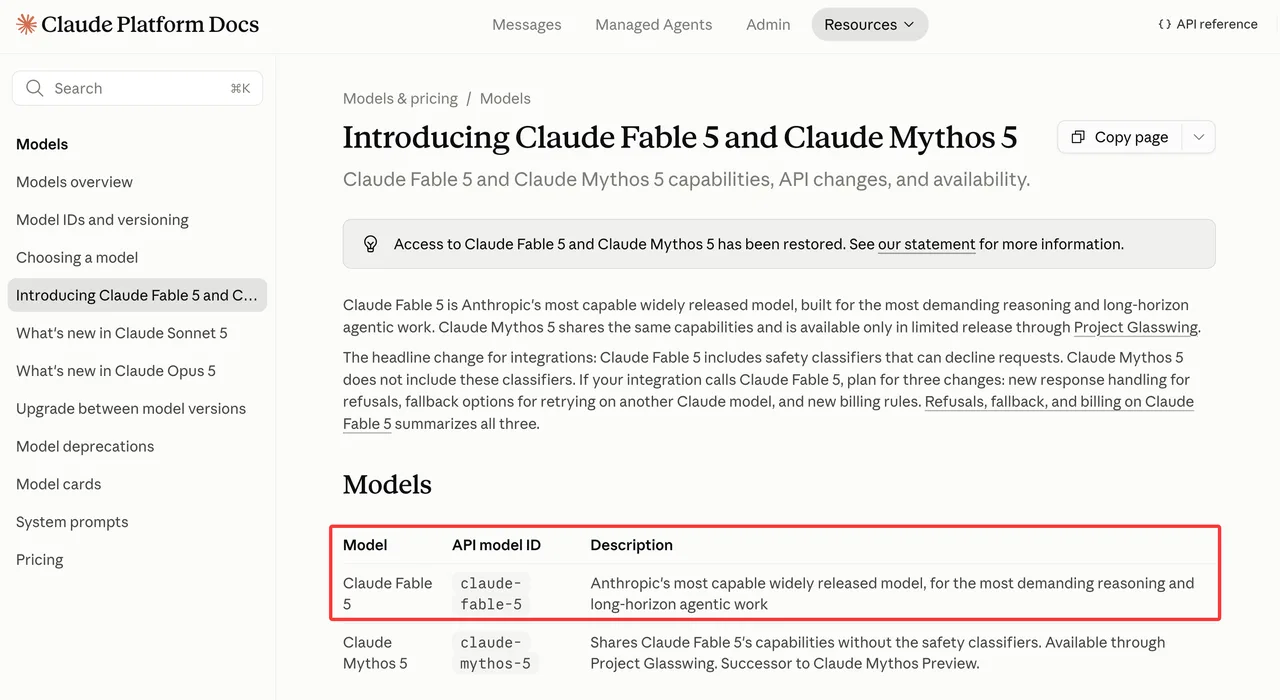
Fable 5 is a good example. Anthropic’s official Claude Fable 5 docs document the Claude API model ID and availability in Anthropic-supported surfaces. That is not the same as OpenAI documenting Fable 5 as a supported Codex model.
GLM 5.2 is similar. The official GLM-5.2 model card shows model availability, open-weight status, and local serving paths. It does not prove support inside Codex with ChatGPT sign-in.
What to Check First
Plan access, Codex client version, and workspace settings
Start with the surface.
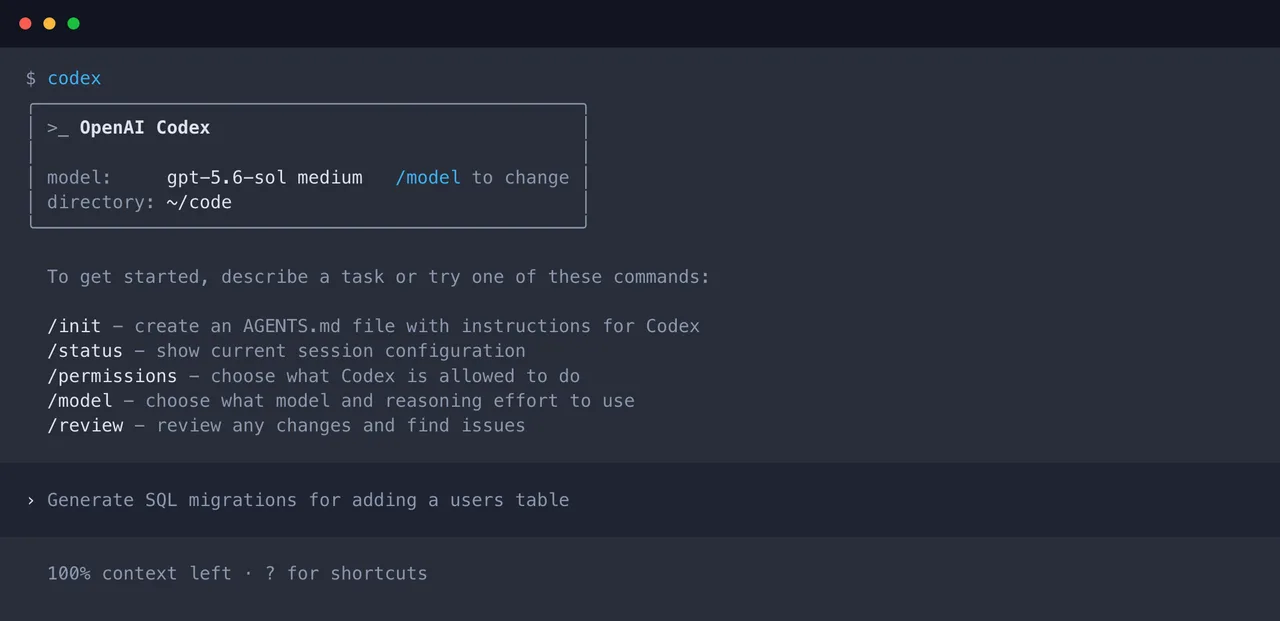
If the user is in the ChatGPT desktop app, check the model picker and the signed-in workspace. If the user is in Codex CLI, check the CLI version and the active config. If the user is in the IDE extension, check extension version and workspace policy. If the user is in Codex cloud, check what hosted workflows currently expose.
The official workspace model availability guidance makes the important point plainly: model availability depends on product surface and authentication boundary. A workspace model setting is not a universal switch.
Use this internal check before escalating:
| Check | What it proves | What it does not prove |
|---|---|---|
| ChatGPT plan | User entitlement in ChatGPT | API or third-party provider support |
| Codex client version | Whether the local surface is current | Workspace allowlist approval |
| Workspace settings | Admin policy and access controls | Model support outside that workspace |
| API key project | API-side model access | ChatGPT sign-in model access |
| Provider docs | Whether the provider exposes the model | Whether Codex supports it natively |
Found the pattern on the third try: most “model not supported Codex” reports are not one bug. They are mismatched assumptions across two or three layers.
API keys, model IDs, and provider-specific support
When the user authenticates Codex with an API key, check the API side separately. The OpenAI API models page is the right source for OpenAI model IDs, endpoint support, context, tools, and deprecation status.
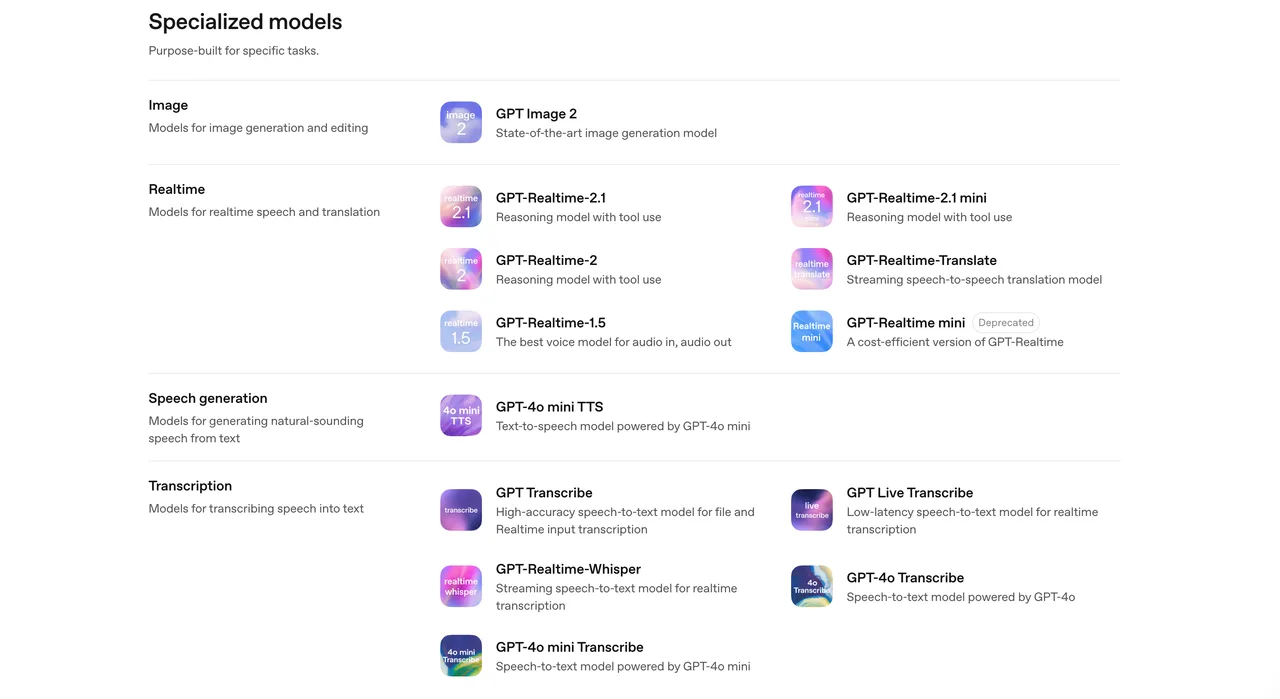
Do not rewrite model names by instinct. gpt-5.6-sol, gpt-5.6-terra, and gpt-5.6-luna are not interchangeable just because they share a family name. Aliases can change. Deprecated IDs can linger in old configs. Saved tasks can keep failing after the UI looks correct.
For third-party models, verify the provider contract. Does the provider expose a Responses-compatible API, a Chat Completions-compatible API, Anthropic Messages, a local OpenAI-compatible server, or something else? Codex compatibility depends on the route, not only the model.
That is where Fable 5 and GLM 5.2 need careful language. “The model exists” is a factual statement. “This Codex surface supports it” is a separate claim. Keep them separate until tested.
Handling Unsupported Model Errors
Switch to a supported model or surface
The fastest repair is usually not clever.
- If the task is running through ChatGPT sign-in, switch to a documented Codex model available in that surface.
- If the task depends on a third-party model, move it to the surface where that provider is supported and configured.
- If the model only works through a local OpenAI-compatible server, test that path explicitly instead of assuming the ChatGPT model picker knows about it.
For routine Codex usage, keep defaults boring. Use the recommended model family for general coding work, then move to a smaller or faster model when the task is clear and repeatable. Use stronger reasoning only when work needs it.
Do not turn every support ticket into a migration. Sometimes the answer is simply: the requested model is not supported in this surface today.
Escalate with logs without exposing secrets
Escalation should include enough detail to reproduce the problem.
Capture the Codex surface, client version, auth method, workspace, selected model ID, provider name, command or UI path, timestamp, and exact error text. If the issue happens in CLI, include the command shape but remove keys, project IDs, repository secrets, customer data, and private prompts.
Never paste raw session files into a public issue without review. Logs often contain more context than people think. That includes file paths, env vars, tool calls, API hostnames, and snippets from source files.
The useful escalation line is not “model broken.” It is: “Codex CLI version X, ChatGPT sign-in, workspace Y, model ID Z, command A, failed with error B at time C.” Boring details fix problems faster.
This is where my data ends: if the official docs do not list the model for the exact surface, treat support as unconfirmed until an owner verifies it.
FAQ
Which team owns the final supported-model policy?
The platform owner should own the final policy, with input from security, finance, legal, and developer experience.
Support can document user pain. Engineering can verify technical compatibility. Procurement can track vendor terms. But one platform owner needs to publish the supported list, approved surfaces, allowed providers, fallback rules, and review cadence. Without that owner, every screenshot becomes a policy proposal. That gets expensive fast.
How should internal allowlist changes be approved and communicated?
Use a lightweight change record.
The record should include the model ID, provider, surface, authentication path, expected users, risk level, cost owner, rollback plan, and approval date. For shared environments, announce the change before rollout and include temporary wording for support. If the change removes or replaces a model, give teams a migration window unless there is a security or compliance reason to act immediately.
What temporary wording should support use while providers clarify compatibility?
Use conservative wording. A clean support response is: “We can confirm the model name exists in the provider’s public documentation, but we have not confirmed support in this Codex surface. Please use the currently supported model list while we verify compatibility.”
Do not say “coming soon” unless the release owner has approved that phrase. Do not say “unsupported forever” unless the platform owner has made that decision.
Conclusion
ChatGPT Codex model support is a boundary question, not a naming question. Check the plan, surface, client version, API key, provider route, and exact model ID before calling it a Codex error.
Fable 5 and GLM 5.2 may be real models in their own official ecosystems. That does not automatically make them supported in Codex. Good enough. That’s the most honest assessment I can give.
Previous posts: