
Higgsfield Cinema Studio Review: Controls and Workflow
Higgsfield Cinema Studio review for teams: assess scene controls, references, web and API access, and limits before choosing a production path.
A product team needs one twelve-second shot: a blue insulated bottle on a table, a hand lifting it, and a slow camera move that keeps the label readable. Three reference images are ready. The hard part is deciding whether the control panel, the prompt, or the references should define each detail—and whether the finished clip can survive review.
This Higgsfield Cinema Studio 4.0 review is based on Higgsfield’s published guide, help pages, API documentation, and terms as checked on November 12, 2026. It is a source-based workflow assessment. The question for a product team is whether another operator could rebuild the brief, diagnose a bad take, and hand off a usable file.
What Can Cinema Studio Control in One Scene?
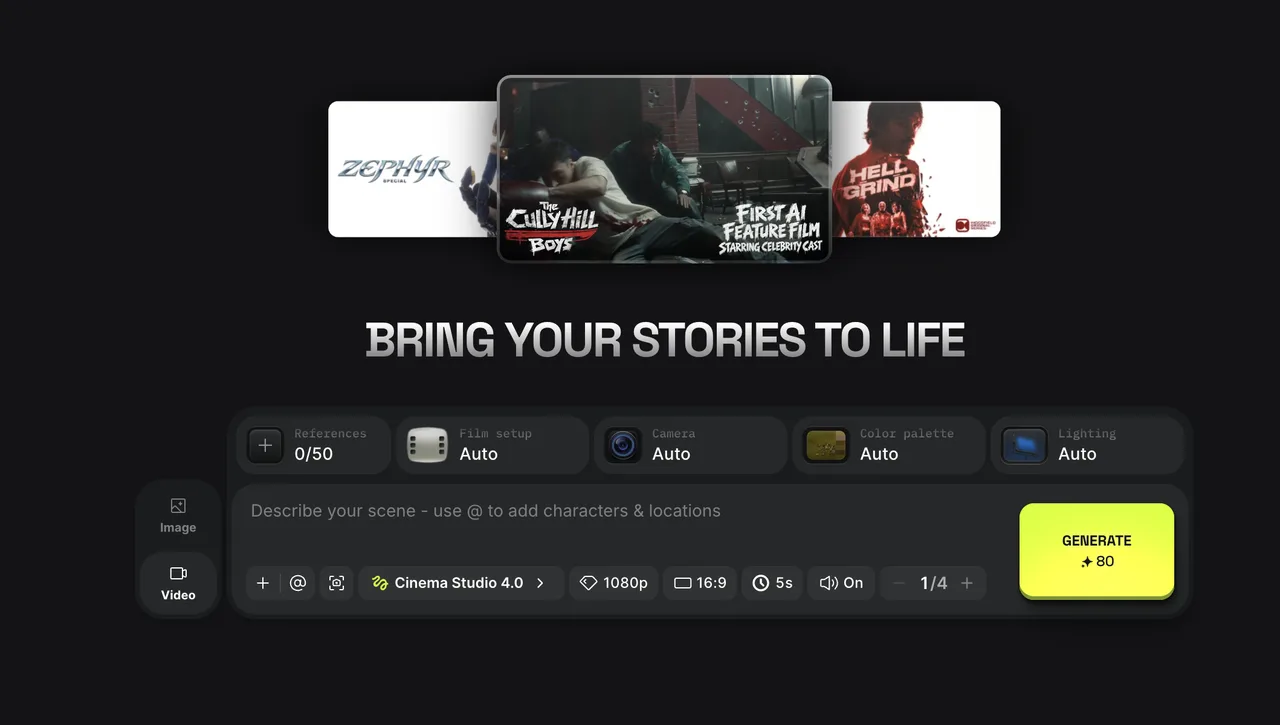
Cinema Studio 4.0 exposes the shot’s look and pacing before generation. Higgsfield’s Cinema Studio 4.0 guide lists genre, era, tempo, camera type, lens, aperture, camera movement, color palette, lighting, and character emotion. It describes more than 30 movement presets, up to 50 references per generation in the web app, clips up to 30 seconds, and web output up to 1080p.
For the bottle shot, I would choose Single shot tempo, one camera move, and lighting that leaves the label visible. Then I would describe the action in order: hand enters, grips the bottle, lifts it, and pauses with the front label facing the camera. Selecting a calm single take while asking the prompt for three quick cuts gives the reviewer no clean way to diagnose a bad result.
The Higgsfield camera controls provide direction, not proof of deterministic cinematography. A 35mm film setting names a desired look; it does not promise a physically exact camera or an identical move on rerun. The team still has to inspect the frames.
How Do References Shape the Shot Workflow?
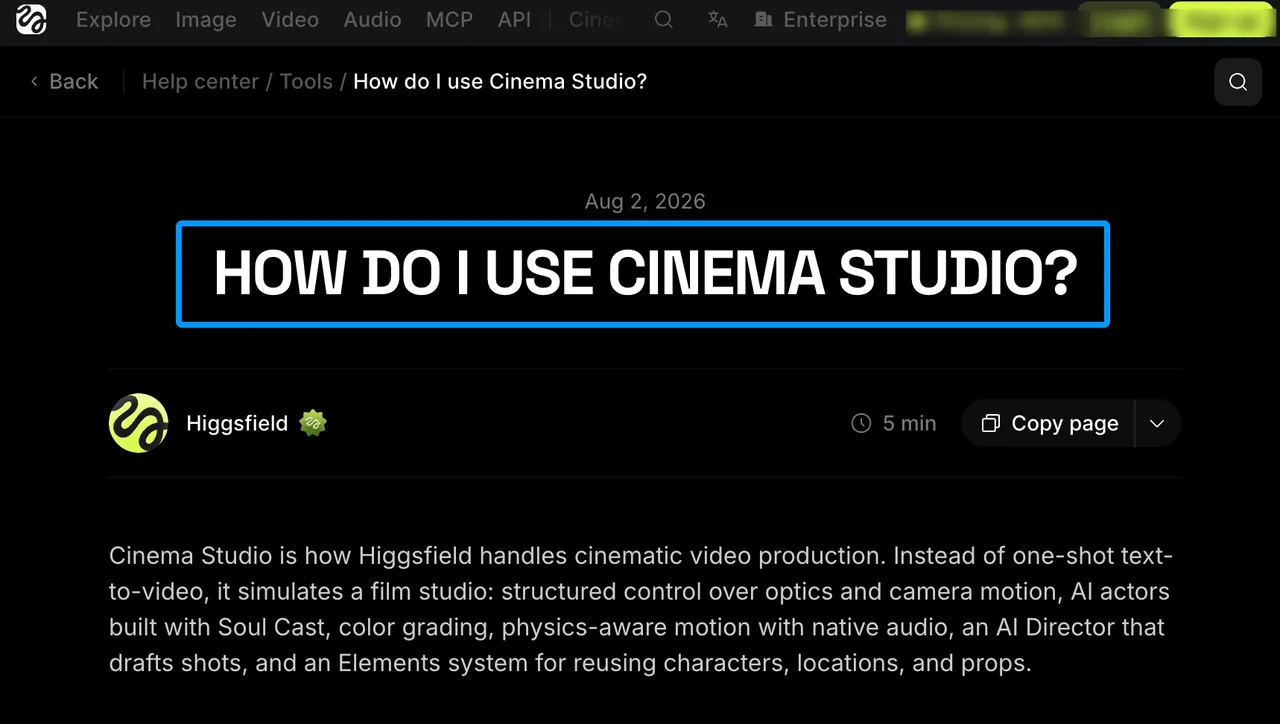 References can anchor appearance while the prompt assigns roles and action. Higgsfield’s Cinema Studio help page describes uploaded images and videos, saved Elements, and 4.0’s reference-based generation. It also describes Edit Video for regional changes and forward or backward extension. None of those features guarantees that a product mark will stay legible throughout a moving shot.
I would keep this task to three references, even though the app allows more: one clean front view for the label and silhouette, one side view for the cap and finish, and one location image for the table and light. In the prompt, name what each reference controls. The location image should not silently change the bottle color. The front image should not dictate the camera angle. Fewer, clearly assigned references make a failed take easier to explain.
The production record should contain source filenames, rights clearance, the prompt, selected settings, and review notes. If the label bends, mark a product-identity failure. If the hand obscures it, revise the action or camera move. If the room changes, inspect the location instruction. Without that separation, a team can rerun the same ambiguity ten times and call it iteration.
What Changes Between Web and API Access?
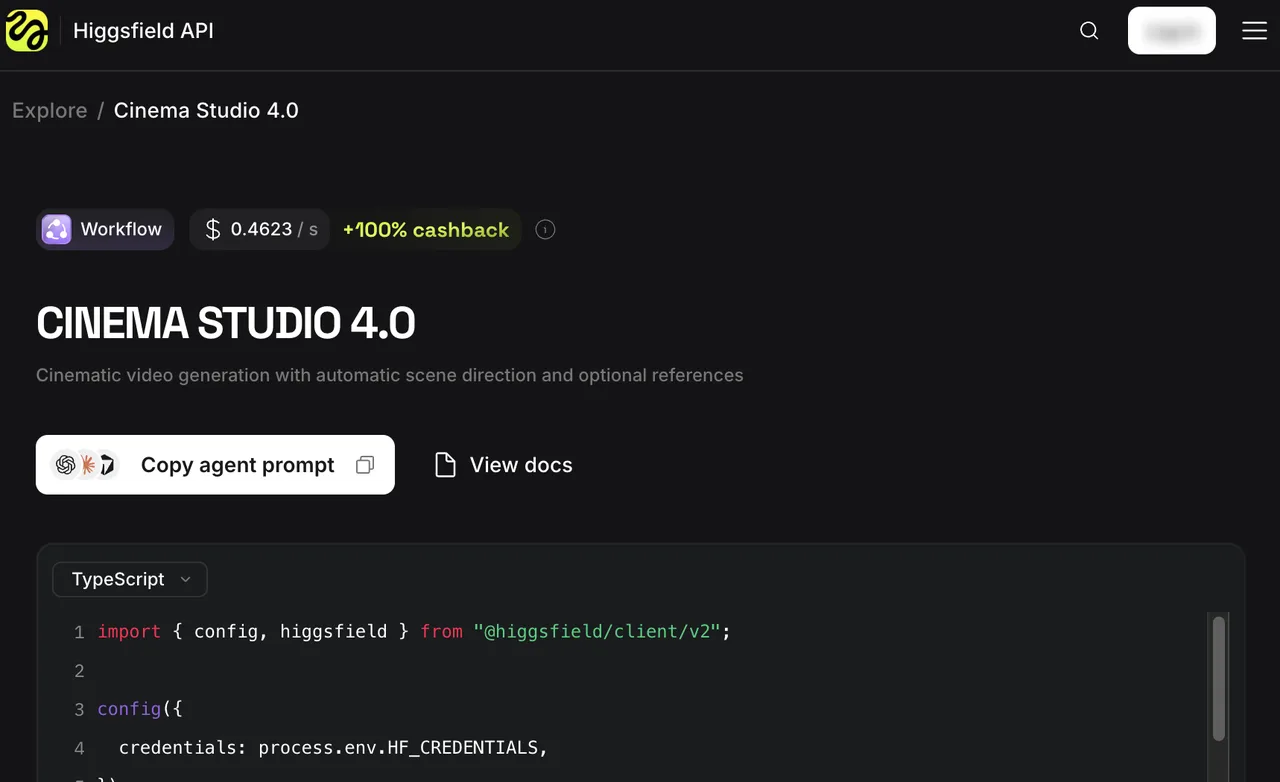
The public documentation describes a narrower API surface than the web studio. The web guide lists the Director’s Panel and 1080p output. For the API, it lists a text prompt with optional references, 4–30 seconds, aspect ratio, optional audio, and 480p or 720p. The published API reference shows the higgsfield/cinema-studio/4.0 route and asynchronous submission and retrieval. It does not establish that every web camera, lighting, and editing control is available as an API field.
That difference matters if a team prototypes in the browser and later automates delivery. Preserve the web settings as a shot brief, then compare them with the current API schema before writing integration code. An attractive browser result is not evidence that the same setup can be reproduced from a request body.
For Cinema Studio API access, the Higgsfield API help page says the API uses a separate prepaid US-dollar balance rather than website subscription credits. It also says completed files remain hosted for at least seven days and may be removed afterward. Download them into team storage. Cost is an adoption condition, but plan and per-request calculations belong in a separate pricing comparison.
Where Does Cinema Studio Fit a Video Team?
It fits a team that needs to direct a specific shot, compare variations, and make targeted changes before an editor receives the clip. The bottle example has a clear subject, a few authorized references, a measurable action, and a reviewer who can reject a wrong label or broken grip. That gives each control a job.
The decision is less clear when delivery requires exact product lettering in every frame, repeated camera paths across many products, or a guaranteed file specification. The published guide describes controls and downloading; it does not prove those outcomes. I would run a browser pilot for the visual workflow and a separate API pilot if automated production is part of the decision. A good single output does not mean the production workflow is ready.
Which Limits Need a Trial Before Adoption?
Test identity stability, controllability, edit cost, and handoff. Fix one authorized bottle reference set and one twelve-second brief. Generate a small batch with the same settings. Have a reviewer check the first frame, hand contact, label during motion, final frame, audio, and downloaded file. Record which defects an Edit Video pass repairs and which require a full rerun. Keep the original and revised clips together.
That trial separates a visible option from a useful control. If a camera move hides the label, it failed this task. If a targeted edit fixes the hand but alters the logo, the rework path has grown. The longer the rework path, the worse the cost looks.
For automation, repeat the brief through the documented API inputs and compare it with the web result. Check request limits in the account and API responses. Higgsfield’s terms allow limits on request rate, concurrency, payload size, and throughput, but do not promise one universal limit for every account. One successful request cannot establish team capacity.
FAQ
Does Cinema Studio retain uploaded references after a job ends?
The public 4.0 guide gives no per-job deletion time for uploaded references. Higgsfield’s terms say content retention may vary by tier and content may move to cold storage. Account deletion has a separate 30-day retention process. For client material, confirm the account’s retention and deletion options before upload; job completion is not evidence of deletion.
Does Cinema Studio preserve a project preset across new clips?
The 4.0 guide documents selectable settings and reusable Elements, but does not clearly promise that a complete Director’s Panel setup persists across new clips or projects. Save settings in the team’s shot record and verify preset behavior in the intended workspace. A saved prop is not a saved camera-and-lighting setup.
Can a rendered Cinema Studio clip be extended from either end?
Yes, in the web workflow. Higgsfield describes Sequel for continuing after a clip and Prequel for adding material before it. Review the join and product identity before approving the longer sequence.
What happens to credits when a Cinema Studio render fails?
Higgsfield’s credits help page says failed generations are usually refunded automatically within minutes, while noting that some models may be exceptions. Check Manage Account → Usage for the return. A finished clip rejected by a reviewer is a different budget event.
Are output rights different on the free and paid plans?
The public pages need a careful read. Section 4.4 of Higgsfield’s Terms of Use says the company does not restrict commercial use of outputs, while its pricing guide lists commercial use as a paid-plan benefit. Free outputs may also carry a watermark. Before delivering client work, confirm the applicable plan terms with Higgsfield and the rights to every uploaded face, product, logo, and location. This is product information, not legal advice; seek professional advice on a specific commercial use under the rules of the relevant region.
Conclusion
Higgsfield Cinema Studio offers a documented way to direct a shot with references, visual settings, editing, and extension. Its adoption case depends on what those controls achieve for the team’s actual brief, and on which of them carry into the intended API workflow.
This source-based Higgsfield Cinema Studio review supports a bounded trial rather than a quality verdict: run the bottle shot, keep the settings and failures, then decide from the clips the team can hand off.
Previous posts:
Related Articles
Kling AI Prompts for Camera Moves and Reference Shots

Seedance 2.5 Flash on WaveSpeedAI: Specs, Access, and When to Use It
Seedream 5.5 Review: Image Quality and Editing Limits
Seedream 5.5 vs Seedream 5.0 Pro: Should Teams Switch?
Seedance 3.0 Rumors: Native Audio-Video Sync, Multi-Shot Storytelling, and What to Expect