
WaveSpeed AI Logo
Swap faces instantly with AI
Free · No sign-up · 100% private

Free AI Face Swap - Realistic, Instant and No Watermark

Upload two photos and preview a blended face swap in your browser. WaveSpeed AI Face Swapper places a source face into a target image, adjusts lighting and angle, and lets you download a no-watermark result.

Target Image

Select target image

or drag and drop

Image where faces will be replaced

01

How realistic can Face Swapper make a face swap?

A good face swap should feel visually consistent with the target photo, especially in lighting, angle, and expression. A realistic face swap isn't about pasting a face on; it's about whether the new face belongs in the photo.

01
1

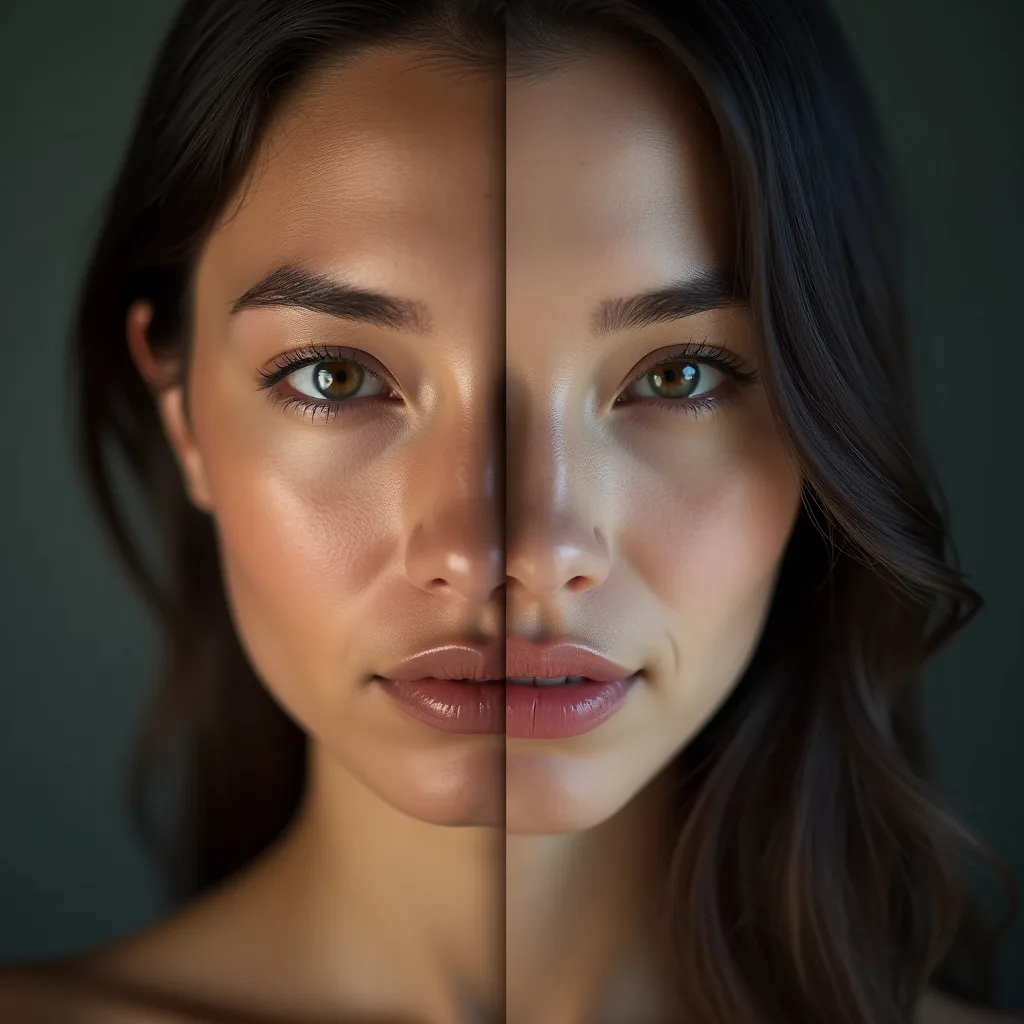
Match lighting, angle, and expression naturally

The AI doesn't just place the source face — it adapts it. Skin tone adjusts to the target photo's lighting, the face rotates to match the head's angle, and the expression blends with the target's, so the result reads as one coherent photo instead of a collage. That face blending step is where this tool separates from the copy-paste swappers.
2

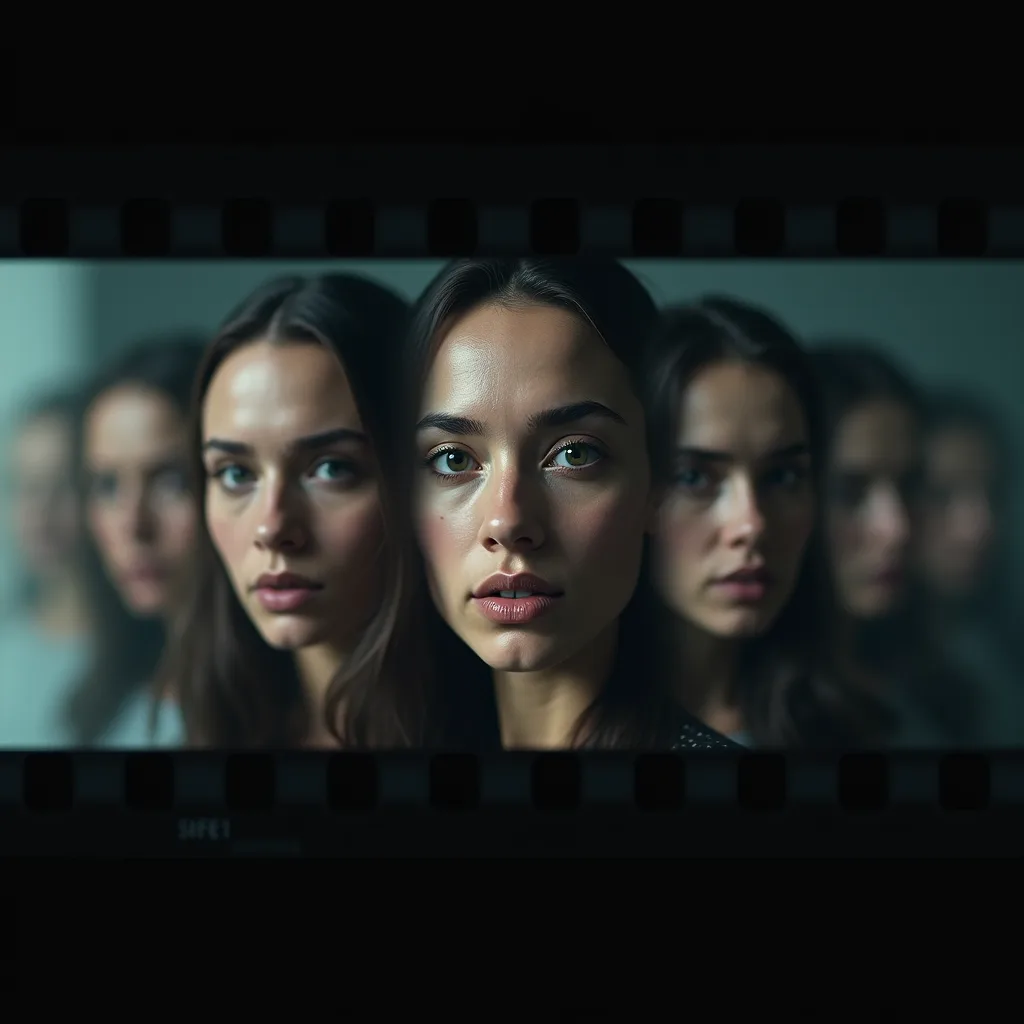
Use your own images, templates, or creative scenes

Start from your own two photos, or drop a face into a template or creative scene — a painted portrait style, a costume concept, a designed backdrop. Same flow either way: source face, target image, swap.

02

How to swap faces online with WaveSpeed AI

Three steps, and the first result usually lands in seconds.

02
1

Upload the target image

The photo where the swap happens — the scene, pose, and body that stay.

2

Upload the source face

The face going into the picture. A clear, well-lit, front-ish photo of the face works best (more on that below).

3

Preview, regenerate, and download

Check the blend before you commit. If the lighting or angle looks slightly off, regenerate — it takes seconds, and a second pass often nails it. Then download your result, watermark-free.

03

What makes a face swap look realistic?

Ninety percent of swap quality is decided before you hit the button — by the two photos you pick. A quick checklist:

03
1

Use a clear source face with similar angle and lighting

The model can adapt lighting and angle, but it adapts best from a strong starting point. A sharp, evenly lit source face at roughly the same angle as the target face gives the blend the most to work with — a dim, blurry, or extreme-profile source is where unnatural results come from.

2

Choose target photos where the face is visible and not heavily occluded

If the target face is half-hidden — sunglasses, a hand, hair across the face, heavy shadow — the swap has less to anchor to and the failure rate climbs. Pick targets where the face is clearly visible and you'll spend far less time regenerating.

04

What can you create with an AI Face Swapper?

Where do AI face swap results actually end up? Mostly these three places.

04
1

Social posts, memes, and creator concepts

The classic: swap yourself or a friend into a meme template or a reaction image and ship it to the group chat. Fast, silly, endlessly remixable — this is where most people start.

2

Character mockups and campaign visuals

On the working side: mock up a character concept, test a model's face across campaign visuals, or prototype creative directions before committing to a shoot. A swap is the fastest way to see an idea before you spend money making it real.

3

Fun personal experiments with consent

Swapping between friends, family photo jokes, couple edits — all fair game when everyone in the photos is in on it. The one rule that makes all of this work: the faces involved said yes.

05

What safety and consent rules should face swaps follow?

Two simple rules keep face swapping on the fun side of the line — worth thirty seconds before your first swap.

05
1

Use consent-based photos and avoid impersonation

Swap faces you have permission to use: your own, friends who've agreed, or fictional characters. Don't put a real person into an image without their consent, do not use face swaps to impersonate, mislead, harass, or sexualize anyone. Avoid using images of minors unless you have clear legal authority and a legitimate, non-harmful purpose. Face swap consent isn't fine print here — it's the difference between a joke everyone's laughing at and something that harms someone.

2

Review commercial rights before using face swaps in campaigns

Planning to use a swap in an ad, a product page, or anything paid? Make sure you hold the rights to both the photos and the likenesses involved — For commercial use, confirm that you have rights to the photos, likenesses, and any model outputs involved. When a real person appears in paid material, get documented permission before publishing.

06

Face Swapper vs Face Enhancer: which tool fits your photo?

Similar names, opposite jobs — here's the split.

06
1

Use Face Swapper to replace a face in a target image

If you want a different face in the photo — yours into a template, a friend into a meme, a character concept into a scene — that's a swap, and it's this page.

2

Use Face Enhancer to sharpen the same person's portrait

If you want the same face, just clearer — restore a blurry portrait without changing who's in it — sharpen the source face with Face Enhancer instead. Tip: enhancing a soft source face first often improves the swap too.

More AI Generators

Create images, videos, avatars, and audio from text prompts.

Continue editing with related free tools

Face Swapper FAQ

Yes on both — this is a face swap free no watermark flow: upload, swap, preview, and download a clean result without paying and without a logo stamped on it. Paid options only come into play at higher volume.

Only when you have the necessary rights and permissions: you need permission for the photos and the likenesses used, and commercial terms can vary by the underlying model's license. For campaigns and paid work, confirm consent from the person whose face appears and check the license terms first.

Almost always the inputs: a blurry or dimly lit source face, a big mismatch in angle between source and target, or a target face that's partially hidden. Fix the input — clearer source, similar angle, unobstructed target — and regenerate; the checklist above covers the three things that matter most.

Ready to Experience Lightning-Fast AI Generation?