Open the VTT
Drop one .vtt file, or several to convert them together.
Open a .vtt file and download it as SRT, the subtitle format nearly every player and editor reads.
Voice tags, classes and karaoke timestamps are cleaned up; italic, bold and underline stay.
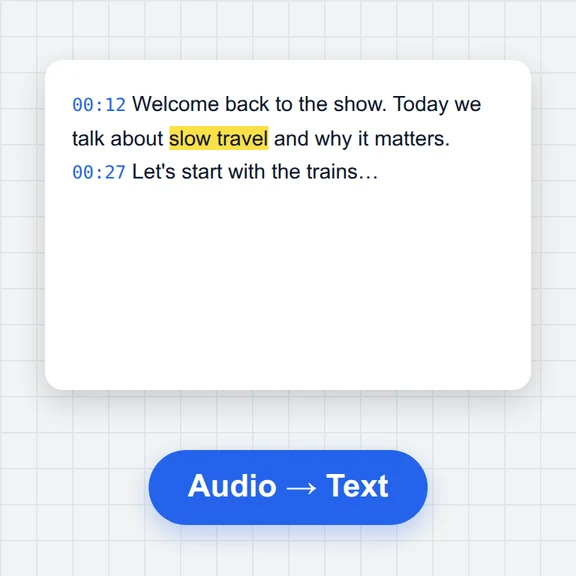
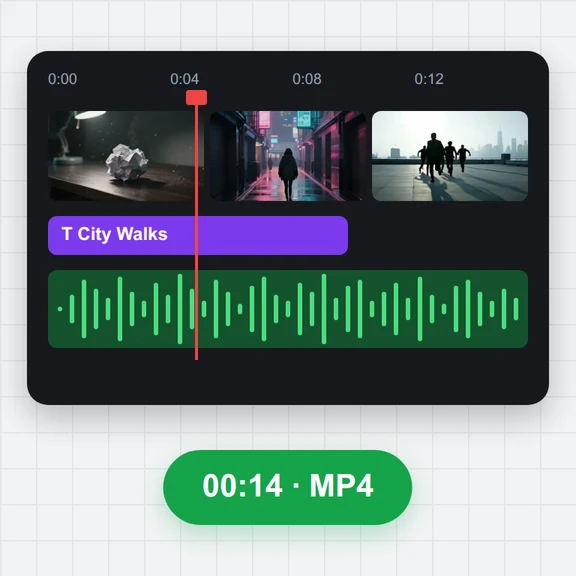
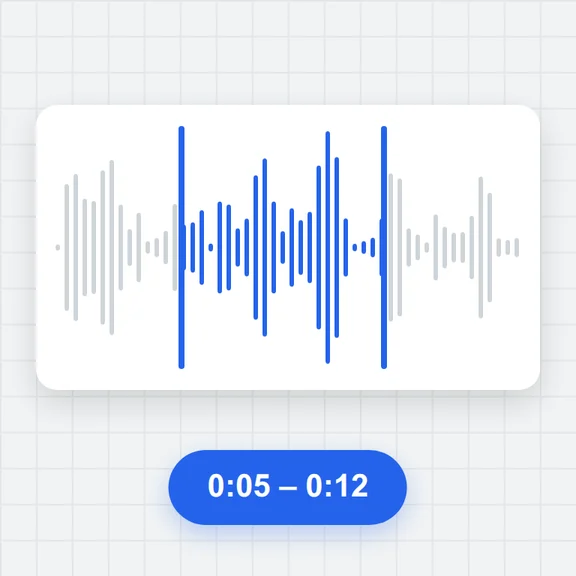
Open a subtitle file, a video or audio file, or both at once. Several subtitle files open the batch converter.
Drop one .vtt file, or several to convert them together.
The subtitles open in the editor with a preview; fix anything you like.
Download the .srt file, or a ZIP when you convert several.
Create clips from a prompt or an image with WaveSpeed AI, then edit their subtitles here for free.
Generate talking clips, ads and scenes from text or an image.
Design thumbnails and title cards for your videos.
Turn a product or character into a 3D model for your videos.
$1 in free credits for eligible new accounts. No card needed. Generators have separate account and credit requirements. The subtitle editor is free.
SRT has no cue settings or CSS classes, so those are dropped. Italic, bold and underline are kept, and speakers can be kept in the text.
Yes. Drop several files and use Batch convert to download them as a ZIP.
Yes. Files are converted in your browser and never uploaded.
Yes. Convert as many files as you like, with no account and no watermark.
Clean SRT · Keeps italics · Batch to ZIP
/filters:quality(82)/media/images/1791123751656780930_IfFPY7R0.webp)
/filters:quality(82)/media/images/1791123737177812425_RjKT3cku.webp)
/filters:quality(82)/media/images/1791123748309870128_xlkNgK8N.webp)
/filters:quality(82)/media/images/1791123738630744263_oR09R0aj.webp)
/filters:quality(82)/media/images/1791177033162457776_uQ09OY7g.webp)
/filters:quality(82)/media/images/1791123734319125607_JdnwGPY7.webp)
/filters:quality(82)/media/images/1791123746355630206_udnxGPY7.webp)
/filters:quality(82)/media/images/1791123744771362580_yC0sPezZ.webp)
/filters:quality(82)/media/images/1791123738606970169_5KIR1ais.webp)
/filters:quality(82)/media/images/1791123748197655725_EUmuFNW6.webp)