Open the SRT
Drop one .srt file, or several to convert them together.
Open an SRT file and download it as WebVTT, the subtitle format of HTML5 video players and streaming.
Check and fix the subtitles on the way, or convert a whole folder at once.
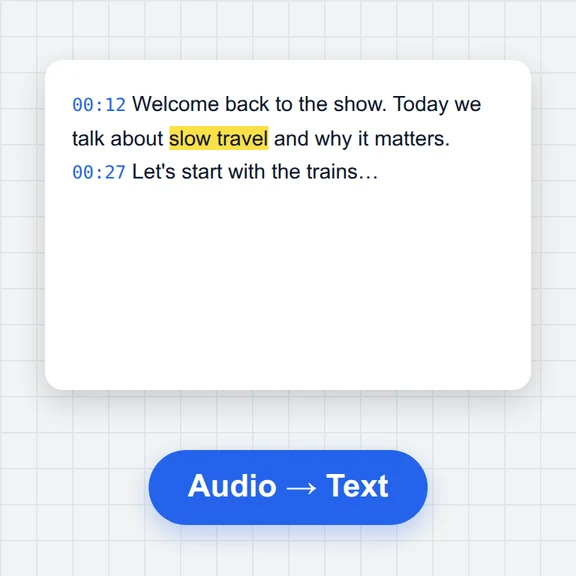
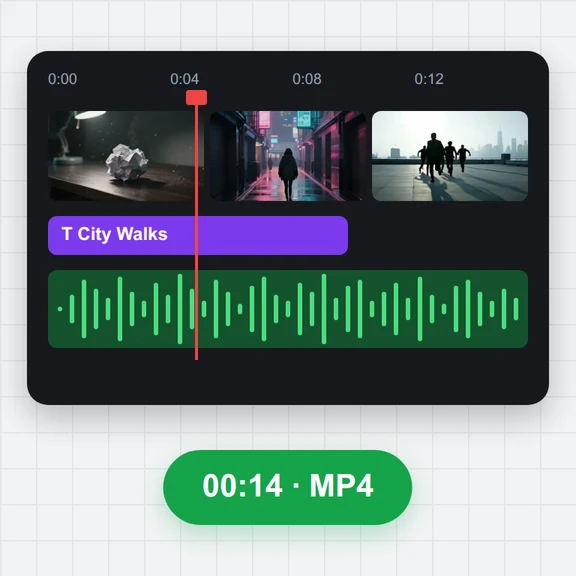
Open a subtitle file, a video or audio file, or both at once. Several subtitle files open the batch converter.
Drop one .srt file, or several to convert them together.
The subtitles open in the editor with a preview; fix anything you like.
Download the .vtt file, or a ZIP when you convert several.
Create clips from a prompt or an image with WaveSpeed AI, then edit their subtitles here for free.
Generate talking clips, ads and scenes from text or an image.
Design thumbnails and title cards for your videos.
Turn a product or character into a 3D model for your videos.
$1 in free credits for eligible new accounts. No card needed. Generators have separate account and credit requirements. The subtitle editor is free.
WebVTT starts with a WEBVTT header and uses a dot before the milliseconds. Italic, bold and underline are kept; special characters are escaped as VTT requires.
Yes. Drop several files and use Batch convert: they are converted together and downloaded as a ZIP.
Yes. Files are converted in your browser and never uploaded.
Older SRT files are often not UTF-8. The encoding is detected (Windows code pages, GB18030, Shift_JIS, EUC-KR and more) and you can pick another one next to the file name; the VTT is always UTF-8.
Keeps italics · Any encoding · Batch to ZIP
/filters:quality(82)/media/images/1791123751656780930_IfFPY7R0.webp)
/filters:quality(82)/media/images/1791123737177812425_RjKT3cku.webp)
/filters:quality(82)/media/images/1791123748309870128_xlkNgK8N.webp)
/filters:quality(82)/media/images/1791123738630744263_oR09R0aj.webp)
/filters:quality(82)/media/images/1791177033162457776_uQ09OY7g.webp)
/filters:quality(82)/media/images/1791123734319125607_JdnwGPY7.webp)
/filters:quality(82)/media/images/1791123746355630206_udnxGPY7.webp)
/filters:quality(82)/media/images/1791123744771362580_yC0sPezZ.webp)
/filters:quality(82)/media/images/1791123738606970169_5KIR1ais.webp)
/filters:quality(82)/media/images/1791123748197655725_EUmuFNW6.webp)