Open the SRT
Drop the .srt file together with its video or audio.
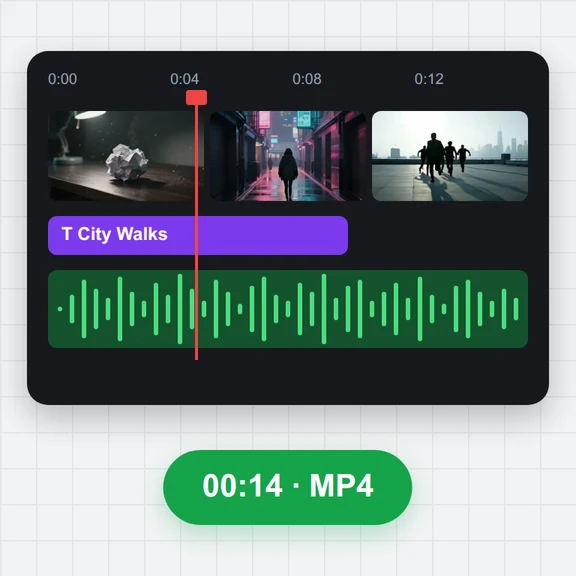
Open an SRT file and its video, then edit text and timing on a waveform timeline with the subtitles shown over the picture.
Shift or sync the timing, fix overlaps and long lines, and save the .srt again.
Open a subtitle file, a video or audio file, or both at once. Several subtitle files open the batch converter.
Drop the .srt file together with its video or audio.
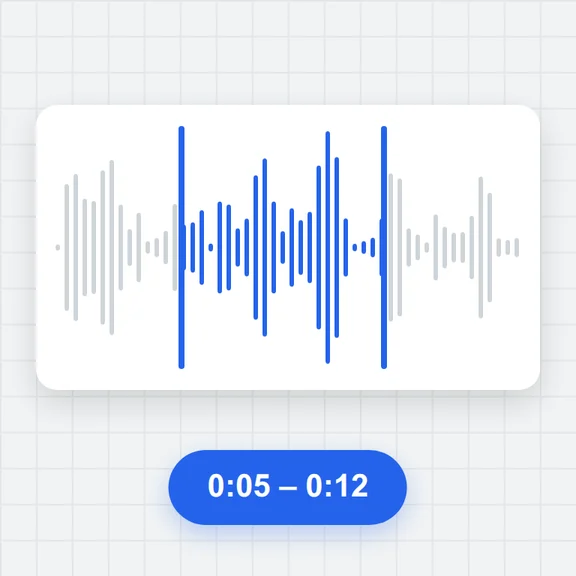
Change text in the list, drag cues on the waveform or set times at the playhead with [ and ].
Download the edited .srt, or convert it to another format.
Create clips from a prompt or an image with WaveSpeed AI, then edit their subtitles here for free.
Generate talking clips, ads and scenes from text or an image.
Design thumbnails and title cards for your videos.
Turn a product or character into a 3D model for your videos.
$1 in free credits for eligible new accounts. No card needed. Generators have separate account and credit requirements. The subtitle editor is free.
Yes. Drag the cue edges on the waveform, type exact times, nudge by 0.1 s, or shift and sync the whole file.
No. The file and the video are opened in your browser and nothing is sent to a server.
Yes. Italic, bold, underline, font colour and {\an8} top positioning are kept as they are in the file.
Yes. Edit and save as many SRT files as you like, with no account and no watermark.
Video preview · Waveform timing · Saves .srt
/filters:quality(82)/media/images/1791123751656780930_IfFPY7R0.webp)
/filters:quality(82)/media/images/1791123737177812425_RjKT3cku.webp)
/filters:quality(82)/media/images/1791123748309870128_xlkNgK8N.webp)
/filters:quality(82)/media/images/1791123738630744263_oR09R0aj.webp)
/filters:quality(82)/media/images/1791177033162457776_uQ09OY7g.webp)
/filters:quality(82)/media/images/1791123734319125607_JdnwGPY7.webp)
/filters:quality(82)/media/images/1791123746355630206_udnxGPY7.webp)
/filters:quality(82)/media/images/1791123744771362580_yC0sPezZ.webp)
/filters:quality(82)/media/images/1791123738606970169_5KIR1ais.webp)
/filters:quality(82)/media/images/1791123748197655725_EUmuFNW6.webp)