Add your video
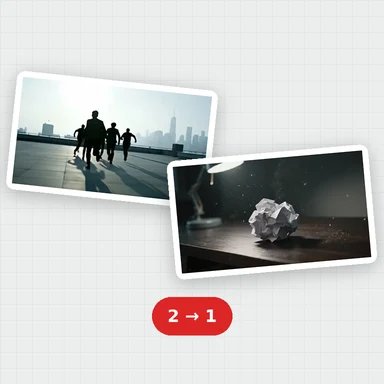
Drop, paste or choose an MP4, MOV, WebM, MKV or TS file. You see a preview with its length, size and resolution.
Convert a video to MP4 (H.264 or H.265), WebM, MOV or MKV, and choose its quality and resolution.
Preview the result, then download it. Your video never leaves your device.
Drop a video here, or paste it
MP4, MOV, WebM, MKV or TS · Up to 2 GB · Nothing is uploadedEach example opens a short AI-made clip with an output format already picked. Press Convert to see the result.
Drop, paste or choose an MP4, MOV, WebM, MKV or TS file. You see a preview with its length, size and resolution.
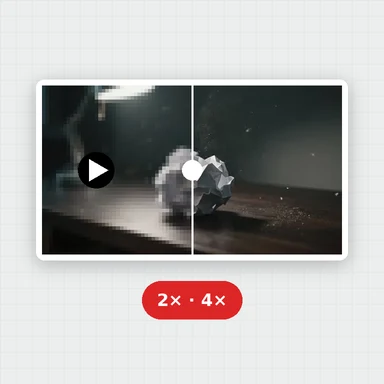
Choose MP4, WebM, MOV or MKV, then a quality preset and, if you like, a smaller resolution.
Watch the progress, preview the converted video and download it.
Create short videos from a prompt or a still image with WaveSpeed AI, then convert them here.
Make the first frame or a cover image for your video.
Turn a prompt or a picture into a short video clip.
Turn a picture into a 3D model you can spin and render.
$1 in free credits for eligible new accounts. No card needed. Generators have separate account and credit requirements. The video converter is free.
Yes. Convert as many videos as you like, with no account and no watermark.
No. The video is converted in your browser and never leaves your device, so private recordings stay private.
You can open MP4, M4V, MOV, WebM, MKV and TS videos and save them as MP4 (H.264 or H.265), WebM (VP9 or VP8), MOV or MKV. Older formats such as AVI, WMV and FLV can’t be opened in a browser.
MP4 (H.264) plays almost everywhere, so it is the safe choice. WebM suits websites, MOV suits Apple devices and editing apps, and MKV suits media players such as VLC and Plex. H.265 gives smaller files but only plays on newer devices.
Each browser can create a different set of formats. H.265 in particular is missing from many browsers. Pick another format, or open the page in a recent Chrome, Edge or Safari.
They set how much data each second of video gets: Low about 1 Mbps, Medium about 5 Mbps, High about 10 Mbps and Ultra about 20 Mbps. Higher quality keeps more detail and makes bigger files.
Yes. Keep the original, or scale down to 4K, 1080p, 720p, 480p or 360p. The aspect ratio is always kept, so vertical videos stay vertical.
Pick a lower quality or resolution here. To hit a target size, or to trim, crop or change speed, use the free Video Compressor.
Videos up to 2 GB can be opened. Long or high-resolution videos take longer and need more memory, so a computer works best for them.
Free, private and right in your browser.
/filters:quality(82)/media/images/1791123751656780930_IfFPY7R0.webp)
/filters:quality(82)/media/images/1791123737177812425_RjKT3cku.webp)
/filters:quality(82)/media/images/1791123748309870128_xlkNgK8N.webp)
/filters:quality(82)/media/images/1791123738630744263_oR09R0aj.webp)
/filters:quality(82)/media/images/1791177033162457776_uQ09OY7g.webp)
/filters:quality(82)/media/images/1791123734319125607_JdnwGPY7.webp)
/filters:quality(82)/media/images/1791123746355630206_udnxGPY7.webp)
/filters:quality(82)/media/images/1791123744771362580_yC0sPezZ.webp)
/filters:quality(82)/media/images/1791123738606970169_5KIR1ais.webp)
/filters:quality(82)/media/images/1791123748197655725_EUmuFNW6.webp)