Open a photo or video
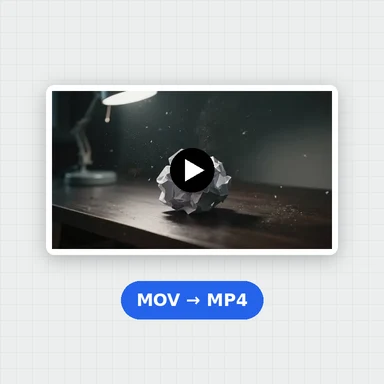
Drop, paste or choose a picture or clip. Pick your footage’s colour space if it was shot in log.
Preview 55 free looks on your photo or video, build your own with colour wheels and curves, and export a .cube, .3dl or HALD LUT.
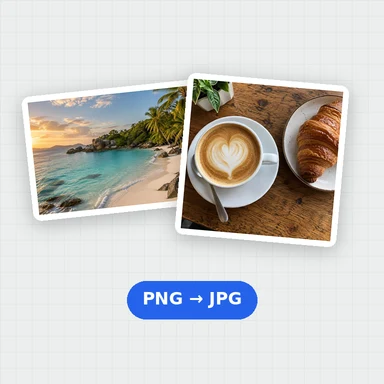
Convert LUT files, and apply a look to many photos or to a whole video. Your files never leave your device.
Preview 55 free looks, build your own LUT, or load a .cube, .3dl or HALD file.
JPG, PNG, WebP, MP4, MOV, WebM · LUT files: .cube, .3dl, .csp, HALD PNGDrop, paste or choose a picture or clip. Pick your footage’s colour space if it was shot in log.
Try the 55 free looks on your own picture, load a .cube or HALD file, or build a look with wheels, curves and split toning.
Download the look as a .cube, .3dl or HALD LUT, or save the graded photo, a ZIP of photos or an MP4.
A LUT (look-up table) maps every input colour to an output colour, so the same look can be used in any app that reads it. This tool samples its LUTs with tetrahedral interpolation, like professional colour apps.
The 55 built-in looks were made for this tool from our own recipes. They are released under CC0 1.0 (public domain): use them in personal and commercial work, change them and share them, no credit needed. LUTs you make here are yours.
Create images and short videos from a prompt with WaveSpeed AI, then give them a look here.
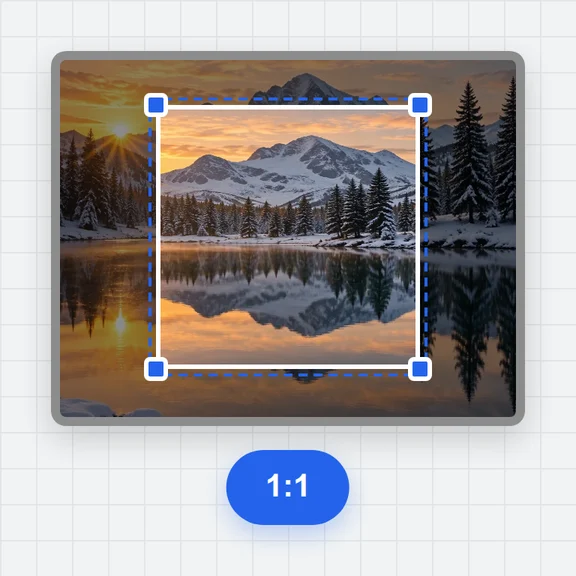
Create a photo to try your looks on.
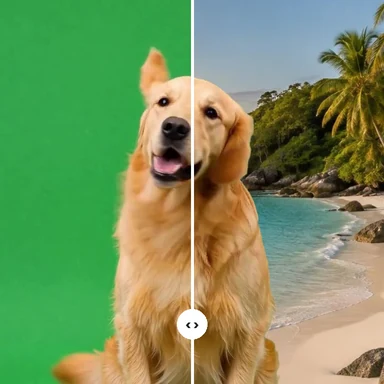
Turn a prompt or a picture into a short clip to grade.
Turn a picture into a 3D model you can spin and render.
$1 in free credits for eligible new accounts. No card needed. Generators have separate account and credit requirements. The LUT generator is free.
Yes. Every look, export and conversion is free, with no account and no watermark.
No. Everything is processed in your browser, on your device. Your files are never sent to a server.
A look-up table: a list that maps each colour to a new colour. Applying a LUT gives footage a consistent look, and the same LUT can be reused in video editors, colour apps and photo editors.
Yes. The built-in looks are CC0 (public domain). Use them in client work, products and videos, and share or change them. The ZIP includes the licence.
33 points works almost everywhere and is the usual choice. 65 points gives the smoothest result for strong looks; 17 points suits older apps and cameras or monitors that only accept small LUTs.
That’s log footage. Under “Your footage is”, pick your camera’s log format to convert it to normal contrast before the look. These conversions are approximate and clip very bright highlights.
Yes. Open a video, choose a look and export an MP4. The video is re-encoded as H.264 with the original sound kept. Long or 4K videos take longer, so keep the tab open.
Open the Convert tab, drop the LUT, choose the output format and size, and download. The tool also shows warnings, such as values outside 0–1 or an unusual size.
Yes. Use Undo and Redo, or Ctrl+Z and Ctrl+Shift+Z. Each section has its own reset, and your last grade is saved in your browser.
It uses the same tetrahedral interpolation as professional colour apps, and the results match a reference implementation to within one level in 8-bit. Some apps use trilinear interpolation, which you can also choose here.
Free, private and right in your browser.
/filters:quality(82)/media/images/1791123751656780930_IfFPY7R0.webp)
/filters:quality(82)/media/images/1791123737177812425_RjKT3cku.webp)
/filters:quality(82)/media/images/1791123748309870128_xlkNgK8N.webp)
/filters:quality(82)/media/images/1791123738630744263_oR09R0aj.webp)
/filters:quality(82)/media/images/1791177033162457776_uQ09OY7g.webp)
/filters:quality(82)/media/images/1791123734319125607_JdnwGPY7.webp)
/filters:quality(82)/media/images/1791123746355630206_udnxGPY7.webp)
/filters:quality(82)/media/images/1791123744771362580_yC0sPezZ.webp)
/filters:quality(82)/media/images/1791123738606970169_5KIR1ais.webp)
/filters:quality(82)/media/images/1791123748197655725_EUmuFNW6.webp)