Add a blurry photo
Choose, drop or paste a picture with one face or many.
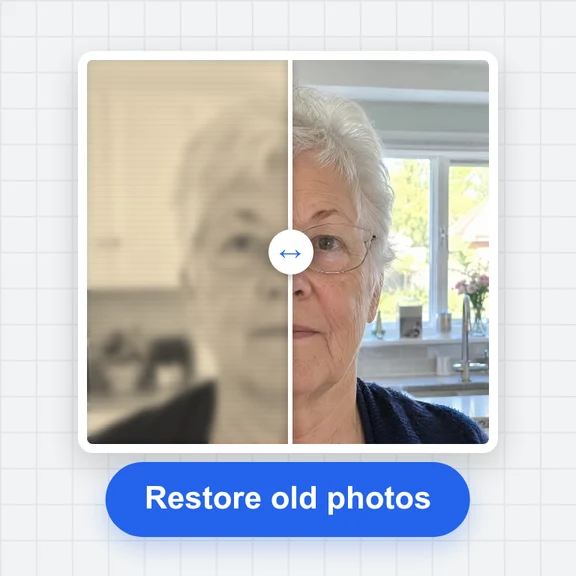
Fix soft, out-of-focus and low-resolution faces: AI rebuilds sharp eyes, clear features and natural skin texture.
It works on portraits, group shots, screenshots and tiny profile pictures, and you compare before and after before you save.
Blurry, low-resolution or old portraits, selfies and group photos.
JPG, PNG, WebP, AVIF or HEIC up to 30 MB. You can also paste a photo.Need higher quality or a whole batch?The Image Face Enhancer runs in the cloud on WaveSpeed AI: faster, with higher-quality restoration and an API for many photos.
Open Image Face EnhancerSharp AI-made portraits, softened in your browser to look like blurry, low-resolution or old photos. Choose one and enhance it.
Choose, drop or paste a picture with one face or many.
Pick an upscale size if you also want it bigger, then let AI sharpen every face.
Check the slider and save the sharp version as JPG, PNG or WebP.
Create photos, headshots and characters from a short prompt with WaveSpeed AI.
Make headshots, portraits and profile pictures from a description.
Bring a restored portrait to life as a short video clip.
Turn a picture into a 3D model.
$1 in free credits for eligible new accounts. No card needed. Generators have separate account and credit requirements. The face enhancer is free.
Open it here and press the button. AI finds every face, rebuilds the fine detail and blends it back into your photo. Then download the sharper picture.
Soft focus, slight motion blur, heavy compression, low resolution and the softness of old scans. Faces that are clearly visible give the best results.
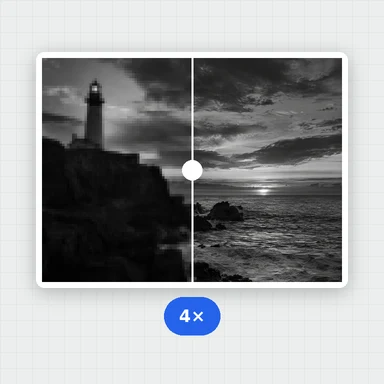
Yes. Choose 4× to enlarge a small avatar while its face is restored, so it looks crisp on large screens.
Yes. There is no sign-up, no watermark and no daily limit, and the AI runs in your browser.
Sharper faces · Before/after slider · Free, no watermark
/filters:quality(82)/media/images/1791123751656780930_IfFPY7R0.webp)
/filters:quality(82)/media/images/1791123737177812425_RjKT3cku.webp)
/filters:quality(82)/media/images/1791123748309870128_xlkNgK8N.webp)
/filters:quality(82)/media/images/1791123738630744263_oR09R0aj.webp)
/filters:quality(82)/media/images/1791177033162457776_uQ09OY7g.webp)
/filters:quality(82)/media/images/1791123734319125607_JdnwGPY7.webp)
/filters:quality(82)/media/images/1791123746355630206_udnxGPY7.webp)
/filters:quality(82)/media/images/1791123744771362580_yC0sPezZ.webp)
/filters:quality(82)/media/images/1791123738606970169_5KIR1ais.webp)
/filters:quality(82)/media/images/1791123748197655725_EUmuFNW6.webp)