Add your photo
Drop, paste or choose a black-and-white or faded photo, such as a scan of an old print.
Add natural color to old family photos, scans and monochrome pictures with AI.
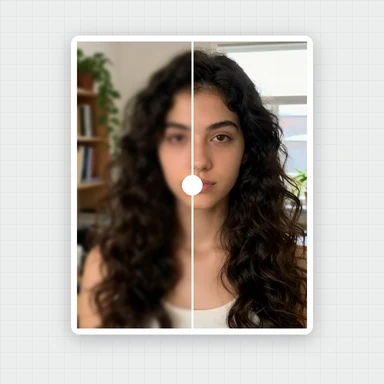
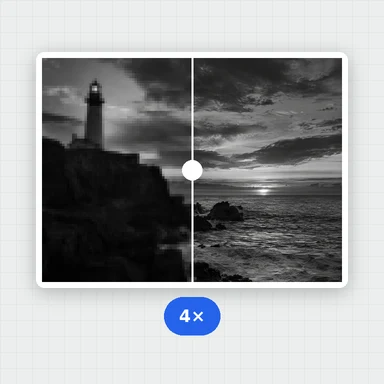
Adjust the intensity, compare before and after, then download. Your photo never leaves your device.
Old family photos, scans and monochrome shots get natural color from AI in seconds.
JPG, PNG, WebP, AVIF and more · up to 50 MB · or paste with Ctrl+VMonochrome photos colorized in your browser. Drag the slider to compare before and after.
Drop, paste or choose a black-and-white or faded photo, such as a scan of an old print.
Press Colorize. AI adds natural colors in a few seconds, right in your browser.
Set the color intensity, drag the slider to compare, then save as JPG, PNG or WebP.
Restore, edit or animate your pictures with WaveSpeed AI.
Edit a photo with words: fix damage, change the background or restyle it.
Bring a colorized family photo to life as a short video clip.
Turn a picture into a 3D model.
$1 in free credits for eligible new accounts. No card needed. Generators have separate account and credit requirements. The image colorizer is free.
Yes. Colorize as many photos as you like, with no account, no watermark and no daily limit.
No. The AI runs in your browser, so your photos never leave your device. The first time, your browser downloads the AI model (about 113 MB) once and keeps it for next time.
The AI has learned from millions of color photos which colors things usually have: sky, skin, grass, wood, water. It predicts colors from the shapes and shades in your photo and lays them over the original, so every detail and the full resolution stay as they were.
They are a plausible guess, not a record of the real colors. Clothes, cars or painted walls may come out in a different color than they really had. Use the intensity slider for a softer, more vintage look.
Yes, but the AI ignores the existing colors and paints new ones from the brightness alone. It works best on black-and-white, sepia and faded photos.
Files up to 50 MB and up to 16.7 megapixels (for example 4096 × 4096). The result has the same size as your photo.
Usually a few seconds on a computer, a little longer on phones and for very large photos. The first time also includes the one-time model download.
Yes. WaveSpeed AI's AI Video Colorizer adds natural color to black-and-white footage, up to 1080p.
Free AI colorization in your browser. No upload, no sign-up, no watermark.
/filters:quality(82)/media/images/1791123751656780930_IfFPY7R0.webp)
/filters:quality(82)/media/images/1791123737177812425_RjKT3cku.webp)
/filters:quality(82)/media/images/1791123748309870128_xlkNgK8N.webp)
/filters:quality(82)/media/images/1791123738630744263_oR09R0aj.webp)
/filters:quality(82)/media/images/1791177033162457776_uQ09OY7g.webp)
/filters:quality(82)/media/images/1791123734319125607_JdnwGPY7.webp)
/filters:quality(82)/media/images/1791123746355630206_udnxGPY7.webp)
/filters:quality(82)/media/images/1791123744771362580_yC0sPezZ.webp)
/filters:quality(82)/media/images/1791123738606970169_5KIR1ais.webp)
/filters:quality(82)/media/images/1791123748197655725_EUmuFNW6.webp)