Open the database
Drop a SQLite file. Each table and view is read into the explorer.
Open a .sqlite, .sqlite3 or .db file and every table appears with its columns and row count.
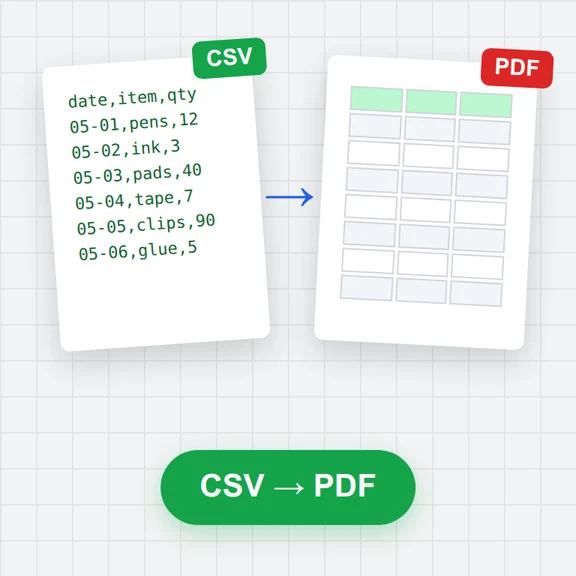
Browse, filter and sort rows, query with SQL, and save any result as CSV, Excel, Parquet or JSON.
Loading the data explorer…
Drop a SQLite file. Each table and view is read into the explorer.
Click a table to browse it, or write SQL that joins tables.
Save a table or a query result as CSV, Excel, Parquet or JSON.
Turn your findings into images and video with WaveSpeed AI.
Make cover images and illustrations for reports and slides.
Turn a still into a short explainer clip.
Turn a picture into a 3D model.
$1 in free credits for eligible new accounts. No card needed. Generators have separate account and credit requirements. The data explorer is free.
No. It is read in your browser tab and never leaves your device.
No. Tables are copied into the explorer and your file is never written to. Changes you make with SQL stay in the explorer.
The whole file is read into memory, so databases up to a few hundred MB open comfortably on a typical computer.
The explorer’s analytical SQL, which is close to SQLite’s for everyday queries (SELECT, JOIN, GROUP BY) and adds window functions, PIVOT and more.
Every table · SQL and charts · No upload
/filters:quality(82)/media/images/1791123751656780930_IfFPY7R0.webp)
/filters:quality(82)/media/images/1791123737177812425_RjKT3cku.webp)
/filters:quality(82)/media/images/1791123748309870128_xlkNgK8N.webp)
/filters:quality(82)/media/images/1791123738630744263_oR09R0aj.webp)
/filters:quality(82)/media/images/1791177033162457776_uQ09OY7g.webp)
/filters:quality(82)/media/images/1791123734319125607_JdnwGPY7.webp)
/filters:quality(82)/media/images/1791123746355630206_udnxGPY7.webp)
/filters:quality(82)/media/images/1791123744771362580_yC0sPezZ.webp)
/filters:quality(82)/media/images/1791123738606970169_5KIR1ais.webp)
/filters:quality(82)/media/images/1791123748197655725_EUmuFNW6.webp)