Open the workbook
Drop an .xlsx or .xls file. Each sheet with data appears as a table.
Open .xlsx and .xls workbooks: every sheet becomes a table you can sort, filter and search.
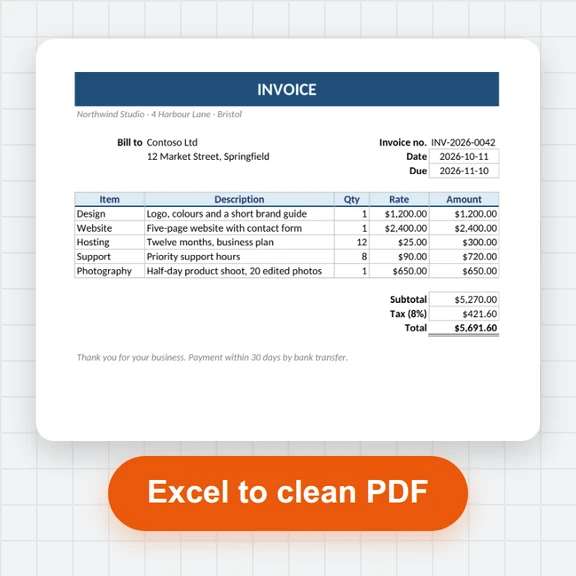
Build pivot tables, chart them, or save sheets as CSV, Parquet or a clean Excel file.
Loading the data explorer…
Drop an .xlsx or .xls file. Each sheet with data appears as a table.
Work with the values: sort, filter, group by and pivot, or write SQL.
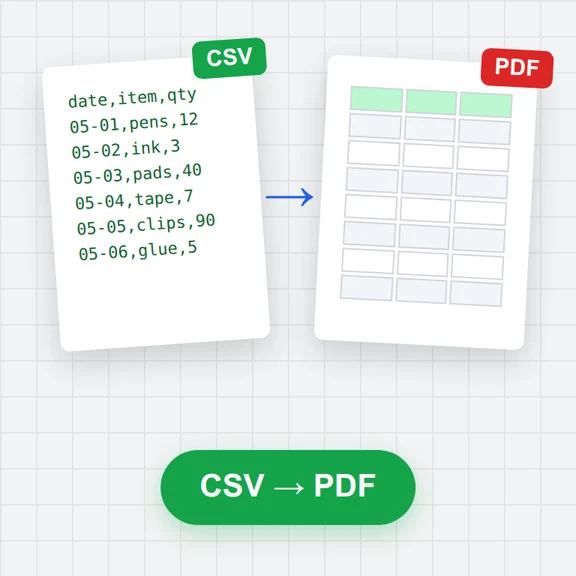
Download as Excel, CSV, Parquet or JSON, or save a chart as PNG or SVG.
Turn your findings into images and video with WaveSpeed AI.
Make cover images and illustrations for reports and slides.
Turn a still into a short explainer clip.
Turn a picture into a 3D model.
$1 in free credits for eligible new accounts. No card needed. Generators have separate account and credit requirements. The data explorer is free.
No. It is read in your browser tab and never leaves your device.
Values are read (a formula shows its last calculated result); formatting, merged cells, charts and macros are not shown. This is a data viewer, not a spreadsheet editor.
The first row is taken as the header when it looks like one. If a sheet starts with titles, open it in SQL with read_xlsx and a range, for example read_xlsx('file', range = 'A3:F500').
Yes, both the current .xlsx and the older .xls format.
Every sheet · Pivot and charts · No upload
/filters:quality(82)/media/images/1791123751656780930_IfFPY7R0.webp)
/filters:quality(82)/media/images/1791123737177812425_RjKT3cku.webp)
/filters:quality(82)/media/images/1791123748309870128_xlkNgK8N.webp)
/filters:quality(82)/media/images/1791123738630744263_oR09R0aj.webp)
/filters:quality(82)/media/images/1791177033162457776_uQ09OY7g.webp)
/filters:quality(82)/media/images/1791123734319125607_JdnwGPY7.webp)
/filters:quality(82)/media/images/1791123746355630206_udnxGPY7.webp)
/filters:quality(82)/media/images/1791123744771362580_yC0sPezZ.webp)
/filters:quality(82)/media/images/1791123738606970169_5KIR1ais.webp)
/filters:quality(82)/media/images/1791123748197655725_EUmuFNW6.webp)