Add an old photo
Choose, drop or paste a scan or a phone photo of the print as JPG, PNG or WebP.
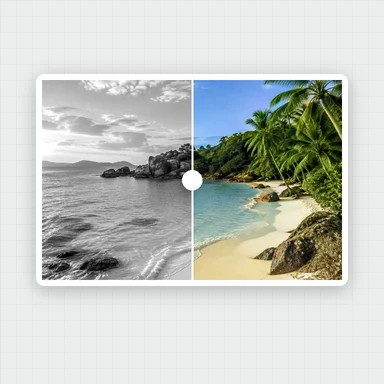
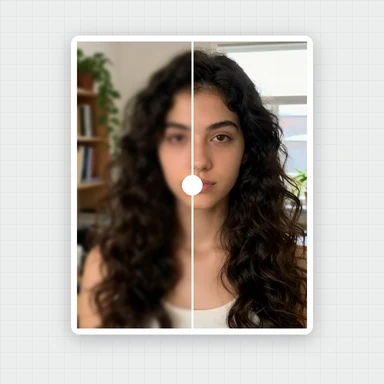
Scan or snap an old print and AI restores it in one click: natural color for black-and-white and sepia photos, clearer faces, and a bigger photo.
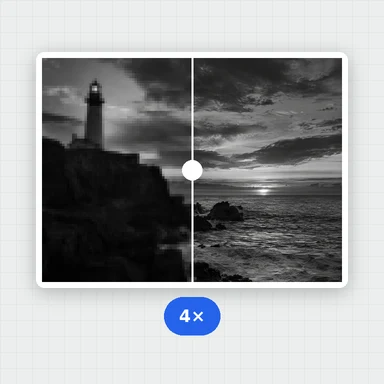
Enlarge up to 4× for printing, compare before and after, and save it in full size.
A scan or phone photo of a faded print, a black-and-white or sepia picture, or a family album page.
JPG, PNG, WebP, AVIF or HEIC up to 30 MB. You can also paste a photo.Want the whole photo sharper?This free tool restores the faces and enlarges the rest. The Image Upscaler on WaveSpeed AI adds AI detail to the whole photo, up to 8K, with an API for whole albums.
Open Image UpscalerAI-made portraits, aged in your browser to look like faded black-and-white and sepia prints. Choose one and restore it.
Choose, drop or paste a scan or a phone photo of the print as JPG, PNG or WebP.
Color is turned on for black-and-white and sepia photos. Pick a size, then let AI add color, restore every face and enlarge the photo.
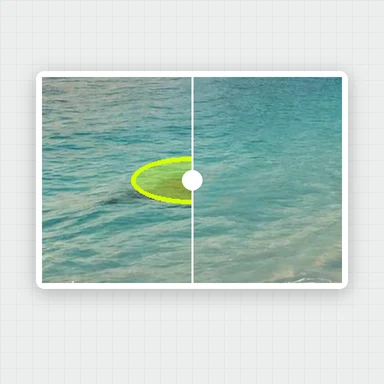
Slide between before and after, then download the restored photo as JPG, PNG or WebP.
Create photos, portraits and characters from a short prompt with WaveSpeed AI.
Make portraits, family scenes and vintage-style pictures from a description.
Bring a restored family photo to life as a short video clip.
Turn a picture into a 3D model.
$1 in free credits for eligible new accounts. No card needed. Generators have separate account and credit requirements. The old photo restoration tool is free.
Scan the print or take a straight, well-lit photo of it, open it here and press Restore photo. AI adds color if it is black-and-white or sepia, restores every face and enlarges the photo. No app or account needed.
Yes. Every face in the photo is found and restored, from a single portrait to a whole family, and the result tells you how many faces were restored.
Yes. Choose 2×, 3× or 4× to enlarge the whole photo while the faces are restored, so the print keeps its detail.
Yes. When a photo looks black-and-white or sepia, Add color is on, and AI paints in natural color before the faces are restored. Turn it off to keep the photo black-and-white.
No. It restores color, faces and size, but scratches, tears, stains and folds stay as they are.
Color and faces restored · Enlarge up to 4× · Free, no watermark
/filters:quality(82)/media/images/1791123751656780930_IfFPY7R0.webp)
/filters:quality(82)/media/images/1791123737177812425_RjKT3cku.webp)
/filters:quality(82)/media/images/1791123748309870128_xlkNgK8N.webp)
/filters:quality(82)/media/images/1791123738630744263_oR09R0aj.webp)
/filters:quality(82)/media/images/1791177033162457776_uQ09OY7g.webp)
/filters:quality(82)/media/images/1791123734319125607_JdnwGPY7.webp)
/filters:quality(82)/media/images/1791123746355630206_udnxGPY7.webp)
/filters:quality(82)/media/images/1791123744771362580_yC0sPezZ.webp)
/filters:quality(82)/media/images/1791123738606970169_5KIR1ais.webp)
/filters:quality(82)/media/images/1791123748197655725_EUmuFNW6.webp)