Add the photo
Choose, drop or paste a scan or a phone photo of the old print.
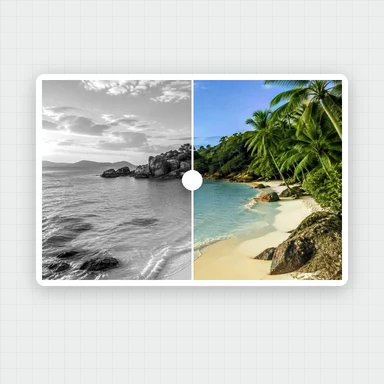
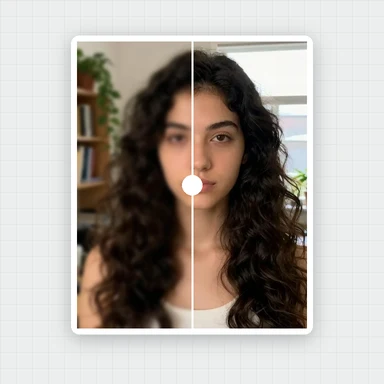
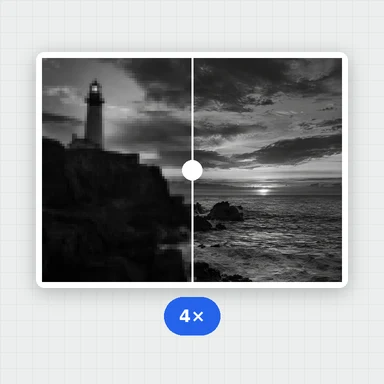
Old prints lose their sharpness and color. AI restores soft, faded faces, adds natural color to black-and-white and sepia photos and enlarges the whole picture.
It all happens in your browser, so family photos stay private.
A scan or phone photo of a faded print, a black-and-white or sepia picture, or a family album page.
JPG, PNG, WebP, AVIF or HEIC up to 30 MB. You can also paste a photo.Want the whole photo sharper?This free tool restores the faces and enlarges the rest. The Image Upscaler on WaveSpeed AI adds AI detail to the whole photo, up to 8K, with an API for whole albums.
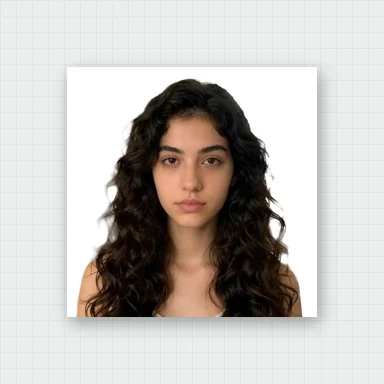
Open Image UpscalerAI-made portraits, aged in your browser to look like faded black-and-white and sepia prints. Choose one and restore it.
Choose, drop or paste a scan or a phone photo of the old print.
Check Add color and the size, then restore. AI fixes every face it finds.
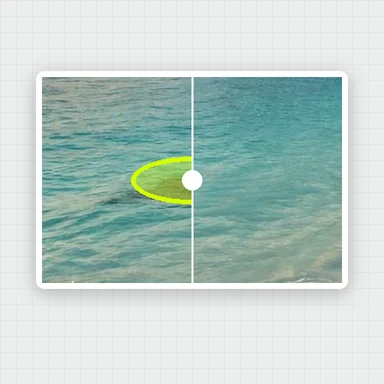
Compare before and after with the slider and save JPG, PNG or WebP.
Create photos, portraits and characters from a short prompt with WaveSpeed AI.
Make portraits, family scenes and vintage-style pictures from a description.
Bring a restored family photo to life as a short video clip.
Turn a picture into a 3D model.
$1 in free credits for eligible new accounts. No card needed. Generators have separate account and credit requirements. The old photo restoration tool is free.
Open a scan or a photo of the print here and press Restore photo. AI restores the faces, adds color if the photo is black-and-white or sepia, and enlarges it. Then download the result.
It repairs what fading, blur and low resolution do to faces, and brings back color. It does not fill in tears, scratches, stains or missing pieces.
No. Everything runs in your browser and the photo never leaves your device.
Only faces are restored by AI. A photo without faces still gets color and a bigger size if you choose them, and you are told that no face was found.
Faded faces restored · Color for black and white · No upload