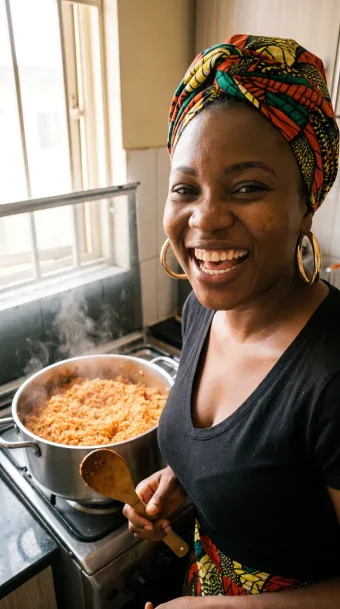
Add your dish photos
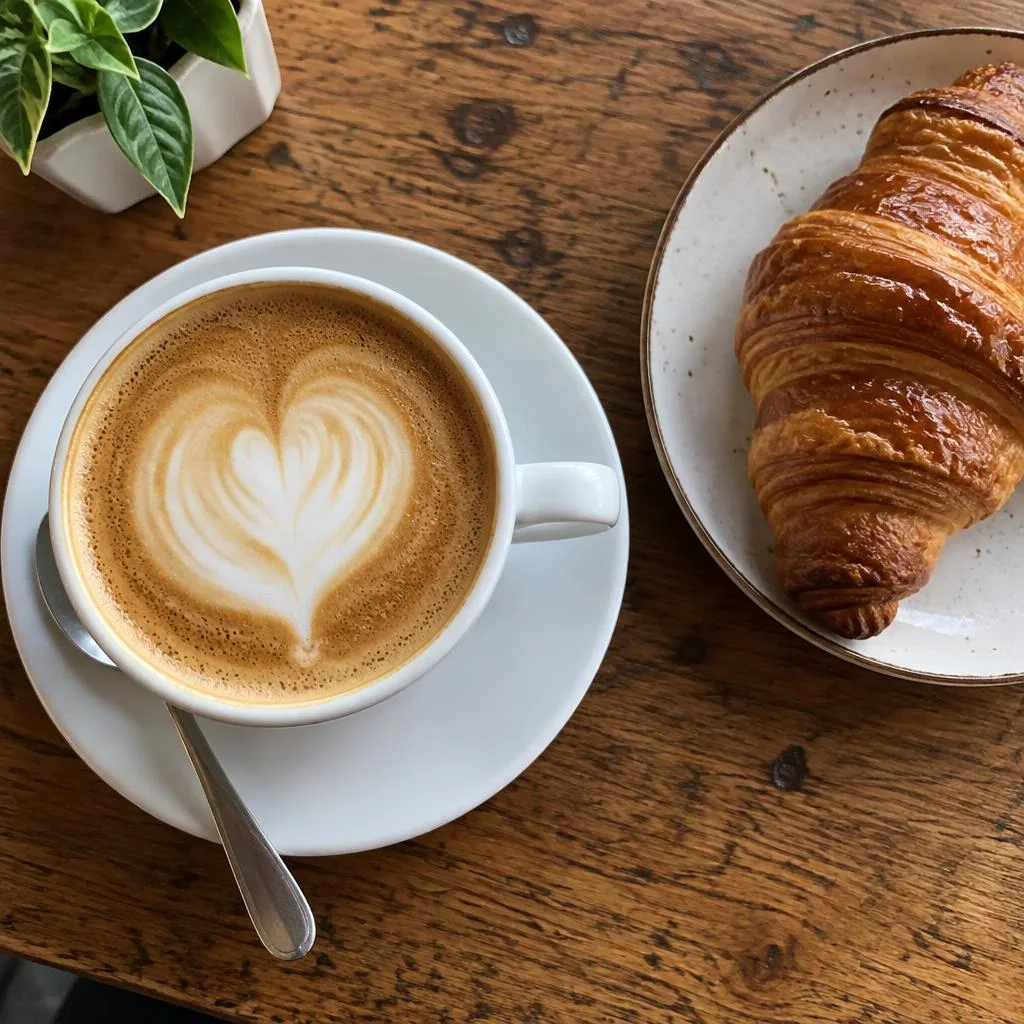
Drop in phone photos of your dishes, one or a whole menu at a time.
Add your dish photos and get them in the shape and size Uber Eats, DoorDash, Grubhub, Deliveroo and other platforms ask for, ready to upload.
Brighten dark kitchen shots, warm them up and sharpen them with one click, and see which photos a platform may reject before you send them.
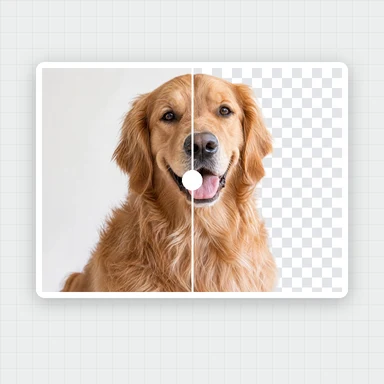
Want a studio-quality shot?Relight a dish, swap the background or restage the plate with the AI image editor.
Open AI Image EditorDrop in phone photos of your dishes, one or a whole menu at a time.
Choose the apps you sell on, then drag and zoom so each dish sits in the middle.
Turn on the appetizing look, check the warnings and download every size as a ZIP.
Use WaveSpeed AI to restyle a dish photo or create promo visuals for your menu.
Restyle a dish photo with new lighting, a new background or a fresh plating.
Turn a dish photo into a short video for social media.
Turn a picture into a 3D model.
$1 in free credits for eligible new accounts. No card needed. Generators have separate account and credit requirements. The menu photo editor is free.
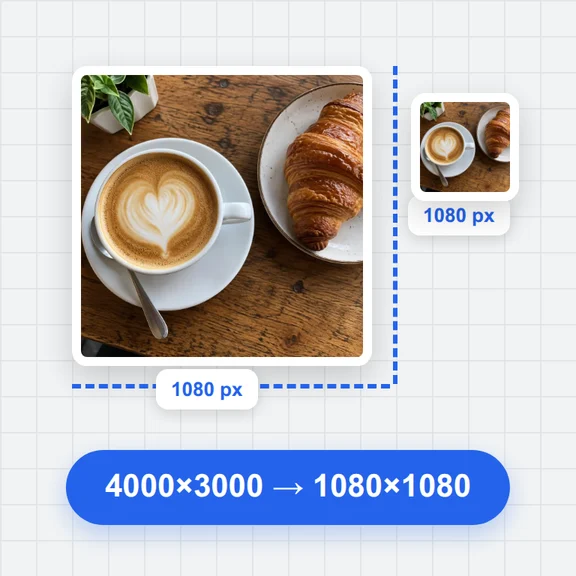
Uber Eats asks for menu item photos between 5:4 and 3:2, at least 550 × 440 pixels and up to 10 MB, and its lists show them cropped to a square. This tool exports 1500 × 1200 and shows the square so the dish stays inside it.
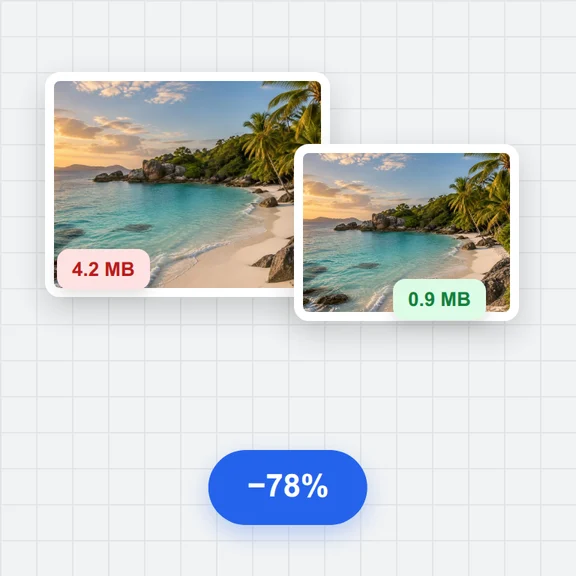
DoorDash asks for 16:9 landscape photos of at least 1400 × 800 pixels, under 2 MB. The tool exports 1600 × 900 and lowers the JPEG quality step by step until the file is under 2 MB.
Each has its own preset: Grubhub 4:3 (1600 × 1200), Deliveroo 3:2 (1800 × 1200, JPEG), Just Eat 4:3, Toast 5:3 and Square Online 1:1 (2000 × 2000). Platforms change their rules, so check your merchant portal if a photo is refused.
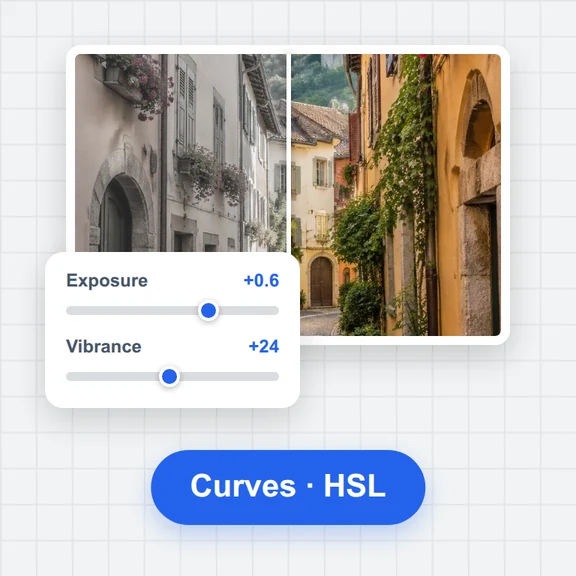
Auto levels fixes dark or washed-out photos, and the appetizing look adds a little warmth, colour and sharpness, as food photographers usually do. Every slider can be adjusted by hand.
A photo is flagged when the cropped part is smaller than the platform's minimum (it would be enlarged and look soft), when it looks blurry, or when it is too dark or too bright. Delivery apps often reject such photos.
Yes. Add up to 40 photos, choose several platforms and download every photo in every size in one ZIP. The look settings apply to all photos; the framing is set per photo and per platform.
No. Everything happens in your browser, so your photos never leave your device.
Yes. No account, no watermark and no limit on how many photos you prepare.
Add your dish photos, pick your apps and download. Free, no sign-up.