Add your photo
Drop, paste or choose one or more images.
Add a border to a photo in your browser. Choose the colour and width, set different widths per side if you like, and download at full resolution.
Free, with no upload and no watermark. Works for a whole batch.
Drop one or many photos here, or paste them. Pick a frame, see it update live, then download.
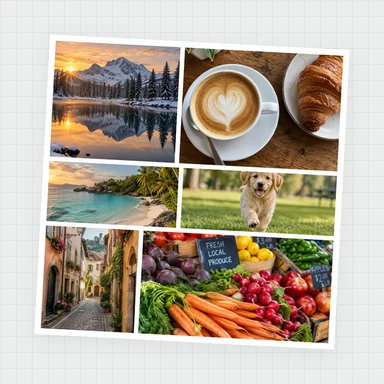
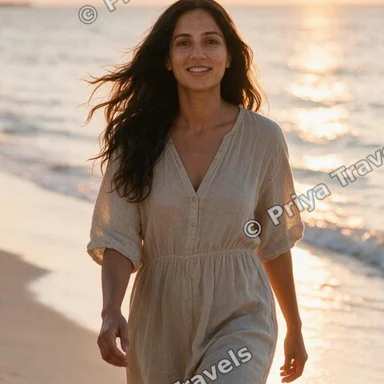
JPG, PNG, WebP, GIF, BMP, AVIF · Up to 100 MB each · Nothing is uploadedEach example opens a photo with a different frame. Change anything, or use your own photos.
Drop, paste or choose one or more images.
Pick a colour, then a width in percent or pixels. Turn on per-side widths for an uneven border.
Save a PNG, JPG or WebP with the border added around your photo.
Create photos, illustrations and graphics from a short prompt with WaveSpeed AI.
Make photos, product shots and illustrations from a prompt.
Turn a still image into a short video clip.
Turn a picture into a 3D model.
$1 in free credits for eligible new accounts. No card needed. Generators have separate account and credit requirements. The Add Border to Photo is free.
Yes. Add borders to as many photos as you like, without an account or watermark.
No. The border is added around the photo, so the picture keeps its full size and nothing is cropped.
Yes. Turn on different width on each side and set top, right, bottom and left separately.
Done in your browser. Your images are not uploaded.
Solid, double or gradient · Full resolution kept · Free download