Add your photos
Drop, paste or choose one or more images. Everything stays on your device.
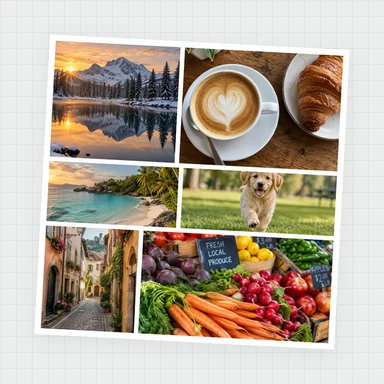
Add a border or frame to one photo or a whole batch, and watch it update live. Choose solid, double, gradient, Polaroid or film-strip frames, round the corners, add a shadow, or pad a photo to a square or any ratio.
Your photo keeps its full resolution. Download PNG, JPG or WebP. Free, private and no watermark.
Drop one or many photos here, or paste them. Pick a frame, see it update live, then download.
JPG, PNG, WebP, GIF, BMP, AVIF · Up to 100 MB each · Nothing is uploadedEach example opens a photo with a different frame. Change anything, or use your own photos.
Drop, paste or choose one or more images. Everything stays on your device.
Choose a border style, width and colour, round the corners, add a shadow, or pad to a square or other ratio. The preview updates as you go.
Save a PNG, JPG or WebP at your photo’s full resolution. With several photos you get one ZIP with the same frame on each.
Create photos, illustrations and graphics from a short prompt with WaveSpeed AI.
Make photos, product shots and illustrations from a prompt.
Turn a still image into a short video clip.
Turn a picture into a 3D model.
$1 in free credits for eligible new accounts. No card needed. Generators have separate account and credit requirements. The Add Border to Photo is free.
Add your photo, choose Solid, set the width and colour, then download. The border is added around the photo, so none of the picture is covered or cropped.
No. Your photo is drawn at its original size and the frame is added around it, so the result is larger than the original. Save as PNG to keep every pixel, or JPG or WebP for smaller files.
Choose the Polaroid style. It adds a thin border on three sides and a thicker bottom edge, with an optional caption. Add a shadow and a background colour to finish the look.
Yes. Set the corner radius and choose a transparent background, then save as PNG or WebP. JPG cannot be transparent, so its corners use the background colour.
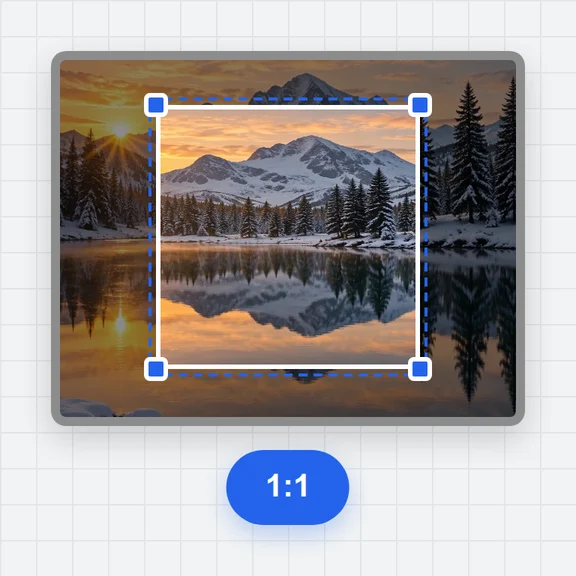
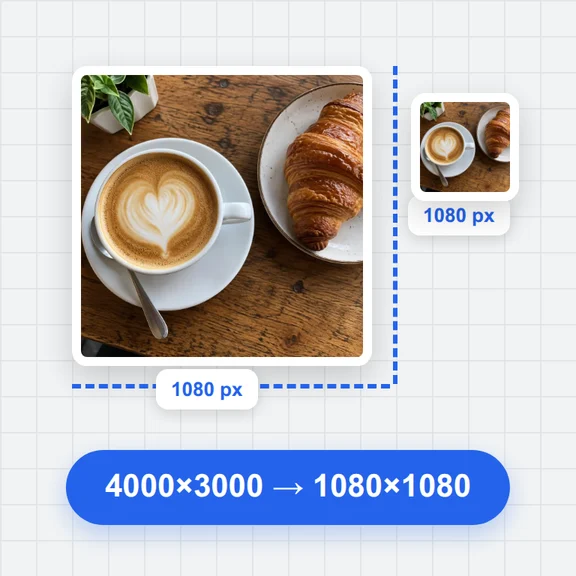
Pad the photo to a square (1:1) or to 4:5, and choose a white, coloured or blurred-photo background. The whole picture stays visible.
Yes. Add as many images as you like. Every one gets the same settings, and several photos download together in one ZIP.
Done in your browser. Your images are not uploaded.
Frames, Polaroid, rounded corners and square padding.