Introducing OpenAI GPT Image 2 Edit on WaveSpeedAI
OpenAI's GPT Image 2 Edit enables image editing from natural-language instructions with one or more reference images. Ready-to-use REST inference API, best perf

GPT Image 2 Edit: OpenAI’s Next-Generation AI Image Editing with Natural Language
Update (September 9, 2026): GPT Image 2.5 is now available on WaveSpeedAI. For editing, use Flare Edit or Sunburst Edit; the corresponding generation endpoints are Flare Text-to-Image and Sunburst Text-to-Image. Check the selected endpoint’s current schema before use. GPT Image 2 stays available as described below.
GPT Image 2 Edit is OpenAI’s latest image-to-image editing model that transforms reference images using simple natural-language instructions, now available on WaveSpeedAI with no cold starts and pay-per-use pricing. Whether you need to swap backgrounds, restyle products, blend multiple references, or make surgical pixel-level edits, GPT Image 2 Edit delivers production-ready results from a single text prompt — no masks, no layers, no Photoshop required.
Building on the breakthrough success of the original GPT Image, this new edit variant brings sharper detail preservation, better instruction following, and multi-reference compositing to the WaveSpeedAI inference platform via a simple REST API.
Try GPT Image 2 Edit on WaveSpeedAI →
How GPT Image 2 Edit Works
GPT Image 2 Edit is an instruction-tuned image editing model that takes one or more reference images plus a natural-language prompt and returns a newly rendered image reflecting your requested changes. Unlike traditional inpainting models that require users to draw masks or specify exact regions, GPT Image 2 Edit understands holistic visual intent — meaning you can say “change the jacket to red leather and move the subject to a rainy Tokyo street at night” and the model handles segmentation, relighting, and compositing internally.
Technical specifications:
- Input: One or more reference images + text prompt
- Output: High-resolution edited image
- Aspect ratios: 1:1 (default), 2:3 (portrait), 3:2 (landscape)
- Required fields:
images,prompt - Optional field:
aspect_ratio
What sets GPT Image 2 Edit apart from competing image-to-image models is its ability to reason across multiple references simultaneously. You can feed it a product shot and a lifestyle scene, and it will realistically place that product into the scene with proper lighting, shadows, and perspective — a workflow that previously required a professional retoucher.
Key Features of GPT Image 2 Edit
- Natural-language editing — No masks, layers, or selection tools. Simply describe what you want changed and the model handles the rest.
- Multi-reference compositing — Combine several input images into a single coherent output, perfect for product placement, style transfer, or character consistency.
- Preserves subject identity — Faces, logos, product details, and branded elements remain recognizable across edits, critical for commercial use.
- Flexible aspect ratios — Output in 1:1, 2:3, or 3:2 to match social platforms, e-commerce grids, or print formats.
- Production-ready quality — Clean edges, realistic lighting, and coherent textures ready for direct use in marketing assets.
- Zero cold starts on WaveSpeedAI — Inference latency stays consistent under load, so your app never hangs waiting for warm-up.
- REST API access — Simple HTTP endpoint, no GPU provisioning or model hosting required.
Best Use Cases for GPT Image 2 Edit
E-Commerce Product Photography at Scale
Swap product backgrounds, change colorways, or drop a single product shot into dozens of lifestyle scenes without reshooting. Upload your hero product image and prompt: “Place this sneaker on a marble countertop next to a coffee cup, soft morning light.” Generate an entire catalog from a single SKU photo.
Marketing Campaign Asset Variations
Marketing teams frequently need the same creative adapted across geographies, seasons, or demographics. GPT Image 2 Edit lets you take a master visual and prompt variations: “Change the model’s outfit to winter clothing and add snow falling.” One asset becomes dozens of localized campaigns in minutes.
Social Media Content at Scale
Influencers and content agencies can maintain a consistent visual identity across posts by editing a reference look-book image with prompt variations. Feed the model your brand image and request daily content variations — different poses, outfits, locations — without needing a photoshoot per post.
Character and Product Consistency for Storyboards
Game studios, comic creators, and film pre-production teams can maintain character consistency by supplying a reference image of a character or prop, then prompting scene-by-scene variations. GPT Image 2 Edit’s multi-reference support ensures your hero character looks the same in frame 1 and frame 100.
Virtual Try-On and Fashion Styling
Apparel brands can demonstrate how a garment looks on different body types, skin tones, or poses by combining a product photo with model reference images. Prompt: “Show this dress on the woman in reference image 2, full-length standing pose.” Build a virtual try-on experience without 3D assets.
Real Estate and Interior Design Mockups
Show clients what a room could look like after renovation, restaging, or redecoration. Upload a photo of an empty space and prompt: “Add mid-century modern furniture, hardwood floors, and warm lamp lighting.” Instant visualization without CAD.
Localized Creative for Global Brands
Take a global brand asset and adapt it to local markets with culturally relevant backgrounds, props, or model adjustments. One master creative, unlimited regional variations — all through prompt engineering.
Start editing images with GPT Image 2 Edit →
GPT Image 2 Edit Pricing and API Access
GPT Image 2.5 became available on WaveSpeedAI on September 9, 2026, through separate Flare and Sunburst edit endpoints. Choose Flare for fast iteration or Sunburst when extra precision matters, then validate the selected endpoint’s current schema before migrating.
GPT Image 2 Edit is available on WaveSpeedAI with transparent pay-per-use pricing — no subscriptions, no monthly commitments, and no GPU infrastructure to manage.
Python SDK example:
import json
import os
import time
from urllib.request import Request, urlopen

api_key = os.environ["WAVESPEED_API_KEY"]
headers = {"Authorization": f"Bearer {api_key}", "Content-Type": "application/json"}
payload = {
    "prompt": "A cinematic ocean wave at sunrise, highly detailed",
    "images": [
        "https://interactive-examples.mdn.mozilla.net/media/cc0-images/painted-hand-298-332.jpg"
    ],
    "aspect_ratio": "1:1",
    "resolution": "1k",
    "quality": "medium",
    "output_format": "png"
}

def request_json(url, data=None):
    request = Request(url, data=data, headers=headers, method="POST" if data else "GET")
    with urlopen(request) as response:
        return json.load(response)

# 1. Submit the prediction.
submit_body = request_json("https://api.wavespeed.ai/api/v3/openai/gpt-image-2/edit", json.dumps(payload).encode())
task = submit_body.get("data", submit_body)
if not task.get("id"):
    raise RuntimeError("Submission response did not contain a prediction id")
result_url = f"https://api.wavespeed.ai/api/v3/predictions/{task['id']}/result"

# 2. Poll until the prediction finishes.
while True:
    body = request_json(result_url)
    result = body.get("data", body)
    status = result.get("status")
    if status == "completed":
        print(result.get("outputs", []))
        break
    if status in {"failed", "cancelled", "timeout", "deleted"}:
        raise RuntimeError(result)
    time.sleep(2)
API parameters:
| Parameter | Required | Description |
|---|---|---|
images | Yes | Reference images to edit |
prompt | Yes | Text description of the desired edit |
aspect_ratio | No | 1:1 (default), 2:3, 3:2 |
Why WaveSpeedAI for GPT Image 2 Edit
- No cold starts — Consistent inference latency even under bursty traffic.
- Global edge inference — Low-latency API endpoints close to your users.
- Pay only for what you generate — No idle GPU costs.
- Unified REST API — Same interface across all WaveSpeedAI models, from text-to-image to image-to-video.
Tips for Best Results with GPT Image 2 Edit
- Be specific about what to change and what to preserve. Instead of “make it better,” try “change the sky to sunset colors while keeping the building exactly the same.”
- Reference multiple images when doing compositing. Supply one image for the subject and one for the scene — the model handles integration.
- Match your aspect ratio to the output platform. Use 1:1 for Instagram, 3:2 for landscape hero images, 2:3 for mobile portrait.
- Describe lighting and mood explicitly. Words like “soft morning light,” “cinematic rim lighting,” or “overcast diffuse lighting” dramatically improve realism.
- Iterate with small prompt changes. If the first result is close but not perfect, tweak a single phrase rather than rewriting the whole prompt.
- Preserve identity markers for branded content. Mention “keep the logo visible” or “maintain the character’s hairstyle” for commercial consistency.
Frequently Asked Questions
What is GPT Image 2 Edit?
GPT Image 2 Edit is OpenAI’s image-to-image editing model that modifies reference images based on natural-language prompts, available via REST API on WaveSpeedAI.
How much does GPT Image 2 Edit cost?
GPT Image 2 Edit uses pay-per-generation pricing on WaveSpeedAI with no subscriptions or minimums. Check the model page for current per-image rates.
Can I use GPT Image 2 Edit via API?
Yes — GPT Image 2 Edit is accessible through WaveSpeedAI’s REST API and Python SDK, with no cold starts and consistent global latency.
How many reference images can GPT Image 2 Edit accept?
GPT Image 2 Edit supports one or more reference images in a single request, making it ideal for multi-reference compositing workflows like product placement, character consistency, and virtual try-on.
What aspect ratios does GPT Image 2 Edit support?
GPT Image 2 Edit supports three aspect ratios: 1:1 (square, default), 2:3 (portrait), and 3:2 (landscape), covering most social media, e-commerce, and print use cases.
Start Editing with GPT Image 2 Edit Today
Ready to transform your image editing workflow? GPT Image 2 Edit brings OpenAI’s most advanced natural-language image editing to WaveSpeedAI with production-grade reliability and pay-per-use pricing.
Related Articles
Gemini Omni 1.1 Review for Iterative Video Editing in 2027

GPT-6 Astra Pro Review in 2027: Who Needs the Pro Tier?
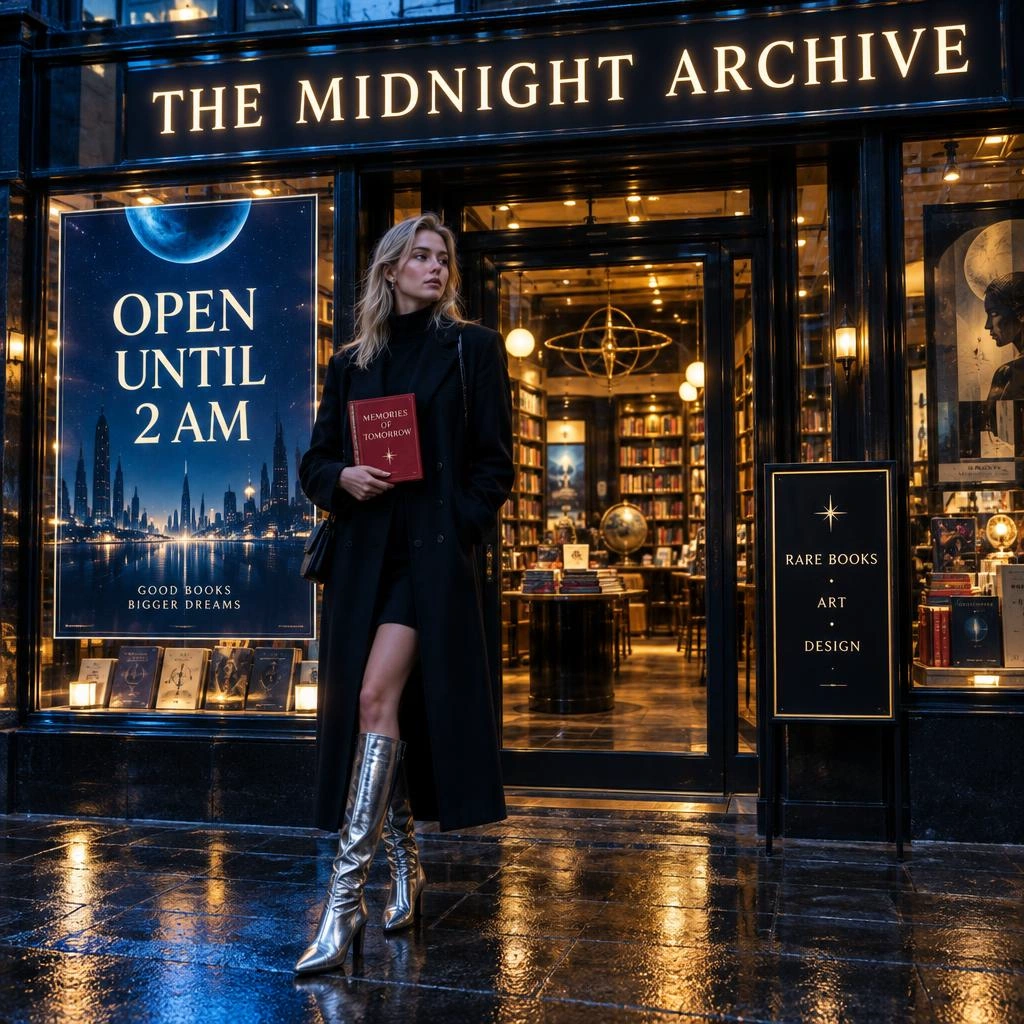
GPT Image 2.5 API Guide: Flare & Sunburst on WaveSpeedAI
Grok Imagine Video 1.5 Review for Image-to-Video in 2027
H3 Max Review in 2027: Is 35× Faster Useful in Production?