
GPT Image 2.5 API Guide: Flare & Sunburst on WaveSpeedAI
Use GPT Image 2.5 Flare and Sunburst on WaveSpeedAI with API examples, five quality settings, up to 4K output, and edits using up to 16 reference images.
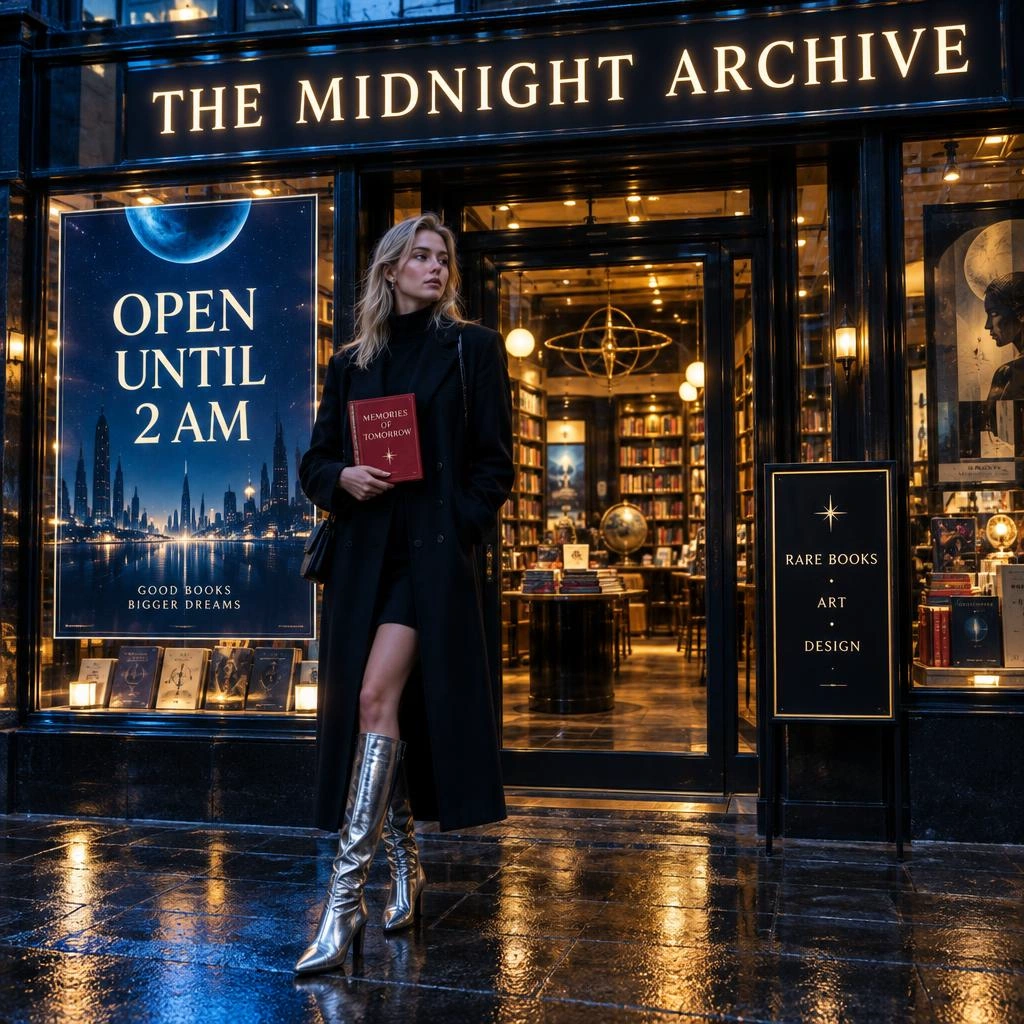
OpenAI’s GPT Image 2.5 is available on WaveSpeedAI today, and it arrives as two tiers rather than one model:
- GPT Image 2.5 Flare Text-to-Image and Flare Edit — the fast, balanced tier for everyday generation at low latency.
- GPT Image 2.5 Sunburst Text-to-Image and Sunburst Edit — the precision-focused tier that spends more time per image for extra fidelity on intricate detail.
The corresponding Flare and Sunburst endpoints share the same core generation controls: five quality levels, 1K / 2K / 4K output sizes, flexible aspect ratios, and PNG, JPEG, or WebP output.
The cover artwork represents Flare Text-to-Image. To try a product-photo workflow, start with medium quality, 1k resolution, aspect ratio 3:2, and a prompt such as:
A cinematic product photo of an unbranded amber glass perfume bottle with a plain frosted-glass label and no text or logo, on a marble surface, soft golden-hour lighting, shallow depth of field, elegant reflections, premium editorial photography styleFlare or Sunburst?
Pick by workload: use Flare when iteration speed matters and Sunburst when intricate detail and precision matter more.
Flare is a starting point for product shots, social creatives, hero images, and anything you iterate on.
Sunburst is for the images where you will zoom in: macro photography, intricate mechanical or architectural subjects, dense typography, print work. Describe texture and material precisely when testing it.

For example, try this macro-photography prompt:
Extreme macro photograph of an open mechanical wristwatch movement, intricate gears and jewels, brushed steel and gold plating, dramatic studio lighting, ultra-detailedBecause the corresponding endpoints expose the same core controls, a practical workflow is to draft on Flare and test the settled prompt on Sunburst for deliverables that need closer inspection.
For workload selection and upgrade planning, see GPT Image 2.5: Flare vs Sunburst and when to upgrade.
Five quality tiers on WaveSpeedAI
GPT Image 2.5 exposes five quality values: low, medium, high, xhigh, and max. medium is the default on WaveSpeedAI. Treat the labels as output-quality settings rather than guarantees about a fixed latency or visual result.
| Tier | Best for |
|---|---|
low | Fast drafts, thumbnails, layout exploration |
medium | The balanced default for most production images |
high | Detailed marketing visuals, text-heavy designs, product shots |
xhigh | Fine textures, intricate scenes, print-ready assets |
max | The highest-fidelity output the model offers |
One thing to know before you copy settings across from GPT Image 2: GPT Image 2.5 uses a five-step scale. Do not assume similarly named tiers are fidelity equivalents across model generations. Treat medium as the starting point, run your own prompts, and move one step up or down until the output matches what you need.
Parameters
Text-to-image and edit expose the same core generation controls; edit also requires images.
| Parameter | Required | Notes |
|---|---|---|
prompt | Yes | Natural-language description of the image or the edit. |
images | Edit only | Up to 16 reference images. The output follows the first image’s aspect ratio unless aspect_ratio is set. |
aspect_ratio | No | 1:1, 1:2, 2:1, 1:3, 3:1, 2:3, 3:2, 3:4, 4:3, 4:5, 5:4, 9:16, 16:9, 9:21, 21:9. Set it explicitly when the output must fit a particular layout. |
resolution | No | 1k (default), 2k, 4k. |
quality | No | low, medium (default), high, xhigh, max. |
output_format | No | png (default), jpeg, webp. |
Editing with reference images
Edit takes a prompt plus up to 16 reference images. For a product-background workflow with Flare Edit, upload a bottle photo and ask to place it on a beach boardwalk at golden hour while keeping the bottle, label, and proportions unchanged. Inspect the result for unintended changes.

For Sunburst Edit, try turning a watch macro into a print advertisement: request a navy backdrop, a vignette, and the headline “PRECISION, ENGINEERED” in serif type. Specify which gears and jewels must remain unchanged, then check their positions in the output.
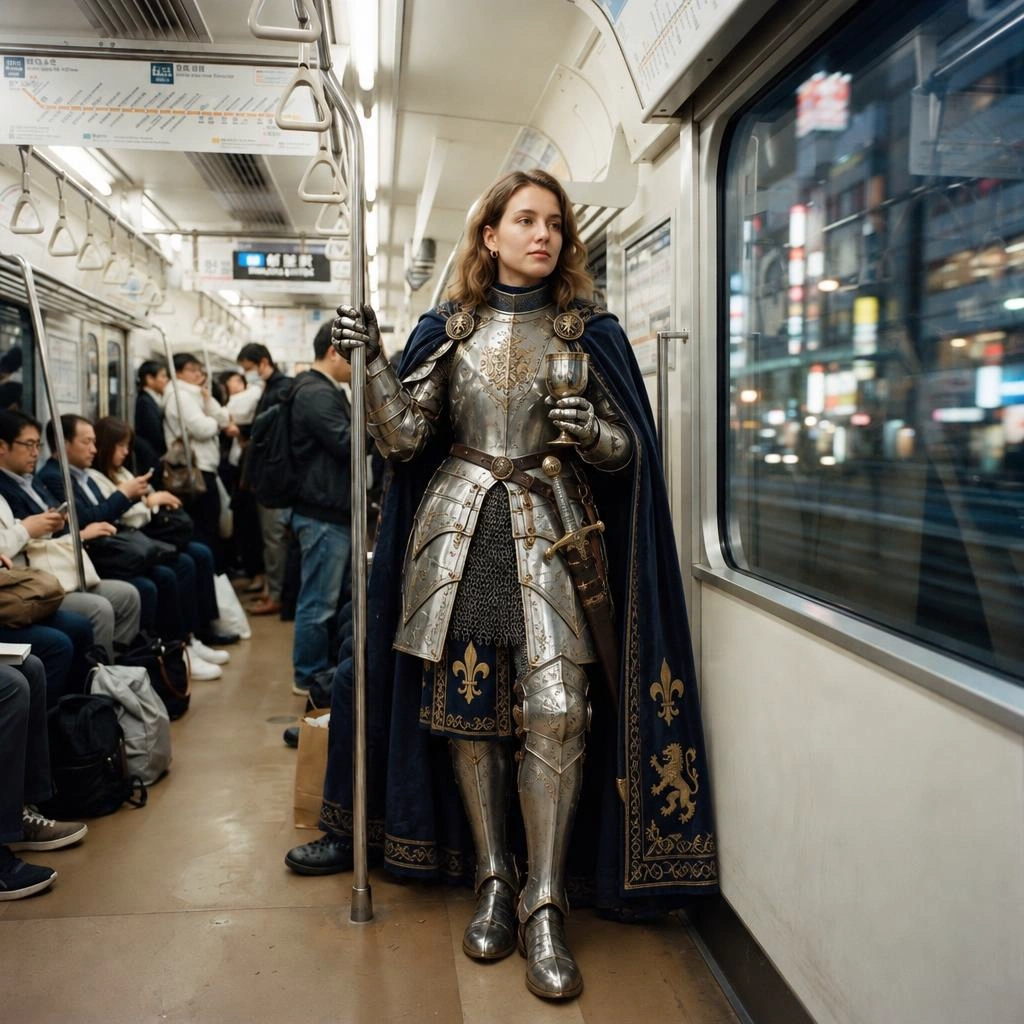
Put the exact wording of any text you want rendered in quotes, and say explicitly what must not change. The model artwork above identifies the endpoints; the workflow suggestions are prompts to evaluate with your own references.
Calling the API
Submit a prediction, then poll for the result. Swap the model ID to move between Flare, Sunburst, text-to-image, and edit.
curl -X POST "https://api.wavespeed.ai/api/v3/openai/gpt-image-2.5-flare/text-to-image" \
  -H "Authorization: Bearer $WAVESPEED_API_KEY" \
  -H "Content-Type: application/json" \
  -d '{
    "prompt": "A cinematic product photo of an unbranded amber glass perfume bottle on a marble surface, soft golden-hour lighting",
    "aspect_ratio": "3:2",
    "resolution": "1k",
    "quality": "medium"
  }'
The response carries a prediction id. Poll https://api.wavespeed.ai/api/v3/predictions/{id}/result until status is completed; outputs[0] is the image URL.
import os
import time

import requests

API_KEY = os.environ["WAVESPEED_API_KEY"]
BASE = "https://api.wavespeed.ai/api/v3"
HEADERS = {"Authorization": f"Bearer {API_KEY}", "Content-Type": "application/json"}


TRANSIENT = {429, 500, 502, 503, 504}


def run(model: str, payload: dict) -> str:
    # Submit once. Do not retry this POST automatically: a retry after an
    # ambiguous failure (timeout, 5xx) could create a second paid task.
    submit = requests.post(f"{BASE}/{model}", headers=HEADERS, json=payload, timeout=60)
    submit.raise_for_status()
    prediction_id = submit.json()["data"]["id"]

    # Poll until a terminal status.
    failures = 0
    while True:
        time.sleep(3)
        try:
            result = requests.get(f"{BASE}/predictions/{prediction_id}/result", headers=HEADERS, timeout=60)
        except requests.RequestException:  # network error: back off and keep polling
            result = None
        if result is None or result.status_code in TRANSIENT:
            failures += 1
            retry_after = result.headers.get("Retry-After", "") if result is not None else ""
            time.sleep(int(retry_after) if retry_after.isdigit() else min(2 ** failures, 60))
            continue
        if result.status_code != 200:
            raise RuntimeError(f"task {prediction_id}: unexpected HTTP {result.status_code}")
        failures = 0
        data = result.json()["data"]
        if data["status"] == "completed":
            return data["outputs"][0]
        if data["status"] in {"failed", "cancelled", "timeout", "deleted"}:
            raise RuntimeError(f"task {prediction_id} {data['status']}: {data.get('error')}")


# Text-to-image on Flare
image_url = run(
    "openai/gpt-image-2.5-flare/text-to-image",
    {"prompt": "Extreme macro photograph of an open mechanical wristwatch movement, ultra-detailed", "aspect_ratio": "3:2"},
)

# Edit on Sunburst, using the generated image as the reference
ad_url = run(
    "openai/gpt-image-2.5-sunburst/edit",
    {
        "prompt": "Turn this into a premium print advertisement with a dark navy backdrop and the headline text \"PRECISION, ENGINEERED\" at the top, keep every gear exactly as shown",
        "images": [image_url],
        "quality": "high",
    },
)
print(image_url, ad_url)
Migrating from GPT Image 2
- Model IDs. Replace the GPT Image 2 model ID with the appropriate Flare or Sunburst text-to-image/edit model ID listed above.
- Request validation. GPT Image 2.5 supports
prompt,aspect_ratio,resolution,quality, andoutput_format; edit also requiresimages. Validate allowed values and defaults on the selected model page instead of assuming an old request can be copied unchanged. - Quality. Start at
medium, compare the result with your existing output, and adjust from there. Do not infer cross-generation fidelity from a shared tier name. - Rollout. Keep the existing endpoint as a fallback until the new endpoint passes your quality and latency checks.
If you are new to the family, the earlier guides still apply to the request flow: GPT Image 2 API guide and GPT Image 2 rate limits.
Start generating
Explore all four endpoints in the GPT Image 2.5 API overview, or open a model directly:
- GPT Image 2.5 Flare Text-to-Image
- GPT Image 2.5 Flare Edit
- GPT Image 2.5 Sunburst Text-to-Image
- GPT Image 2.5 Sunburst Edit
One API key covers all four endpoints and the rest of the WaveSpeedAI catalog, with the same prediction flow you already use for GPT Image 2.
FAQ
What is the difference between GPT Image 2.5 Flare and Sunburst?
Flare is the fast, balanced tier for everyday generation at low latency. Sunburst is the precision-focused tier for extra fidelity on intricate detail. Their corresponding text-to-image and edit endpoints expose the same core generation controls; switching tiers requires changing the model ID.
How do the GPT Image 2.5 quality tiers compare with GPT Image 2?
GPT Image 2.5 has five tiers: low, medium, high, xhigh, and max. The tiers are not defined as direct equivalents of GPT Image 2 tiers, so compare outputs on your own prompts before locking in a setting.
How many reference images can I send to GPT Image 2.5 edit?
Up to 16 per request. If you do not set aspect_ratio, the output follows the aspect ratio of the first reference image.
Is GPT Image 2 still available?
Yes. The GPT Image 2 text-to-image and edit endpoints remain available on WaveSpeedAI. Treat a move to GPT Image 2.5 as a model migration: change the model ID and validate the current parameters and defaults on the selected GPT Image 2.5 model page.
Related Articles
/filters:quality(82)/media/images/1773962750383987480_n3hqzHRZ.webp)
Connect WaveSpeed to Claude, ChatGPT and Cursor with One URL
Nano Banana 3 Pro Spotted: What the Gempix 3 Pro Leak Tells Us
Qwen Image 2.1 vs Qwen Image 3.0: What Changes and When to Upgrade
Kling 4.0 Is Live on WaveSpeedAI: Models, Pricing, and How to Use Them
/filters:quality(82)/media/images/1788669894785286893_PwdmwFPZ.webp)
MiniMax H3 Now Makes Images: Text-to-Image and Image Edit APIs Live on WaveSpeedAI