
How Do I Retry a Long-Running Video Generation Job without Creating Duplicate Jobs or Charges?
Retry long-running AI video jobs safely with task IDs, status checks, attempt records, and duplicate webhook protection.
Overview
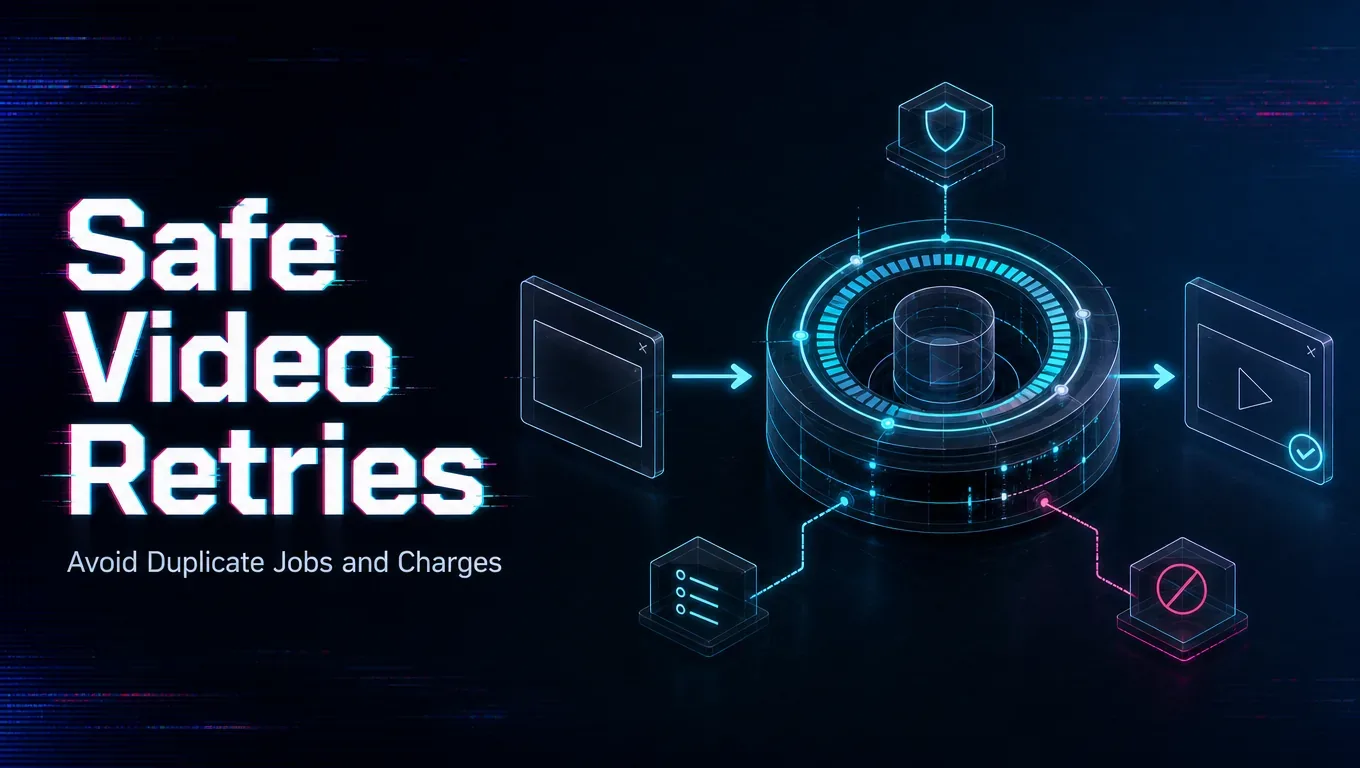
Do not treat a client timeout as proof that the provider never created the job. Save the task ID as soon as WaveSpeedAI returns it, then check the result endpoint before submitting a replacement. A second POST can create a second inference task even when the first request merely lost its response.
Use a request-and-attempt ledger
Create one internal request record for the user’s intent and a separate attempt record for every provider submission. Store your request ID, WaveSpeed task ID, model, payload hash, creation time, status, and final disposition. The retry decision then becomes explicit:
- no provider task created: retry the submission;
- task ID received and still processing: keep waiting;
- task completed: deliver the existing output;
- task failed or timed out: retry only if the error is transient;
- callback repeated: deduplicate by task ID.
WaveSpeedAI recommends handling duplicate webhook deliveries idempotently using the response id. For task creation, use only idempotency controls explicitly documented for the current endpoint; otherwise, treat a resubmission as capable of creating a separate task. Reconcile every task against the account record before telling users whether a duplicate submission produced an additional charge.
Set two different deadlines
Use a short HTTP deadline for submission and a longer business deadline for generation. A browser or gateway timeout should not cancel your background reconciliation process.
Make recovery visible
Show users “still checking” rather than “failed” while state is uncertain. Accurate reconciliation protects both the customer experience and your cost ledger.
/filters:quality(82)/media/images/5f15570a-6a68-432e-a6f1-1dcbf799ba81.webp)
/filters:quality(82)/media/images/b73c2438-6bdd-4b80-a229-8d71d8f819cf.webp)
/filters:quality(82)/media/images/427fd9f2-347d-4f86-a2d5-aee110cda01d.webp)
/filters:quality(82)/media/images/1773962750383987480_n3hqzHRZ.webp)
/filters:quality(82)/media/images/43fa0e7f-a0db-48d7-9bab-921d1225db30.webp)
/filters:quality(82)/media/images/5799ff56-3a73-40ca-a666-e4965d878496.webp)