Ollama Terminal Tests for Hosted API Migration
Use Ollama terminal tests as a portable evaluation baseline, then replay the same cases against a hosted API and measure behavioral drift.
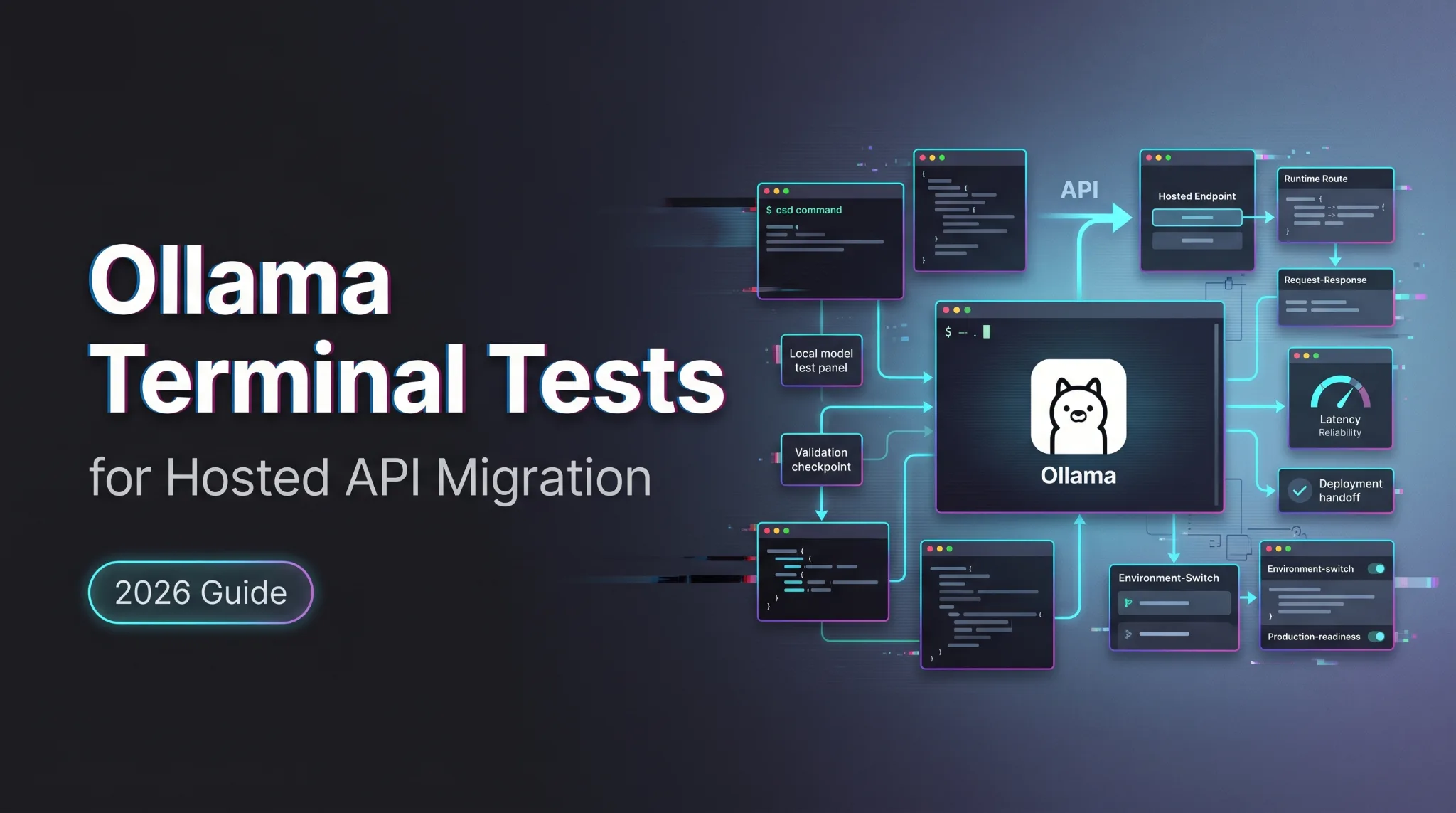
The useful migration test starts before the hosted provider enters the room. If your team already has an Ollama terminal workflow, the thing to protect is the contract: prompts, expected outputs, scoring rules, timeout rules, and failure labels.
This is not an install guide. Local setup, model pull, Mac and Windows notes, and GLM-specific Ollama steps already belong to the earlier guide on GLM-4.7-Flash local setup. This article is only about replaying the same evaluation contract against a local Ollama endpoint and a hosted API.
Local is not automatically safer. Hosted is not automatically faster. The test decides. Not the posture.
Define One Portable Evaluation Contract
Freeze prompts, expected outputs, and acceptance rules
Build a small contract first.
Use 10 to 30 tasks that look like real work: JSON extraction, code explanation, config review, log summarization, support triage, or tool-call-shaped output. Each task needs a fixed prompt, fixed system instruction, required format, pass/fail rule, timeout, and notes for human review.
“Good answer” is not a rule. “Returns valid JSON with risk, reason, and next_action, and does not invent filenames” is a rule.
That is the base of an Ollama evaluation workflow worth keeping.
Separate model quality from endpoint compatibility
Two failures look similar in a terminal.
A model can produce weak reasoning. An endpoint can return the wrong schema, reject a field, change an error format, or stream in a shape your client cannot parse.
Keep those separate. The Ollama API introduction documents the default local API at http://localhost:11434/api, while Ollama cloud models use https://ollama.com/api. That confirms route location. It does not prove workload portability.
Run the Contract Against an Existing Ollama Endpoint
Point the test client at the local endpoint
Use the same client path your app already uses.
If the app calls Ollama’s native API, test that. If it uses an OpenAI-compatible client pointed at Ollama, test that. Do not rewrite the harness for the first run. That creates two migrations at once.
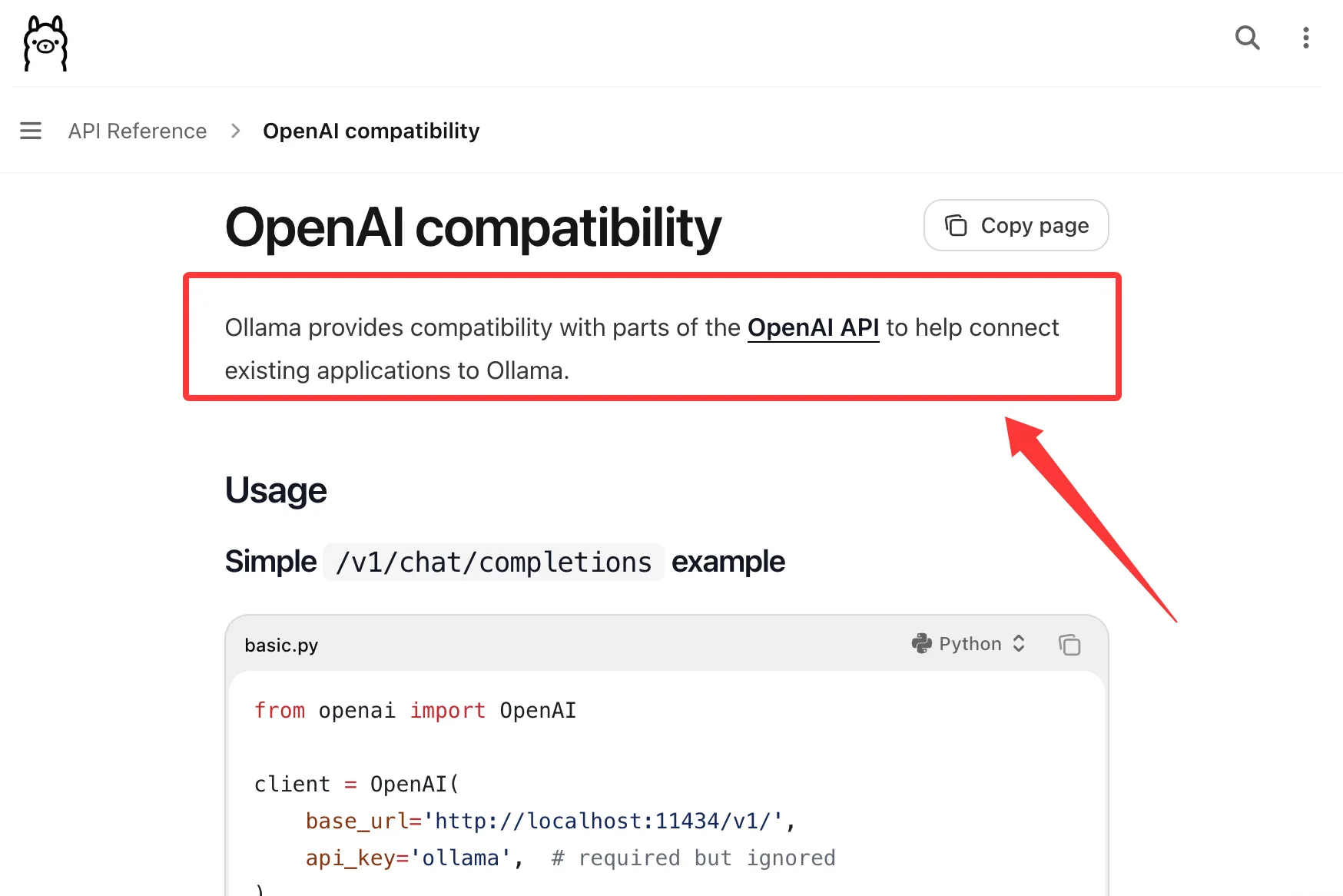
Ollama’s OpenAI compatibility docs cover partial compatibility for common OpenAI-style endpoints, including Chat Completions and Responses. Partial is the key word. Verify the exact fields your app sends.
Freeze these fields before the local run:
| Field | Why it matters |
|---|---|
| base_url | Confirms local or hosted route |
| model | Prevents silent substitution |
| temperature | Reduces replay noise |
| output cap | Controls latency and cost |
| schema | Makes drift visible |
| timeout | Separates slow success from failure |
Capture model identifier, runtime version, and JSON results
A local baseline needs metadata.
Capture the model name exactly as sent, model tag if visible, runtime version, raw response JSON, latency, and parser result. If streaming is used, store the raw stream and reconstructed final object.
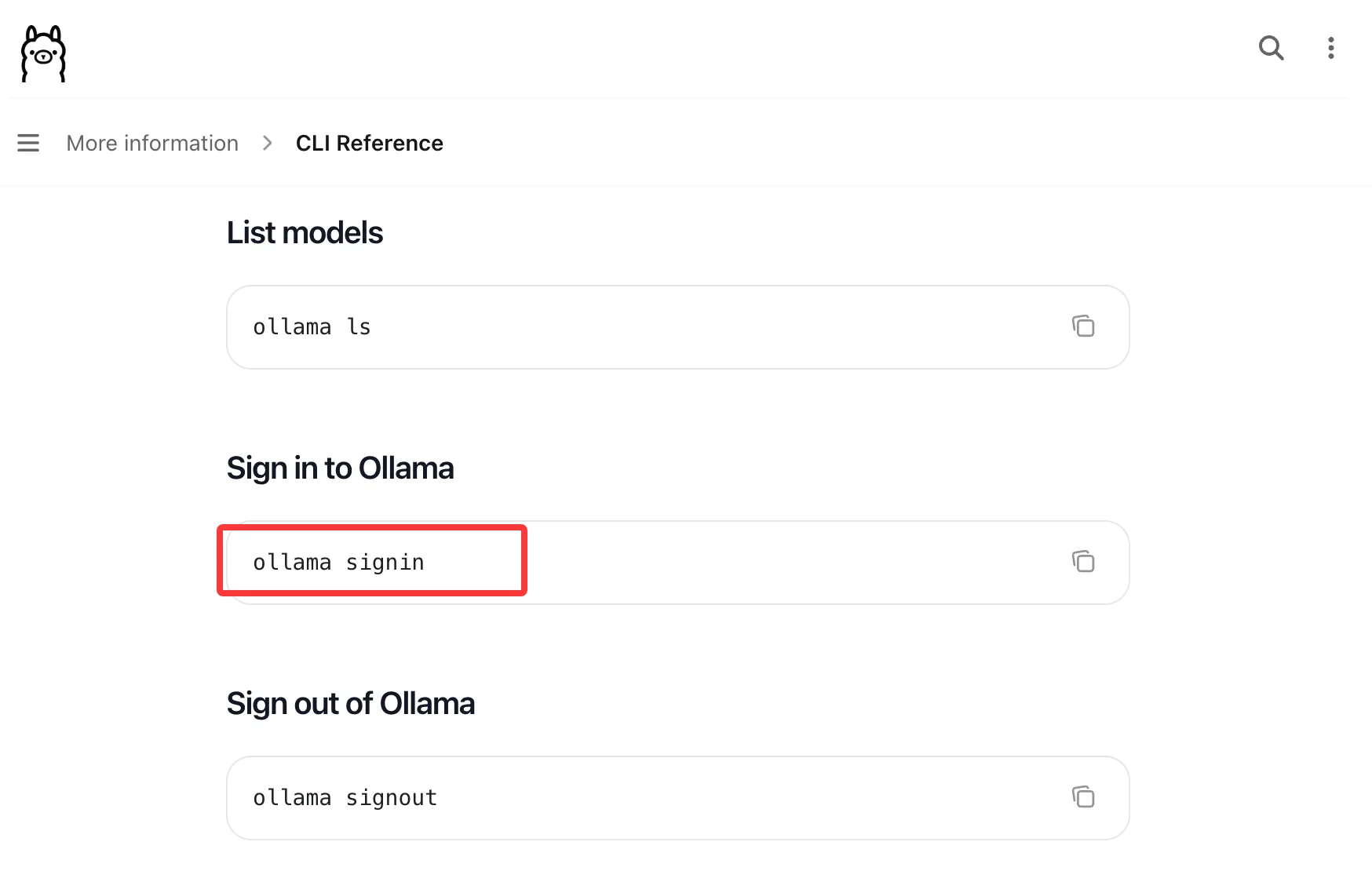
The Ollama CLI reference documents commands such as ollama ls, ollama ps, and ollama serve. Use them to record what was available and what was loaded during the test. Screenshots are not enough. They look official and diff badly. The usual compromise, meaning the worst of both worlds.
Replay the Same Contract Against a Hosted API
Change endpoint, credentials, and provider model ID
Now change only the migration variables.
For any hosted API, that usually means base URL, credential, and provider model ID. If the hosted service offers an OpenAI-compatible endpoint, keep the client contract stable and treat provider-specific fields as migration variables.
Do not change prompts yet. Do not adjust scoring. Do not relax JSON parsing because the new model “basically got it.”
The first replay answers one question: can this workload move without behavior changes?
The tuned replay is a second experiment. Label it separately.
Keep prompts, tools, and scoring rules unchanged
This is where teams quietly bias the result.
They tune the hosted prompt, remove a hard case, or widen the acceptance rule. Then the migration looks clean. It is not clean. It is edited.
For local-to-cloud LLM testing, the useful comparison is boring: same prompt, same tools, same output contract, same parser, same scoring.
Found the pattern on the third try: migration failures often hide inside “almost correct” outputs.
Measure Behavioral and Protocol Drift
Compare output schema, tool behavior, and error responses
Measure both answer quality and protocol shape.
Check valid JSON rate, missing fields, extra fields, enum drift, markdown wrapping, tool-call argument shape, refusal style, empty responses, auth failures, rate-limit errors, and timeout bodies.
Label drift by layer:
- model behavior drift
- endpoint schema drift
- tool-call drift
- auth or permission drift
- timeout or retry drift
- client parsing drift
A nice answer that breaks automation is still a failed migration.
Record latency and cost without claiming universal winners
Track time to first token, total latency, retry count, timeout count, and accepted-task time. If the hosted API returns token usage, record input tokens, output tokens, and cache evidence if present.
Cost per request is useful. Cost per accepted result is better.
Do not claim local or hosted is universally cheaper. The result depends on model size, concurrency, prompt length, retries, and accepted-output rate.
Decide Whether the Workload Can Move
Set promotion gates for accepted-task rate and reliability
Set the gate before running the test.
Example gates:
- 95 percent accepted-task rate
- no schema-breaking drift on critical tasks
- retry rate below team threshold
- p95 latency inside product tolerance
- no unsupported tool behavior
- rollback path tested
The exact numbers depend on workload. A developer assistant can tolerate more variance than an automated customer workflow.
An API migration test suite should return move, hold, or split. Not “looks fine.”
Document exceptions that must remain local
Some tasks should stay local.
Reasons can include offline use, data policy, desktop latency, tuned local prompts, or hosted endpoint gaps. Document the exception and add a retest date.
Otherwise temporary becomes permanent. Quietly. Always.
Prepare Rollback and Ongoing Retests
Keep a reproducible local baseline
Do not delete the local baseline after migration.
Keep the contract, runtime version, local model metadata, hosted model ID, JSON results, parser logs, and score sheet. When production behavior changes, this record tells you whether the model changed, the endpoint changed, or your own prompt changed.
That is how model behavior drift becomes a tracked issue instead of a meeting topic.
Retest when either runtime or hosted model changes
Retest when the Ollama runtime changes, the local model tag changes, the hosted model ID changes, the SDK changes, the tool schema changes, or the scoring rule changes.
This does not need ceremony. A release-gated replay is enough for most teams.
FAQ
Can multiple developers safely share one Ollama endpoint?
Yes, if there is governance: owner, allowed models, access boundary, logging policy, and workload limits. A random shared machine is not a platform endpoint.
What happens to downloaded models after uninstalling Ollama?
Downloaded model files may remain unless the model storage directory is removed. Check the current Ollama OS-specific docs before writing cleanup instructions.
Can a CI runner use Ollama without a desktop session?
Yes, if the runner can start the service and access required models. Pin the runtime and fail clearly when the endpoint is unavailable.
Is an Ollama cloud model processed on local hardware?
No. A cloud model runs through the cloud endpoint. A local model runs through the local runtime.
Who owns approval when local and hosted results disagree?
Platform owns the migration gate. The application owner owns workload acceptance. Security owns data exceptions. If they disagree, keep the workload local until the risk is accepted.
Conclusion
An Ollama terminal workflow is a useful baseline. It is not the migration decision.
Freeze the contract. Run it locally. Replay it against the hosted API with only endpoint, credential, and model ID changed. Measure schema, tools, latency, retries, cost, and accepted-task rate.
If the hosted run passes, move the workload. If it does not, keep the local path and retest after the next meaningful change.
Previous posts: