Start the desktop
Wait for the short startup (or skip it), then click the lock screen and press Sign in.
Use a Windows simulator online with nothing to install: a Windows 11 style desktop with a taskbar, start menu, widgets and windows you can drag, snap and resize.
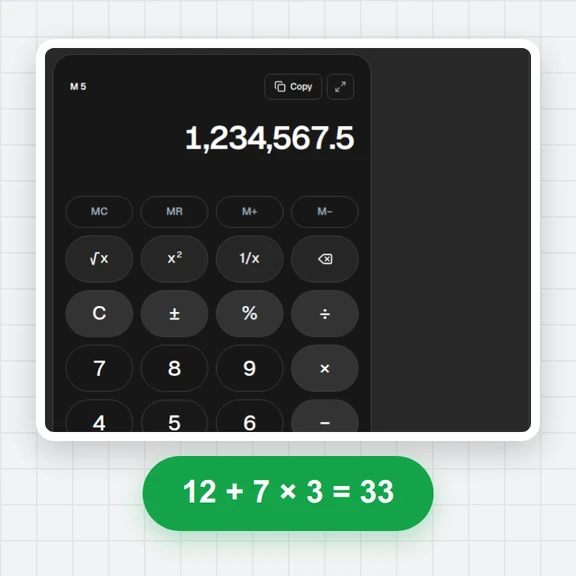
Its apps really work, from Files and Notes to Paint, Calculator and a small Terminal, and everything stays in your browser.
Starting the desktop…
Wait for the short startup (or skip it), then click the lock screen and press Sign in.
Open apps from Start or the taskbar, drag them by the title bar and snap them to halves or quarters.
Files are saved in your browser. Take a screenshot of the desktop or present it in full screen.
Create wallpapers, icons and short clips from a prompt with WaveSpeed AI.
Generate a custom wallpaper or app icon art.
Turn a still screenshot into a short animated clip.
Turn a picture into a 3D object for your mockups.
$1 in free credits for eligible new accounts. No card needed. Generators have separate account and credit requirements. The Windows 11 simulator is free.
A web page that recreates the look and feel of a Windows style desktop so you can explore it in your browser, without installing an operating system or a virtual machine.
Yes, free with no sign-up. It runs entirely in your browser.
Yes. Files live on a virtual disk in your browser. You can add files from your computer, download them again and save the whole disk as a file.
No. It is an independent simulator with its own apps and artwork, made for fun, learning, demos and mockups.
Works on any computer · Real working apps · Files stay on your device