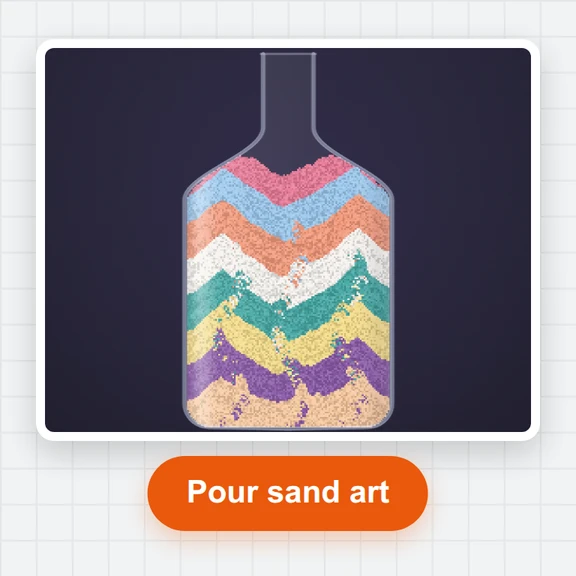
Pick a canvas
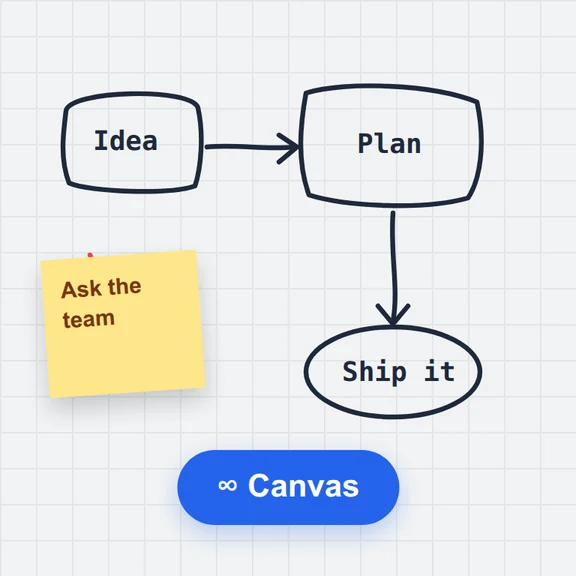
Start drawing right away, choose a size such as square, story, A4 or pixel art, or open a photo to paint over.
Paint with pencil, ink, marker, airbrush, watercolour and pixel brushes on layers with blend modes, opacity and pen pressure.
Fill, shapes, text, selections, symmetry and deep undo are built in. Your drawing is saved in this browser as you work.
Start drawing right away, choose a size such as square, story, A4 or pixel art, or open a photo to paint over.
Choose a brush, colour and size. Add layers, try blend modes and symmetry, and fill, shape, write or select as you go.
Download a PNG, JPG or WebP at the size you need, or save the layered project to keep working later.
Use a sketch or painting as the starting point for images, video and 3D with WaveSpeed AI.
Turn a rough sketch into a polished illustration in any style.
Bring a drawing to life as a short animated clip.
Turn a drawing of a character or object into a 3D model.
$1 in free credits for eligible new accounts. No card needed. Generators have separate account and credit requirements. The online drawing app is free.
Yes. There is no account, no limit on how many drawings you make, and no watermark on your downloads.
No. It runs in any modern browser on Windows, Mac, Linux, Chromebook, iPad, Android tablets and phones.
No. Drawing, autosave and export all happen in your browser. The autosave is kept in this browser’s storage on your device.
Pencil with a grainy texture, a smooth ink pen, a marker that doesn’t darken where it overlaps, a soft airbrush that builds up while you hold it, a watercolour brush with soft wet edges, and a pixel brush for crisp pixel art. There is also an eraser.
Yes. Add, duplicate, reorder, lock, hide, rename and merge layers, and set each layer’s opacity and blend mode, such as multiply for line art over colour or screen for glows.
Yes. Pen pressure changes the line width and opacity of the brushes, and once a pen is used your fingers pan and zoom instead of painting, so your palm doesn’t leave marks.
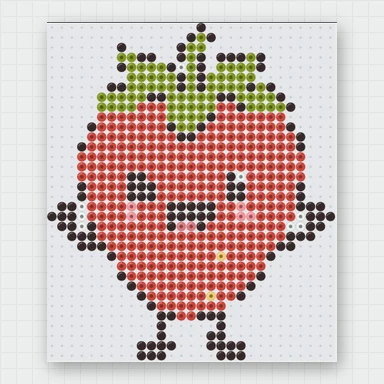
Yes. Pick a pixel art canvas (16 to 128 pixels) and the pixel brush paints hard square pixels. Export at 1× or scaled up to 16× with crisp edges.
Turn on symmetry in the brush options: mirror left / right, top / bottom, four-way, or radial with 2 to 16 copies for mandala patterns.
PNG (with transparency), JPG and WebP at half, full or double size. Save project downloads a .wsdraw.json file with every layer that you can open here again.
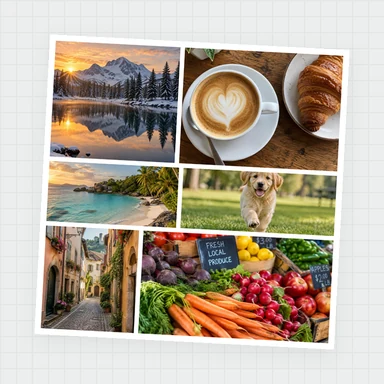
Yes. Open a photo to start a canvas of its size, or drop a picture onto the canvas to add it as a new layer and paint on a layer above it.
Free, private and ready in your browser.
/filters:quality(82)/media/images/1791123751656780930_IfFPY7R0.webp)
/filters:quality(82)/media/images/1791123737177812425_RjKT3cku.webp)
/filters:quality(82)/media/images/1791123748309870128_xlkNgK8N.webp)
/filters:quality(82)/media/images/1791123738630744263_oR09R0aj.webp)
/filters:quality(82)/media/images/1791177033162457776_uQ09OY7g.webp)
/filters:quality(82)/media/images/1791123734319125607_JdnwGPY7.webp)
/filters:quality(82)/media/images/1791123746355630206_udnxGPY7.webp)
/filters:quality(82)/media/images/1791123744771362580_yC0sPezZ.webp)
/filters:quality(82)/media/images/1791123738606970169_5KIR1ais.webp)
/filters:quality(82)/media/images/1791123748197655725_EUmuFNW6.webp)