Type your text or add a logo
Write anything, such as Be right back, or upload your logo. Pick a font, colours and a background.
The classic screensaver, made yours: type any text or add your logo, and watch it glide, bounce and change colour at every wall.
Go full screen on a laptop, monitor or TV, count the corner hits, and export a clip for your videos or streams.
Loading the screensaver…
Write anything, such as Be right back, or upload your logo. Pick a font, colours and a background.
Press full screen and leave it on a laptop, monitor or TV. The controls fade away and the screen stays awake.
Every corner hit gets confetti and a chime. Export a clip for a video or stream, or save a screenshot.
The logo moves diagonally at a steady speed and bounces off each edge. It hits a corner only when it reaches a side and the top or bottom at exactly the same moment.
Think of the free space: the screen width minus the logo width across, and the screen height minus the logo height down. The logo hits a corner when the distance it has travelled is a whole number of widths and a whole number of heights at once.
If the free width and height form a simple ratio, like 3:2, that happens every few bounces. On a typical screen the ratio is far from simple, so the next corner can be many minutes or hours away. Perfect fit picks a logo size that makes the ratio simple; Aim for a corner changes the angle very slightly so the logo lands in a corner soon.
A few ideas to get the most out of it.
Type Be right back and pick the Midnight background for a calm break screen on calls or streams.
Choose the green background and key it out in your streaming or editing software to float the logo over your video.
Press Perfect fit and the logo comes back to a corner every few bounces. Great for satisfying clips.
Arcade mode combines chunky pixels with CRT scanlines for an old-TV feel.
Choose the Calm speed and a soft palette for a relaxing background on a second monitor.
Copy link saves your text, colours and look, so anyone can open the same screensaver.
Create logos, backgrounds and short videos from a prompt with WaveSpeed AI.
Generate a logo or a background image for your screensaver.
Turn an idea into a short intro or outro video for your stream.
$1 in free credits for eligible new accounts. No card needed. Generators have separate account and credit requirements. The bouncing logo screensaver is free.
A free browser version of the classic screensaver in which a logo drifts across the screen, bounces off the edges and changes colour on every bounce. You can use your own text or logo, and it counts and celebrates every corner hit.
Open this page on the screen you want to use, press full screen and leave it running. The controls fade away after a few seconds, and on browsers that support it the screen stays awake while the logo plays.
Yes. Upload a PNG, SVG, JPG or WebP. Logos with a transparent background are recoloured on every bounce. Logos on a plain background have that background removed, and you can also keep the original colours with a coloured glow. Your picture stays in your browser.
Yes. Turn on the forecast to see exactly when the next corner hit will happen. Aim for a corner adjusts the angle a little so it lands in a corner soon, and Perfect fit makes it hit corners every few bounces.
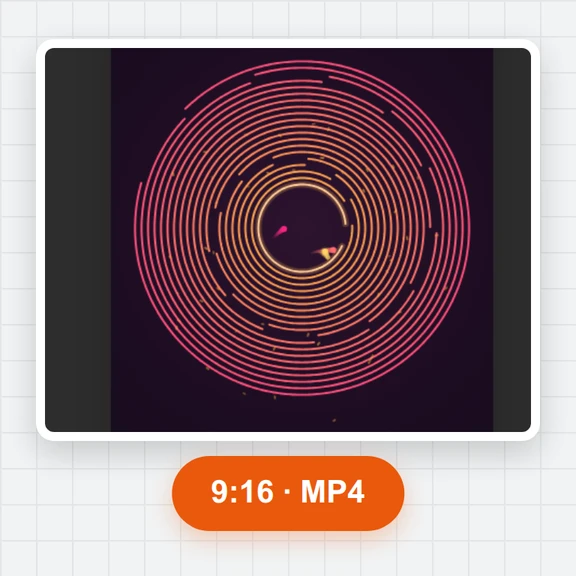
Yes. Open Video to export an MP4 or WebM in 16:9, 9:16 or 1:1, from 10 seconds to 10 minutes at 30 or 60 fps, with the bounce sounds and an optional corner hit at the end.
Yes. No sign-up, no watermark and nothing to install. It runs in your browser on phones, tablets, laptops and TVs.
Yes. The screensaver fills the screen in portrait or landscape, with large buttons, sound and gentle vibration on corner hits.
Type your text, press full screen and count the corner hits.
/filters:quality(82)/media/images/1791123751656780930_IfFPY7R0.webp)
/filters:quality(82)/media/images/1791123737177812425_RjKT3cku.webp)
/filters:quality(82)/media/images/1791123748309870128_xlkNgK8N.webp)
/filters:quality(82)/media/images/1791123738630744263_oR09R0aj.webp)
/filters:quality(82)/media/images/1791177033162457776_uQ09OY7g.webp)
/filters:quality(82)/media/images/1791123734319125607_JdnwGPY7.webp)
/filters:quality(82)/media/images/1791123746355630206_udnxGPY7.webp)
/filters:quality(82)/media/images/1791123744771362580_yC0sPezZ.webp)
/filters:quality(82)/media/images/1791123738606970169_5KIR1ais.webp)
/filters:quality(82)/media/images/1791123748197655725_EUmuFNW6.webp)