Set the time
Pick a quick time such as 5 or 25 minutes, or type hours, minutes and seconds.
Set a time, press Start and hear an alarm when it is up. Run several named timers at once, each with its own countdown.
Count down to a date too: a birthday, a launch or the holidays.
Pick a quick time such as 5 or 25 minutes, or type hours, minutes and seconds.
The countdown shows on the page and in the browser tab. Add more timers with their own names if you need them.
When the time is up the alarm rings and, if you allow it, a notification appears. Stop it, add a minute or restart.
Choose a bell, a digital beep, a chime or a soft tone. The alarm is scheduled when you press Start, so it rings on time even in a background tab.
Name them (pasta, oven, break) and run them side by side. Each one rings on its own.
Allow notifications to be told when a timer ends while you work in another window. The time left also shows in the tab.
Show a huge countdown for a class, a meeting or a presentation.
Count the days, hours, minutes and seconds to any date and share it as a link.
Running timers are saved in your browser and keep counting if you reload or close the page.
In Add timer, type 10 for ten minutes, 1:30 for a minute and a half, or 1h 20m.
The alarm plays from this page. Close the tab and you will not hear it, although the timer is still there when you come back.
Space starts and pauses, + adds a minute, R resets, F goes full screen.
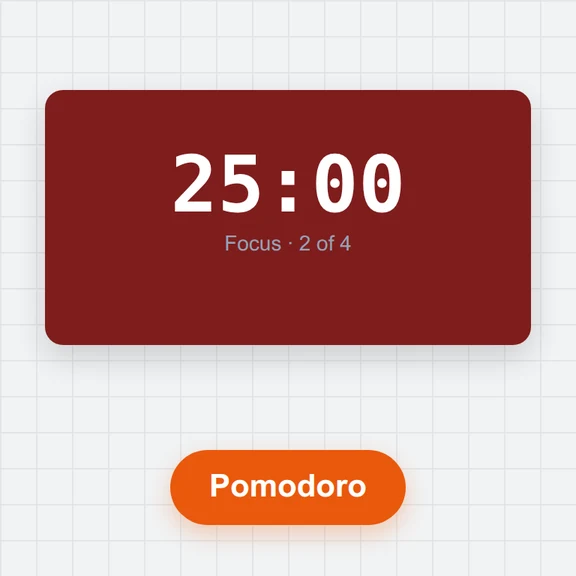
Try the pomodoro timer: it alternates work and breaks for you.
Create pictures and clips for your posts, classes and events with WaveSpeed AI.
Create posters, invitations and pictures from a short description.
Turn an idea or a still image into a short video clip.
Turn a picture into a 3D model.
$1 in free credits for eligible new accounts. No card needed. Generators have separate account and credit requirements. The online timer is free.
Yes. No account, no ads in the timer and no limits.
Yes. The alarm sound is scheduled when you press Start, so it plays on time in a background tab. Keep the tab open: the sound comes from this page. Phones may silence web pages when the screen is locked.
Yes, up to 20. Give each one a name; each rings on its own, and the tab title shows the one that ends next.
Click Notify me under the timer list and allow notifications. When a timer ends you get a notification even if the browser window is in the background.
Running timers keep their end time and continue where they were. The browser needs one click on the page before it can play the alarm again.
Yes. Open Countdown to a date, enter an event and a date, and see the days, hours, minutes and seconds left. Copy the link to share the countdown.
Presets, several timers, an alarm and notifications.
/filters:quality(82)/media/images/1791123751656780930_IfFPY7R0.webp)
/filters:quality(82)/media/images/1791123737177812425_RjKT3cku.webp)
/filters:quality(82)/media/images/1791123748309870128_xlkNgK8N.webp)
/filters:quality(82)/media/images/1791123738630744263_oR09R0aj.webp)
/filters:quality(82)/media/images/1791177033162457776_uQ09OY7g.webp)
/filters:quality(82)/media/images/1791123734319125607_JdnwGPY7.webp)
/filters:quality(82)/media/images/1791123746355630206_udnxGPY7.webp)
/filters:quality(82)/media/images/1791123744771362580_yC0sPezZ.webp)
/filters:quality(82)/media/images/1791123738606970169_5KIR1ais.webp)
/filters:quality(82)/media/images/1791123748197655725_EUmuFNW6.webp)