Pick a template
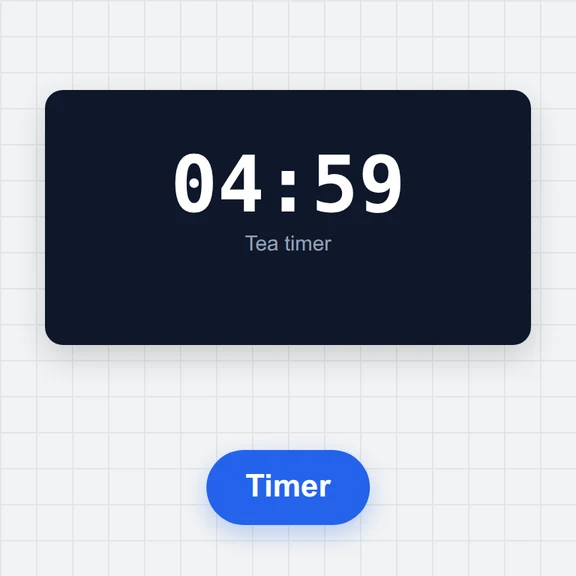
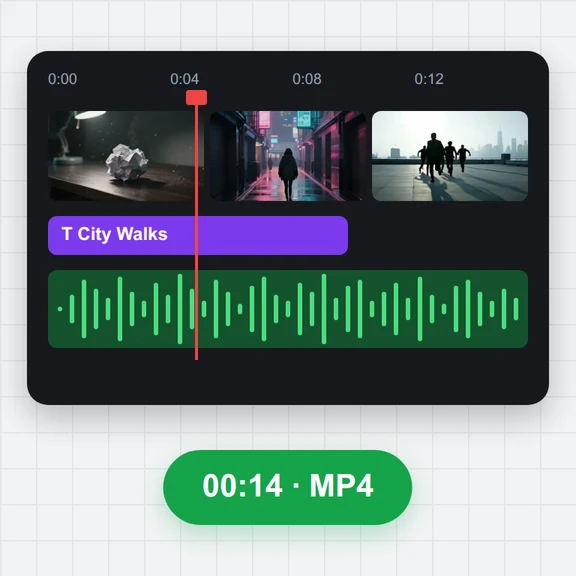
Start from an intro, a timer, a New Year or launch countdown, a flip clock or a green-screen overlay.
Make a 10-second intro, a 5-minute timer or a countdown to New Year in a few clicks.
Pick a style, colours and sounds, then download a vertical, square or wide video.
Loading the countdown maker…
Start from an intro, a timer, a New Year or launch countdown, a flip clock or a green-screen overlay.
Set the number, timer length or date, then the style, font, colours, background, text and sounds. The preview plays it live.
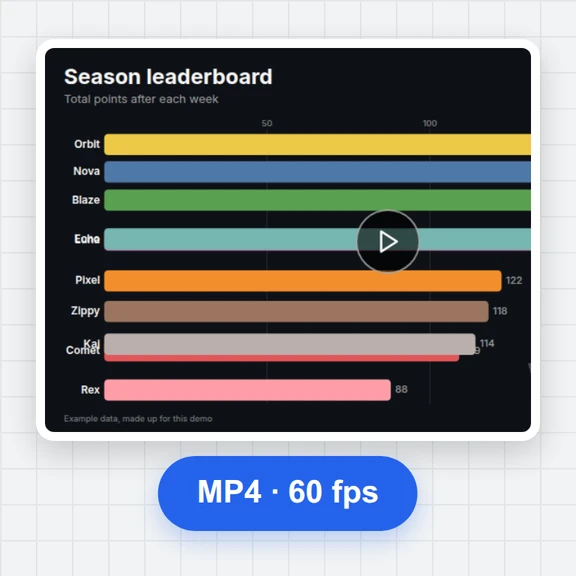
Choose 9:16, 1:1 or 16:9, the resolution and frame rate, and download an MP4 with sound.
A few habits for clean, punchy countdown clips.
9:16 fills a phone screen for short-video apps and stories; use 16:9 for video sites and presentations.
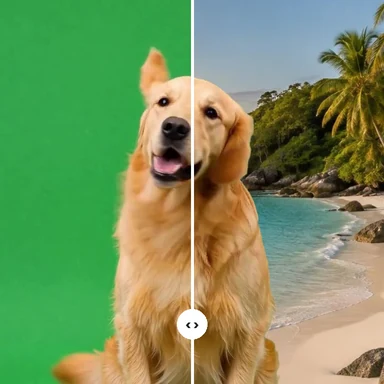
The green-screen background keys out cleanly, so the numbers can sit on top of any footage in your editor.
For long timers, beep only in the last 10 seconds. It keeps the video calm and the ending clear.
An hour-long timer at 720p and 30 fps is made much faster and stays a manageable file.
Condensed display fonts like Anton or Bebas Neue stay readable on small screens and thumbnails.
Copy the link to your countdown to make the same video again later or on another computer.
Create backgrounds, intros and scenes from a prompt with WaveSpeed AI.
Make a background picture or poster for your countdown.
Turn a prompt or picture into a short clip to follow your countdown.
Turn a picture into a 3D model for your scene.
$1 in free credits for eligible new accounts. No card needed. Generators have separate account and credit requirements. The countdown video maker is free.
Yes. No account, no watermark and no limit on how many videos you make. It runs in your browser with nothing to install.
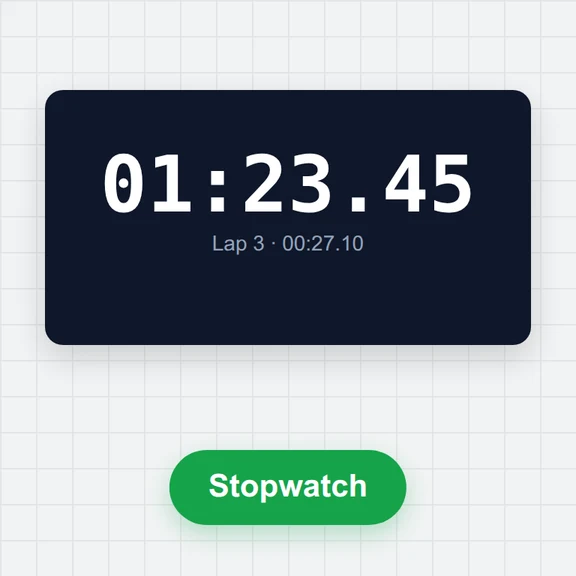
Seconds countdowns like 10 to 1, running timers from a few seconds up to one hour (with seconds, tenths or hundredths), and countdowns to a date that show days, hours, minutes and seconds left.
MP4 with H.264 video and AAC sound, or WebM with VP9 and Opus. Choose 1080p, 720p or 540p, 30 or 60 frames per second, and a 9:16, 1:1 or 16:9 frame.
Pick the green-screen background: the clip uses pure chroma green so you can key it out in any video editor and put the countdown over your own footage.
Yes, if you want: a tick, beep, wood block or chime every second or only in the last seconds, and a bell, fanfare, alarm or gong at zero. Every sound lands exactly on its frame, and you can turn sound off.
Yes. The sounds are synthesised from simple tones in your browser and the fonts are open-licence fonts, so the countdowns you make are yours to use, including in commercial videos.
Choose “To a date”, set the date and time you count down to, and when the video should start. Start from now for a days-left clip, or pick the last 10 seconds for a midnight countdown with confetti.
No. A background picture is read by your browser, and the video is made on your device and saved straight to your downloads.
Free, no sign-up, no watermark.
/filters:quality(82)/media/images/1791123751656780930_IfFPY7R0.webp)
/filters:quality(82)/media/images/1791123737177812425_RjKT3cku.webp)
/filters:quality(82)/media/images/1791123748309870128_xlkNgK8N.webp)
/filters:quality(82)/media/images/1791123738630744263_oR09R0aj.webp)
/filters:quality(82)/media/images/1791177033162457776_uQ09OY7g.webp)
/filters:quality(82)/media/images/1791123734319125607_JdnwGPY7.webp)
/filters:quality(82)/media/images/1791123746355630206_udnxGPY7.webp)
/filters:quality(82)/media/images/1791123744771362580_yC0sPezZ.webp)
/filters:quality(82)/media/images/1791123738606970169_5KIR1ais.webp)
/filters:quality(82)/media/images/1791123748197655725_EUmuFNW6.webp)