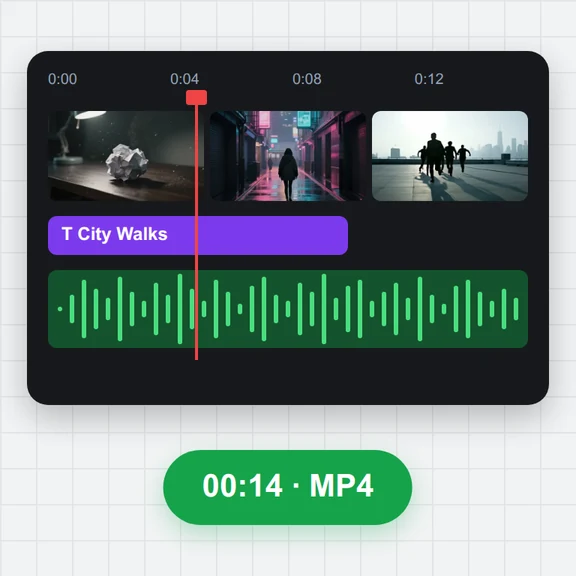
Open your video
Drop, paste or choose an MP4, MOV, WebM or MKV video. Evenly spaced frames are ready to pick.
Turn a video into images: choose how many evenly spaced frames you want, or take one every few seconds, every few frames or at each shot change.
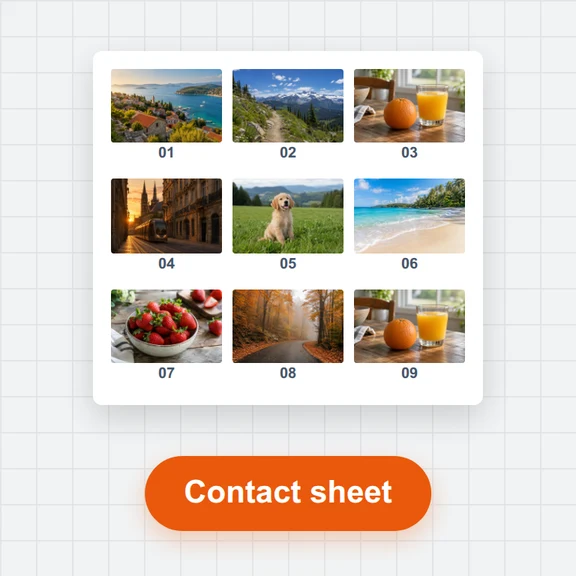
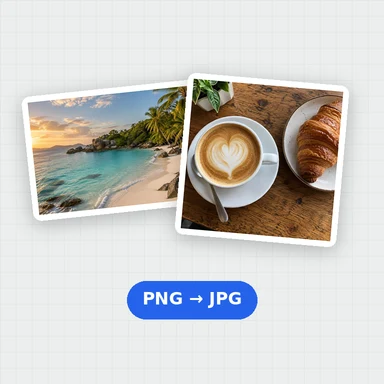
Select the pictures you like in the grid and download them as JPG, PNG or WebP in a single ZIP, at full resolution.
Drop a video here, or paste it
MP4, MOV, WebM or MKV · Up to 4 GBNo clip yet? Make one with AI Video GeneratorDrop, paste or choose an MP4, MOV, WebM or MKV video. Evenly spaced frames are ready to pick.
Set how many images you want, or switch to every N seconds, every N frames, given times or shot changes, then press Add frames.
Tick the frames to keep and download them as one ZIP of JPG, PNG or WebP files.
Start an image-to-video clip from any frame you saved here, or make a new first frame with AI.
Animate a saved frame into the next clip of your story.
Create a character or a first frame from a prompt.
$1 in free credits for eligible new accounts. No card needed. Generators have separate account and credit requirements. The video keyframe extractor is free.
Open the video, choose how many images you want and press Add frames. Then download them all as one ZIP.
PNG keeps every detail, JPG gives small files that open anywhere, and WebP is smaller still at the same look.
Yes. Choose Shot changes, press Find shot changes, and you get one frame from each shot. Move the sensitivity slider to find more or fewer.
Up to 500 at a time, with numbered names that sort in the order of the video.
No. The images are made in your browser.
Evenly spaced frames · JPG, PNG or WebP · One ZIP