Open your clip
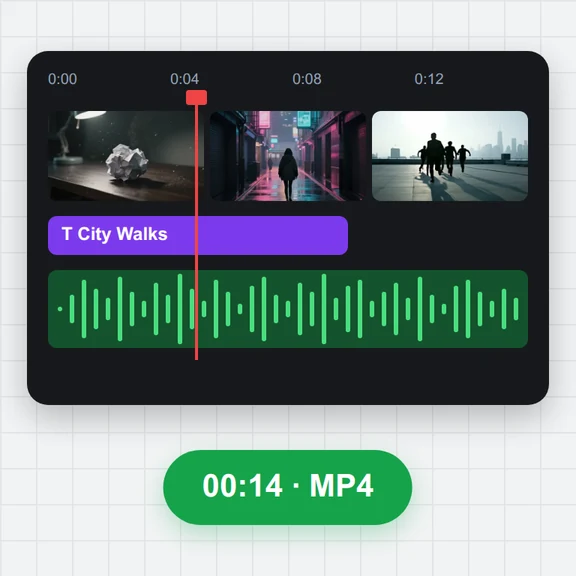
Drop, paste or choose an MP4, MOV, WebM or MKV video. The last frame is found and shown at once.
Open a clip and the tool jumps straight to its last frame and adds it to your frames, ready to download as PNG at the original resolution.
Use it as the first frame of your next image-to-video clip, so the new shot continues exactly where this one ended.
Drop a video here, or paste it
MP4, MOV, WebM or MKV · Up to 4 GBNo clip yet? Make one with AI Video GeneratorDrop, paste or choose an MP4, MOV, WebM or MKV video. The last frame is found and shown at once.
Step back with the arrow keys if the final frame is a fade or a blink, and capture the one you like.
Save it as PNG, JPG or WebP, at the original size or resized to 1080×1920, 1920×1080 or another AI video size.
Start an image-to-video clip from any frame you saved here, or make a new first frame with AI.
Animate a saved frame into the next clip of your story.
Create a character or a first frame from a prompt.
$1 in free credits for eligible new accounts. No card needed. Generators have separate account and credit requirements. The video keyframe extractor is free.
Open the video here and the last frame is taken for you. Press Download frame to save it as a PNG at the original resolution.
In most browsers yes: the tool reads the frames stored in the file and takes the final one. When a browser cannot read the file frame by frame, the Frame accuracy button says the frame is estimated.
To continue a clip with AI. Image-to-video models start from the image you give them, so starting from the last frame keeps the character, clothes and set the same in the next shot.
Step back a few frames with the left arrow key and press Capture this frame on a clearer one.
No. The frame is made in your browser and the video never leaves your device.
One click · Exact final frame · Full resolution