Open your clip
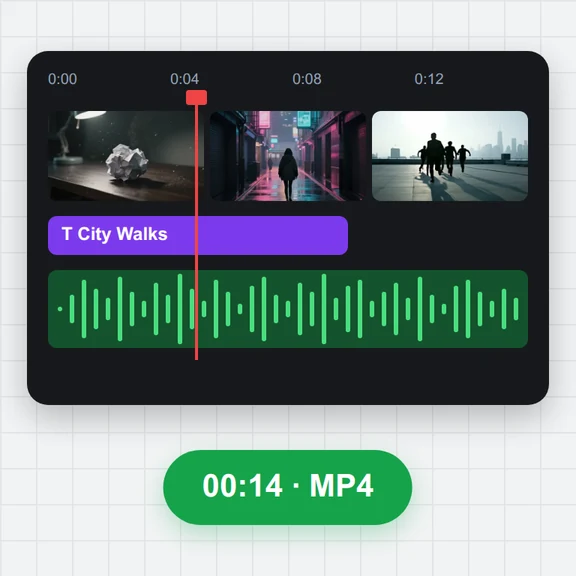
Drop, paste or choose an MP4, MOV, WebM or MKV video. Its first frame is captured straight away.
Open a video and its first frame is captured for you, at the original resolution, ready to download as PNG, JPG or WebP.
Step forward frame by frame if the clip opens on black, and use the frame as a cover, a thumbnail or a reference image.
Drop a video here, or paste it
MP4, MOV, WebM or MKV · Up to 4 GBNo clip yet? Make one with AI Video GeneratorDrop, paste or choose an MP4, MOV, WebM or MKV video. Its first frame is captured straight away.
Keep it, or step forward with the arrow keys and press Capture this frame on another one.
Save PNG, JPG or WebP at the original size or an AI video size like 1080×1920.
Start an image-to-video clip from any frame you saved here, or make a new first frame with AI.
Animate a saved frame into the next clip of your story.
Create a character or a first frame from a prompt.
$1 in free credits for eligible new accounts. No card needed. Generators have separate account and credit requirements. The video keyframe extractor is free.
Open the video here: the first frame is shown and added to your frames. Press Download frame to save it.
Many clips start with a fade. Press the right arrow key a few times, or Forward 1 second, and capture the first clear frame.
Yes. Frames are saved at the video's own resolution by default, and PNG keeps every pixel.
Yes. A first frame or any clear frame of a character makes a good start or reference image for the next clip.
No. Everything happens in your browser.
Instant first frame · Frame-by-frame · No upload