Add the photo
Choose, drop or paste a photo (JPG, PNG, WebP) of one person looking toward the camera.
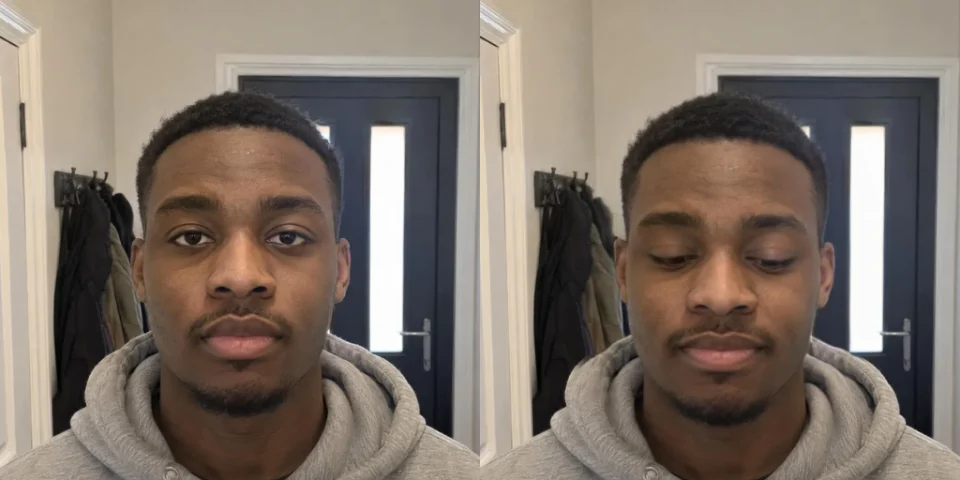
Move the eyes slider toward wide and the eyes of the person in your photo open. It also works the other way: close the eyes, or open them wider.
Only the face is redrawn, the rest of the picture stays as it is. Everything runs on your device.
A JPG, PNG or WebP photo of one person looking toward the camera.
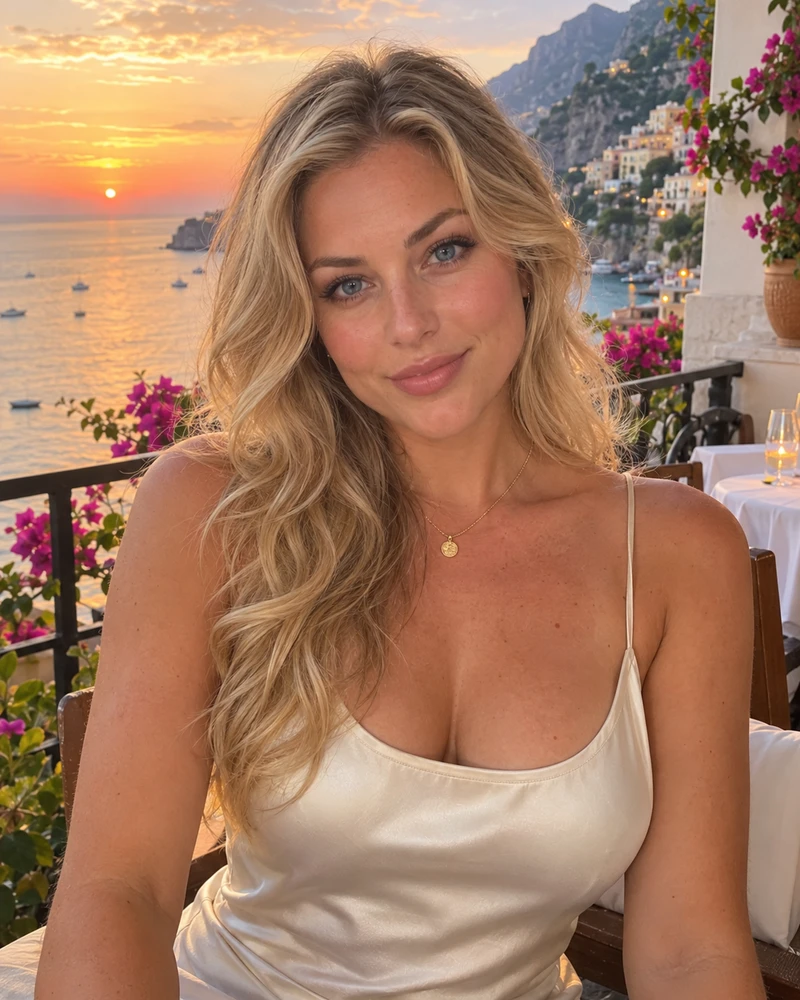
Or paste a photo. Up to 30 MB.AI-made portraits, no real people. Choose one and change its expression.
Choose, drop or paste a photo (JPG, PNG, WebP) of one person looking toward the camera.
Press Start editing. The first time, the face models are downloaded to your browser.
Drag the eyes slider toward wide until the eyes look right, compare with the original and download the photo.
Edit, repaint or extend a photo with WaveSpeed AI.
Make a photo move, talk or dance.
Edit a photo with a prompt: change clothes, background or style.
Turn a picture of an object into a 3D model.
$1 in free credits for eligible new accounts. No card needed. Generators have separate account and credit requirements. The expression editor is free.
Add the photo, press Start editing and drag the eyes slider toward wide. The eyes are redrawn open and you download the result.
They are a new drawing of the eyes, so they look best on a face that is not too small. If the eyes look odd, lower the slider or use the look direction slider to adjust where they look.
No. The photo is processed in your browser and never leaves your device.
It changes one face, the largest in the picture. For a group photo, crop to the person with the closed eyes first.
Face changes, picture stays · 7 sliders · Free, no upload