Add the clip
Choose, drop or paste a video of up to 120 seconds.
Interviews, presentations and recorded calls often show eyes on a screen or notes. AI moves the eyes toward the camera in every frame.
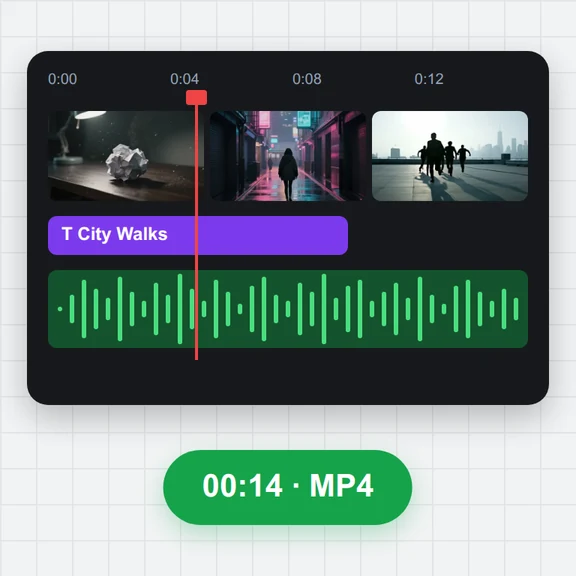
Choose the strength, compare with the original and save the MP4 with its sound.
An MP4, MOV, WebM or MKV video, or a JPG, PNG or WebP photo, with a person looking toward the camera.
Or paste a video. Exports cover up to 120 seconds at a time.Need a clip? Create one with AIChoose, drop or paste a video of up to 120 seconds.
Compare the original and the corrected eyes on any frame.
Press Fix eye contact and download the MP4.
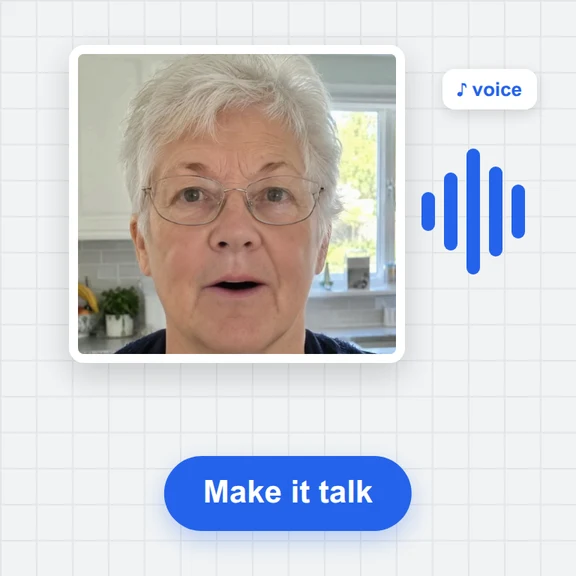
Create a talking video, a background or a whole new clip from a prompt with WaveSpeed AI.
Make presenter videos, B-roll and full scenes from a prompt or a photo.
Create a backdrop or a thumbnail for your video.
Turn an object into a 3D model for your set.
$1 in free credits for eligible new accounts. No card needed. Generators have separate account and credit requirements. The eye contact corrector is free.
Open the video here, set the strength and press Fix eye contact. The eyes are moved toward the camera in every frame and you download an MP4.
Yes, for clips where the face is visible and looking toward the camera or a nearby screen. The correction is made on your own computer.
Only a little. The eyes can only turn so far inside the eye opening, so large side glances are corrected partly.
Yes. There is no account, watermark or upload.
Eyes toward the lens · Sound kept · Free, no upload