Add your video or photo
Choose, drop or paste a video (MP4, MOV, WebM, MKV) or a photo (JPG, PNG, WebP) with the person facing the camera.
Reading notes or looking at a screen pulls the eyes away from the lens. AI finds the eyes in every frame of a video, or in a photo, and moves the iris toward the camera.
Choose how strong the correction is, compare with the original and download the MP4 with its sound, or the corrected photo.
An MP4, MOV, WebM or MKV video, or a JPG, PNG or WebP photo, with a person looking toward the camera.
Or paste a video. Exports cover up to 120 seconds at a time.Need a clip? Create one with AIChoose, drop or paste a video (MP4, MOV, WebM, MKV) or a photo (JPG, PNG, WebP) with the person facing the camera.
Scrub a video to a frame, switch between the original and the corrected eyes and set the strength.
For a video, press Fix eye contact and save the MP4 with its sound. A photo is corrected right away: download it.
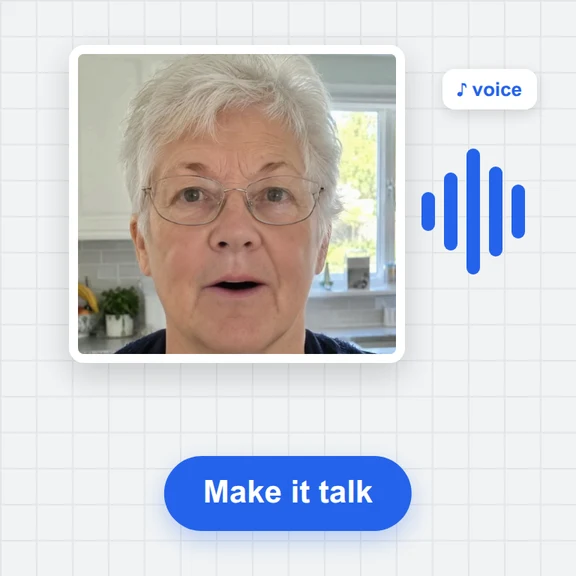
Create a talking video, a background or a whole new clip from a prompt with WaveSpeed AI.
Make presenter videos, B-roll and full scenes from a prompt or a photo.
Create a backdrop or a thumbnail for your video.
Turn an object into a 3D model for your set.
$1 in free credits for eligible new accounts. No card needed. Generators have separate account and credit requirements. The eye contact corrector is free.
Yes. Correct as many clips as you like with no account and no watermark.
No. The AI runs in your browser and the video never leaves your device. The first time, your browser downloads the eye models (about 117 MB with graphics acceleration, about 3 MB without) and keeps them for next time.
The tool finds the face and both eyes in every frame, works out where the eyes look and redraws the eyes with the gaze turned toward the camera, with the lashes and iris detail sharpened. The rest of the face is left as it is.
Yes. Drop a JPG, PNG or WebP photo and the corrected picture appears at once; download it at its own size. The same limits apply: the face must be visible and looking roughly toward the camera.
On a face that looks toward the camera with the eyes off to the side, such as someone reading notes or glancing at a screen. Closed eyes, very small faces, strong glare on glasses or a head turned far away are corrected less or not at all.
At the default strength the change is subtle. Compare the preview with the original and lower the strength if the eyes look too fixed. A correction cannot invent what the eyes would have looked like, so very strong changes can look odd.
Closed or half-closed eyes are left alone, and the correction fades in and out so the eyes never jump. If no face is found in a frame, that frame is left as it is.
The best result needs a current browser with graphics acceleration (recent Chrome or Edge on most computers). Without it the tool falls back to a simpler method that moves the iris inside the eye: it is much faster and downloads far less, but looks less natural for larger glances.
Up to 120 seconds per export; trim longer clips. Every frame is processed on your own device, so a short clip can take several minutes, and longer ones take longer. Exports are up to 1080p and 30 fps.
Yes. The original sound is copied into the MP4.
Free, private and no sign-up. Your video never leaves your device.