Add a video
Choose, drop or paste a clip with the speaker facing the camera.
AI finds both eyes in every frame, works out where they look and moves each iris toward the camera.
It runs in your browser, so your video stays private, and the original sound is kept in the MP4.
An MP4, MOV, WebM or MKV video, or a JPG, PNG or WebP photo, with a person looking toward the camera.
Or paste a video. Exports cover up to 120 seconds at a time.Need a clip? Create one with AIChoose, drop or paste a clip with the speaker facing the camera.
Switch between the original and the corrected frame and set the strength.
Correct every frame and download the video with the original sound.
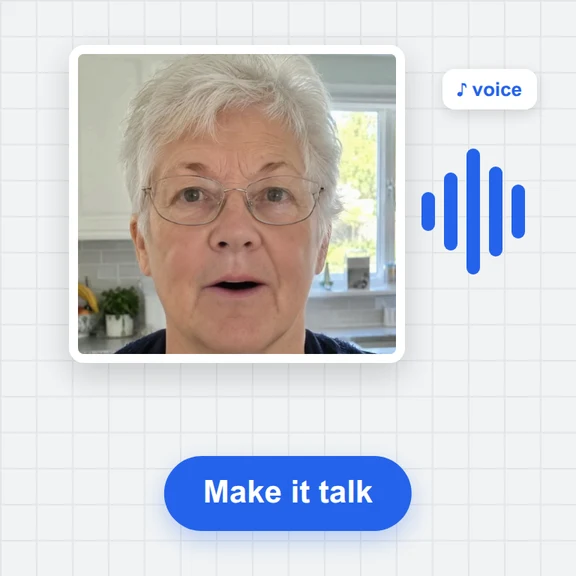
Create a talking video, a background or a whole new clip from a prompt with WaveSpeed AI.
Make presenter videos, B-roll and full scenes from a prompt or a photo.
Create a backdrop or a thumbnail for your video.
Turn an object into a 3D model for your set.
$1 in free credits for eligible new accounts. No card needed. Generators have separate account and credit requirements. The eye contact corrector is free.
It changes where the eyes in a video appear to look. Here, the tool moves each iris toward the camera in every frame so the speaker seems to look into the lens.
No. Only the inside of the eye is adjusted. The eyelids, lashes, the rest of the face and the sound are left as they are.
Eyes that are closed, a head turned far away from the camera, very small faces and strong glare on glasses. Those frames are corrected less or left unchanged.
Yes. There is no account, watermark or upload: the AI runs on your device.
Strength control · Before and after preview · Free, no upload