Add your video
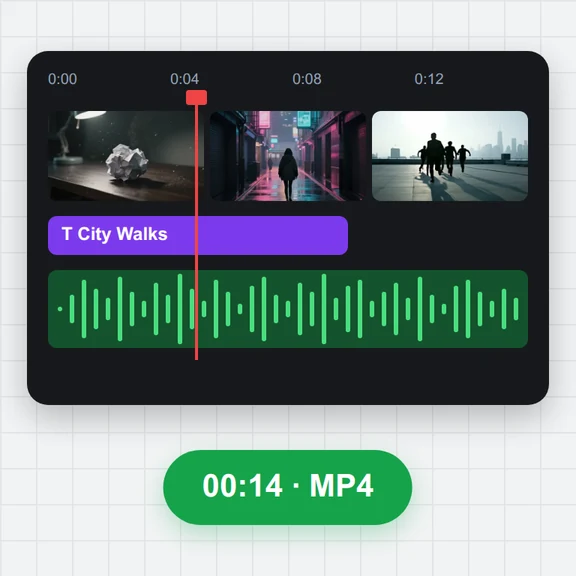
Choose, drop or paste an MP4, MOV, WebM or MKV clip of up to 120 seconds.
When you read from a script or a second screen, your eyes drift away from the lens. AI moves them back toward the camera in every frame.
Set the strength, compare with the original and download the MP4 with your sound.
An MP4, MOV, WebM or MKV video, or a JPG, PNG or WebP photo, with a person looking toward the camera.
Or paste a video. Exports cover up to 120 seconds at a time.Need a clip? Create one with AIChoose, drop or paste an MP4, MOV, WebM or MKV clip of up to 120 seconds.
Scrub to a frame and switch between the original and the corrected eyes.
Press Fix eye contact and save the MP4 with its sound.
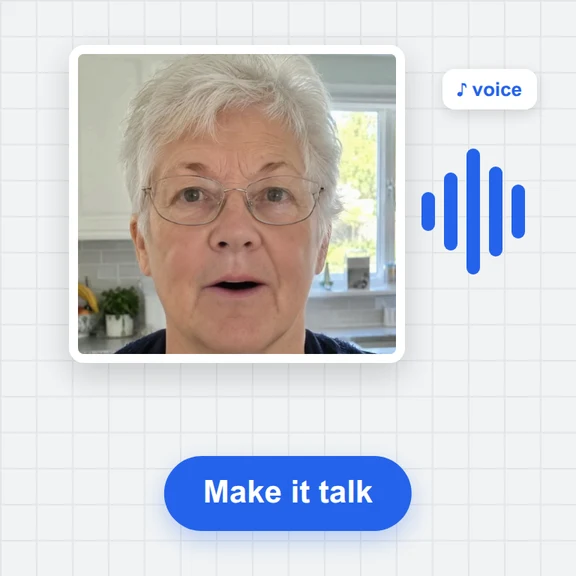
Create a talking video, a background or a whole new clip from a prompt with WaveSpeed AI.
Make presenter videos, B-roll and full scenes from a prompt or a photo.
Create a backdrop or a thumbnail for your video.
Turn an object into a 3D model for your set.
$1 in free credits for eligible new accounts. No card needed. Generators have separate account and credit requirements. The eye contact corrector is free.
Open the clip, check the preview, set the strength and press Fix eye contact. Every frame is corrected and you download the result as an MP4.
The default strength is subtle: the iris is moved toward the camera inside the eye while the eyelids and skin stay as they are. Lower the strength if the eyes look too fixed.
Clips where the face looks toward the camera and the eyes drift a little, such as reading notes or glancing at a screen. Big side glances and closed eyes are corrected less.
Yes. There is no account or watermark, and the video never leaves your device: the AI runs in your browser.
Every frame corrected · Sound kept · Free, no upload