Add an image
Choose, drop or paste a photo, illustration, logo or screenshot.
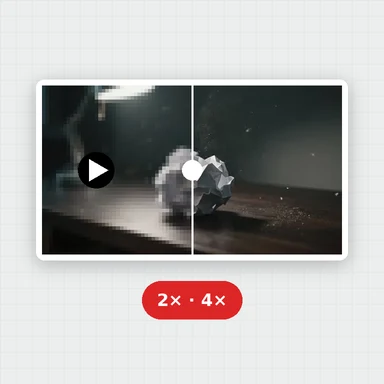
Make a low-resolution image 2×, 3× or 4× larger: AI adds detail so edges and text stay crisp instead of blurry.
See the new size before you start, compare the result and download it in the format you need.
Enlarge a photo or illustration 2×, 3× or 4× with AI that adds detail instead of blur.
JPG, PNG, WebP, AVIF and more · up to 50 MB · or paste with Ctrl+VPhotos, a sticker and a drawing, each shown small and enlarged in your browser. Drag the slider to compare.
Choose, drop or paste a photo, illustration, logo or screenshot.
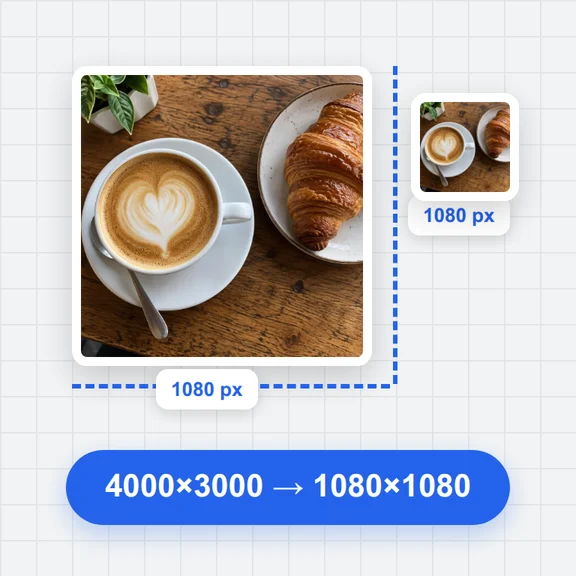
The result size in pixels is shown before you start, so you know exactly what you get.
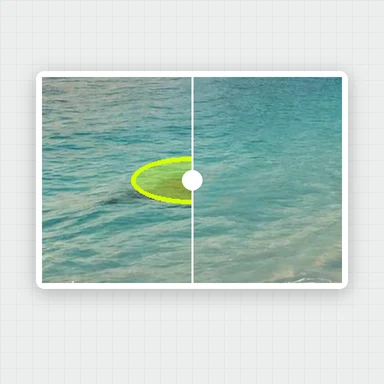
Compare before and after, then save PNG, JPG or WebP at the higher resolution.
When enlarging isn't enough, create a fresh image at full resolution with WaveSpeed AI.
Generate photos, illustrations and designs from a prompt, or edit a picture with words.
Bring an upscaled photo to life as a short video clip.
Turn a picture into a 3D model.
$1 in free credits for eligible new accounts. No card needed. Generators have separate account and credit requirements. The image upscaler is free.
Open it here, choose 2×, 3× or 4× and let AI enlarge it. A 1000 × 750 picture becomes 2000 × 1500 at 2× and 4000 × 3000 at 4×.
Yes. Ordinary resizing stretches the pixels, so the picture gets soft. AI upscaling predicts the missing detail, so it stays sharp at the larger size.
Yes. Higher resolution means more pixels per inch, so a small image can be printed larger while staying sharp.
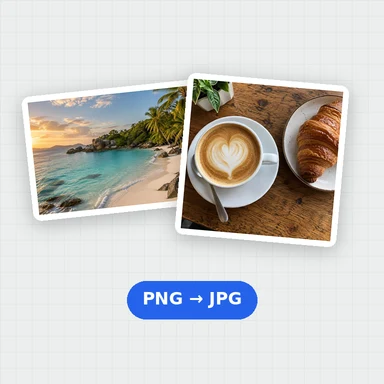
PNG for lossless quality, JPG for small files and WebP for the web.
Up to 4× the pixels · Sharp edges · Free, no watermark
/filters:quality(82)/media/images/1791123751656780930_IfFPY7R0.webp)
/filters:quality(82)/media/images/1791123737177812425_RjKT3cku.webp)
/filters:quality(82)/media/images/1791123748309870128_xlkNgK8N.webp)
/filters:quality(82)/media/images/1791123738630744263_oR09R0aj.webp)
/filters:quality(82)/media/images/1791177033162457776_uQ09OY7g.webp)
/filters:quality(82)/media/images/1791123734319125607_JdnwGPY7.webp)
/filters:quality(82)/media/images/1791123746355630206_udnxGPY7.webp)
/filters:quality(82)/media/images/1791123744771362580_yC0sPezZ.webp)
/filters:quality(82)/media/images/1791123738606970169_5KIR1ais.webp)
/filters:quality(82)/media/images/1791123748197655725_EUmuFNW6.webp)